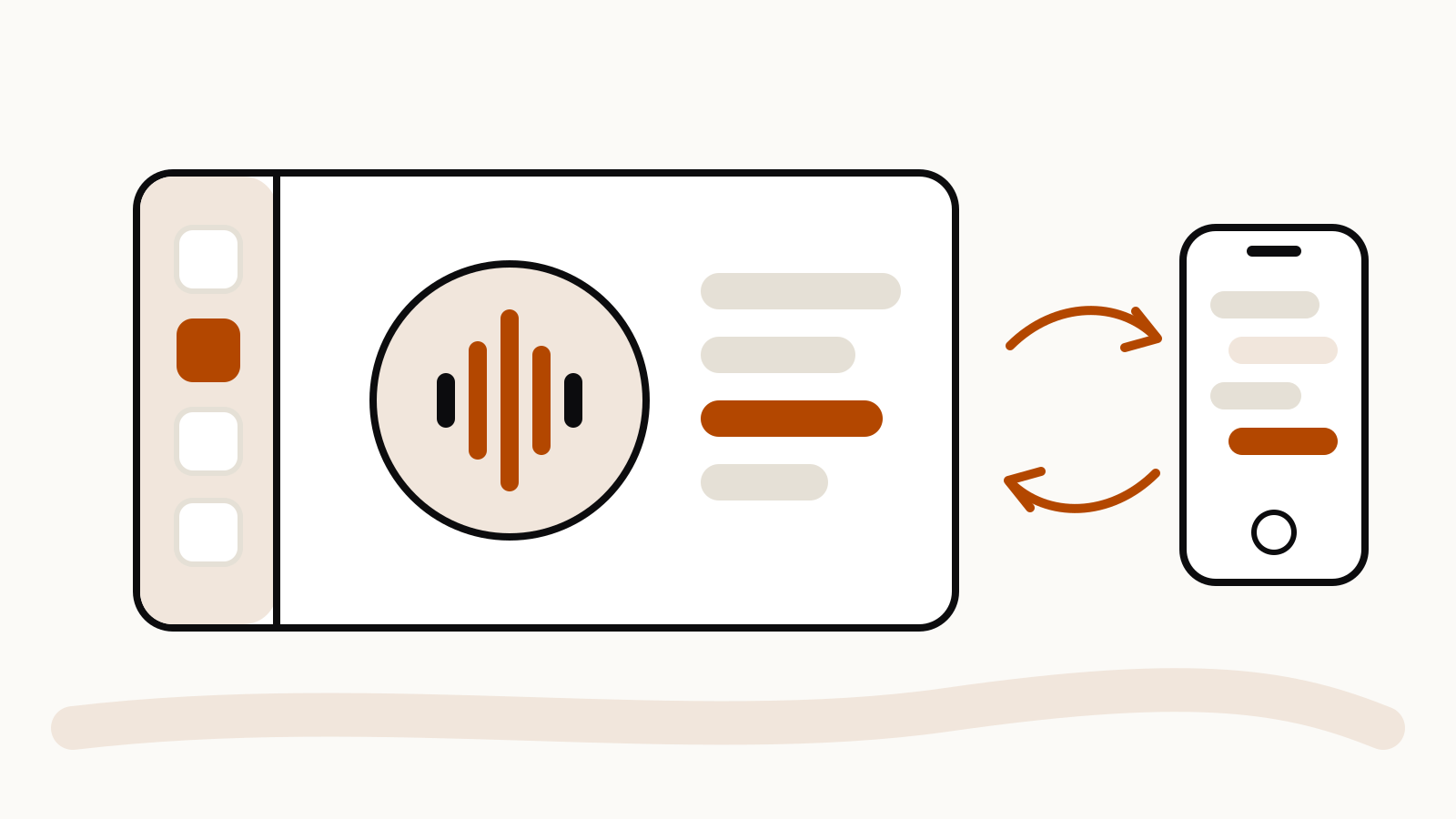
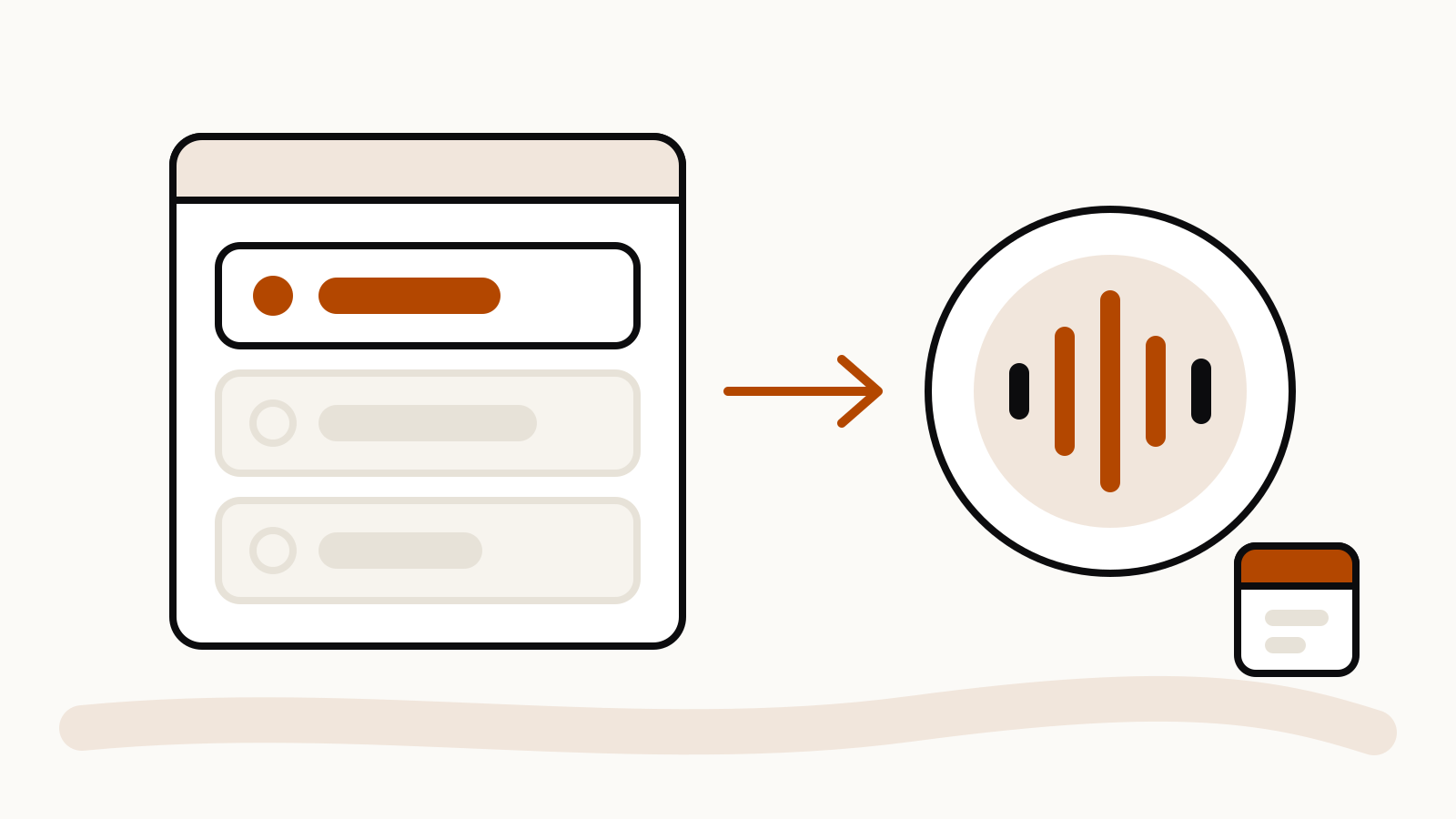
OpenAI is retiring Advanced voice and Standard voice in ChatGPT on December 11, 2026. From that date the only voice you can pick is Live, powered by GPT-Live, and anyone who still has Advanced or Standard selected is moved to Live automatically. OpenAI announced the change on November 10 in the ChatGPT release notes. Until December 11 you can keep using either older voice.
On this page
What changes on December 11
OpenAI’s help article Retiring Advanced and Standard Voice in ChatGPT sets out the timeline:
| Date | What happens |
|---|---|
| November 10, 2026 | Users are told about the retirement. |
| November 10 to December 11 | Advanced and Standard voice keep working. |
| December 11, 2026 | Advanced and Standard disappear from the picker in Settings > Voice. Anyone who had them selected is switched to Live. |
OpenAI’s reason: since GPT-Live arrived in July, voice use has nearly doubled, and “virtually all people using voice in ChatGPT now use GPT-Live”. Dropping the two older options lets it focus on one voice model.
What does not change yet
Two things stay on Advanced voice after the announcement, according to the same help article:
- Live video and screen sharing. These keep running on Advanced voice until GPT-Live supports them. The ChatGPT Voice help page confirms that Live does not support video or screen sharing today, and that both remain available in the iOS and Android apps when you use Advanced.
- Voice in custom GPTs. Voice with custom GPTs keeps using Advanced voice until custom GPTs are deprecated on December 11, 2026.
Your old voice chats are not deleted. They stay in your ChatGPT history and you can continue them in text or in voice, which will be Live after December 11.
How Live differs from the voices it replaces
OpenAI’s help article describes the three options this way:
- Live runs on GPT-Live, a full-duplex model: it listens and speaks at the same time. It can answer with short acknowledgements such as “mhmm”, allow quick back-and-forth, stay quiet while you think, and hand harder questions or tasks to OpenAI’s text models while the conversation carries on.
- Advanced used an earlier turn-based audio model. It had to wait for you to stop speaking before it replied.
- Standard chained three models: speech-to-text, a language model, then text-to-speech. OpenAI says this was slow and lost information between voice and text.
The Voice help page adds that Live can use web search, memory, and the plugins and connected apps on your account.
How to prepare before the switch
- Open Settings > Voice and check which option is selected. If it is Advanced or Standard, try Live now rather than on December 11.
- Have one normal conversation in Live of the kind you usually have, such as language practice, a recipe walkthrough or a brainstorm, and note where it feels different.
- If you rely on the camera or screen sharing during voice chats, keep using Advanced for those until OpenAI adds them to Live.
- If you use voice inside a custom GPT, copy its instructions and files somewhere safe before December 11.
- To keep a record of past chats, OpenAI points to its data export option in the help article.
Prompting Live voice
Live listens while it speaks, so turn-taking works differently from Advanced, where you finished a sentence and waited. Telling it how you want the conversation to run at the start of a chat gives it something to follow. These are starting points to adapt, not settings OpenAI documents:
I'm practicing Spanish. Speak slowly, use short sentences, and wait until I say "done" before you answer.
I'm thinking out loud about a plan. Don't interrupt with suggestions. When I ask "what do you think?", give me three short points.
Walk me through this recipe one step at a time. After each step, stop and wait until I say "next".
If a habit from Advanced or Standard matters to you, say it plainly in the first message of the chat and repeat it when the conversation drifts. OpenAI also offers a help article on navigating model transitions, linked from the retirement notice.