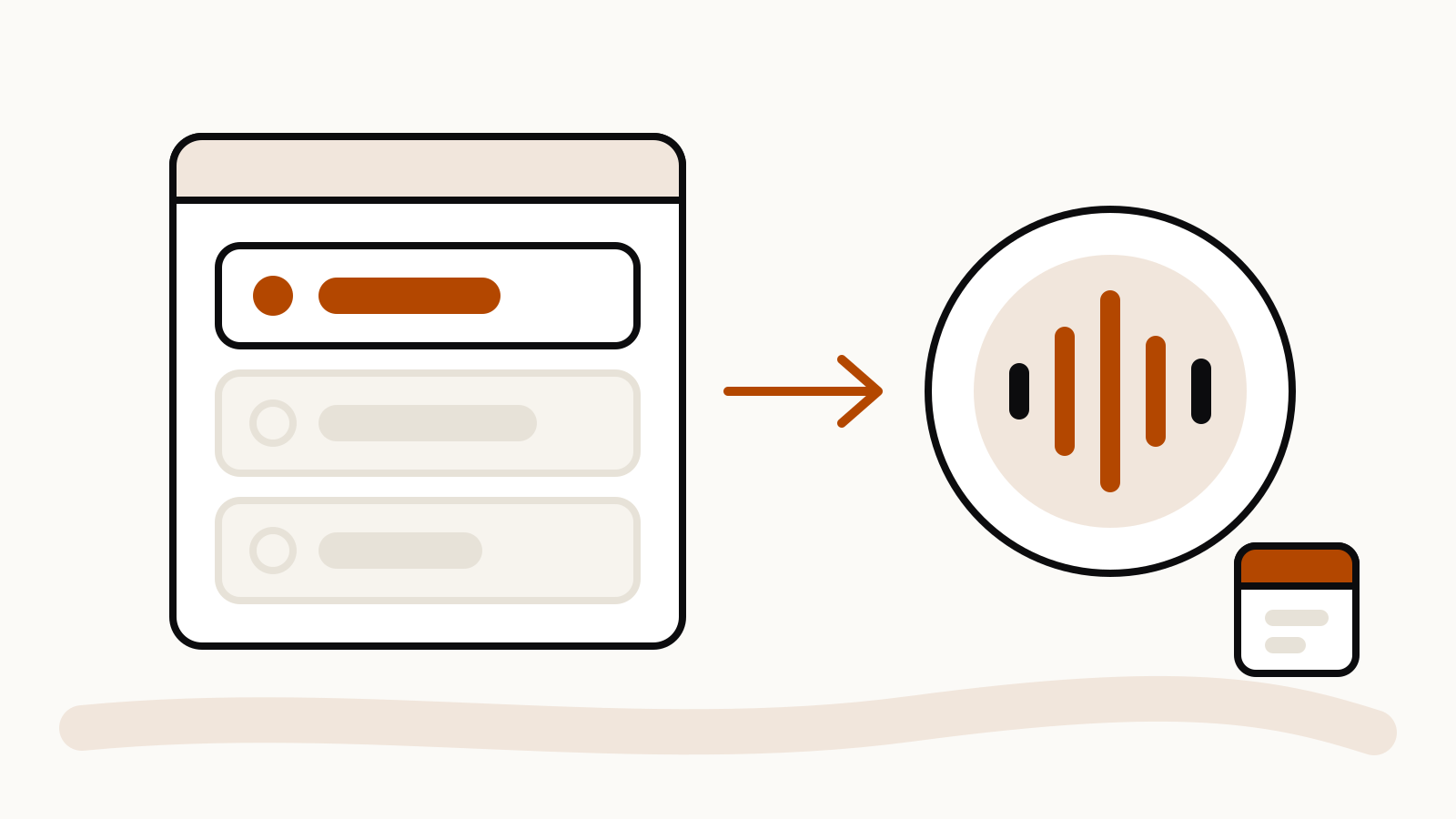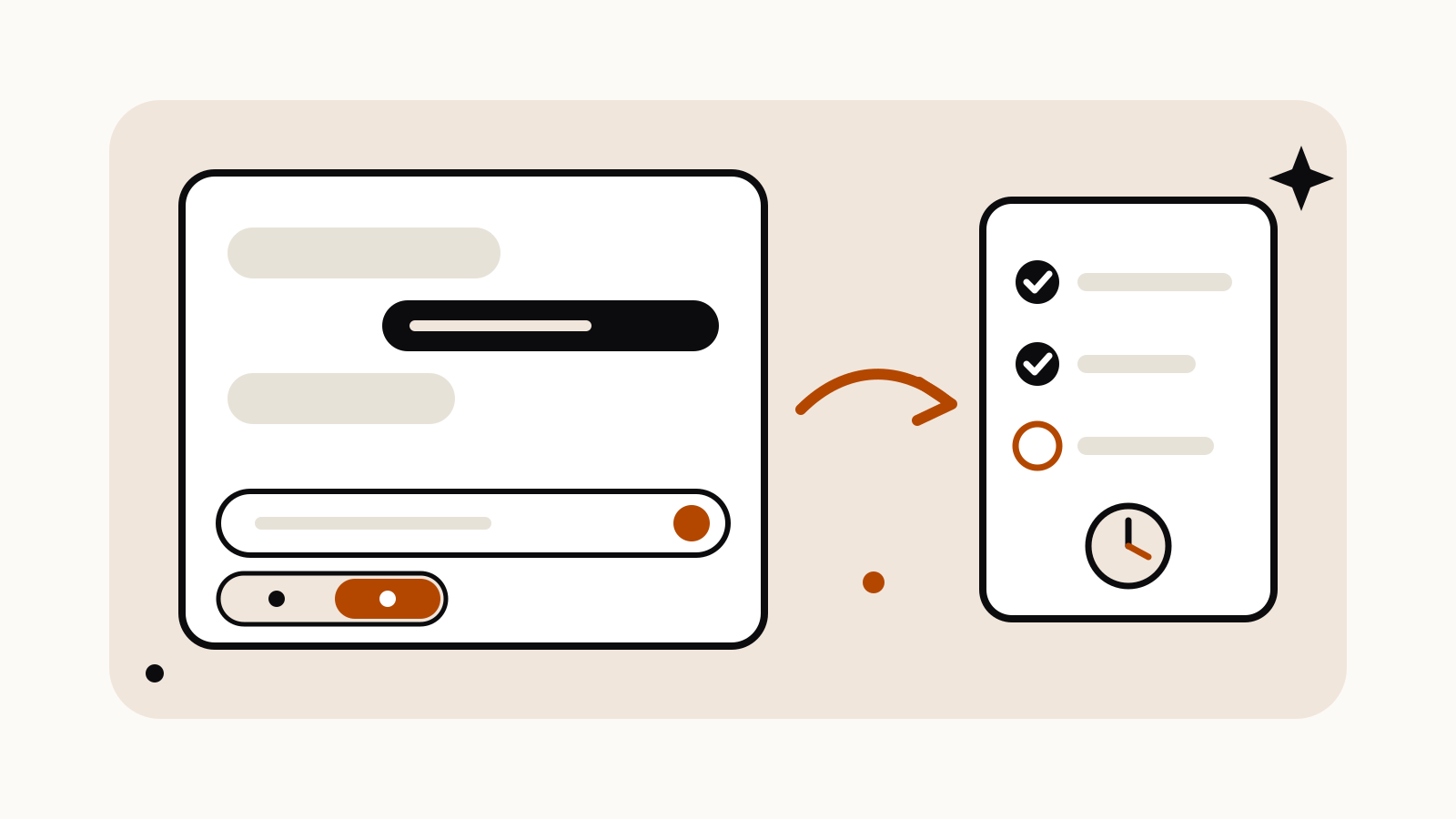
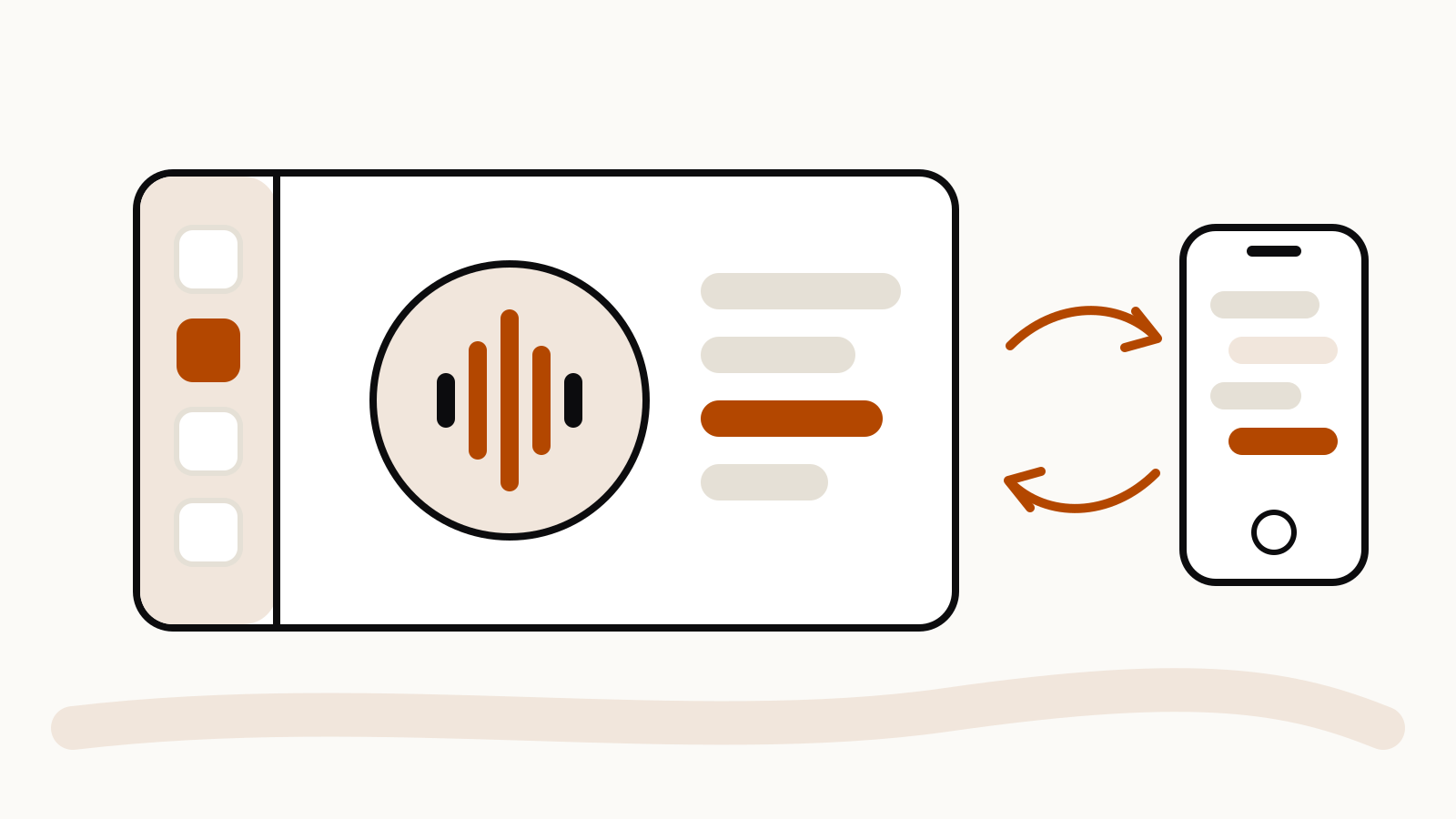
Gemini is now available on Apple CarPlay. Google announced on November 11, 2026 that iPhone users can open Gemini from the CarPlay screen and talk to Gemini Live hands-free while driving. You tap the Gemini icon on the CarPlay home screen or side rail, speak, and can cut in or change the subject mid-answer. The conversation is saved and shows up later in the Gemini app on your phone.
The rollout started on November 11 and is reaching every Gemini user on iOS, in all the languages Gemini Live already supports. Google’s announcement is on the Google blog.
On this page
What Gemini can do on CarPlay
The CarPlay version is Gemini Live, the voice mode, rather than a typed chat. Google’s examples cover the kind of things people already ask a voice assistant in the car, plus a few longer conversations:
- Check what is on your calendar and hear your daily brief.
- Get a summary of recent Gmail messages and dictate a reply.
- Ask for places to stop along the way, such as a coffee shop or a lunch spot.
- Rehearse a presentation or talk through a plan out loud before you arrive.
Because the chat syncs to your iPhone, anything you worked out on the drive, such as a list of talking points, is waiting in the Gemini app when you park.
How to set it up
Google lists three things to do before Gemini appears in CarPlay:
- Update the Gemini app on your iPhone to the latest version.
- Give the app microphone permission.
- Use Gemini Live at least once on the phone itself.
After that, connect the phone to the car and look for the Gemini icon on the CarPlay screen. If you want the daily brief, it has to be turned on in the app first.
Limits worth knowing
Some personal features, the daily brief among them, are not available to users under 18, in the European Economic Area or in Nigeria. If you are in one of those groups, expect the calendar-and-inbox side of the CarPlay experience to be thinner than Google’s examples suggest.
Prompting Gemini Live while driving
Voice prompts work best when they are short and carry one job each. “What is my first meeting tomorrow and where is it?” gets a cleaner answer than a long list of requests in one breath. If the answer goes off track, interrupt and narrow it: “Just the time and the address.” For longer talks, such as rehearsing a pitch, set the role up front (“Listen to my opening and tell me where it drags”) so Gemini knows when to talk and when to wait.