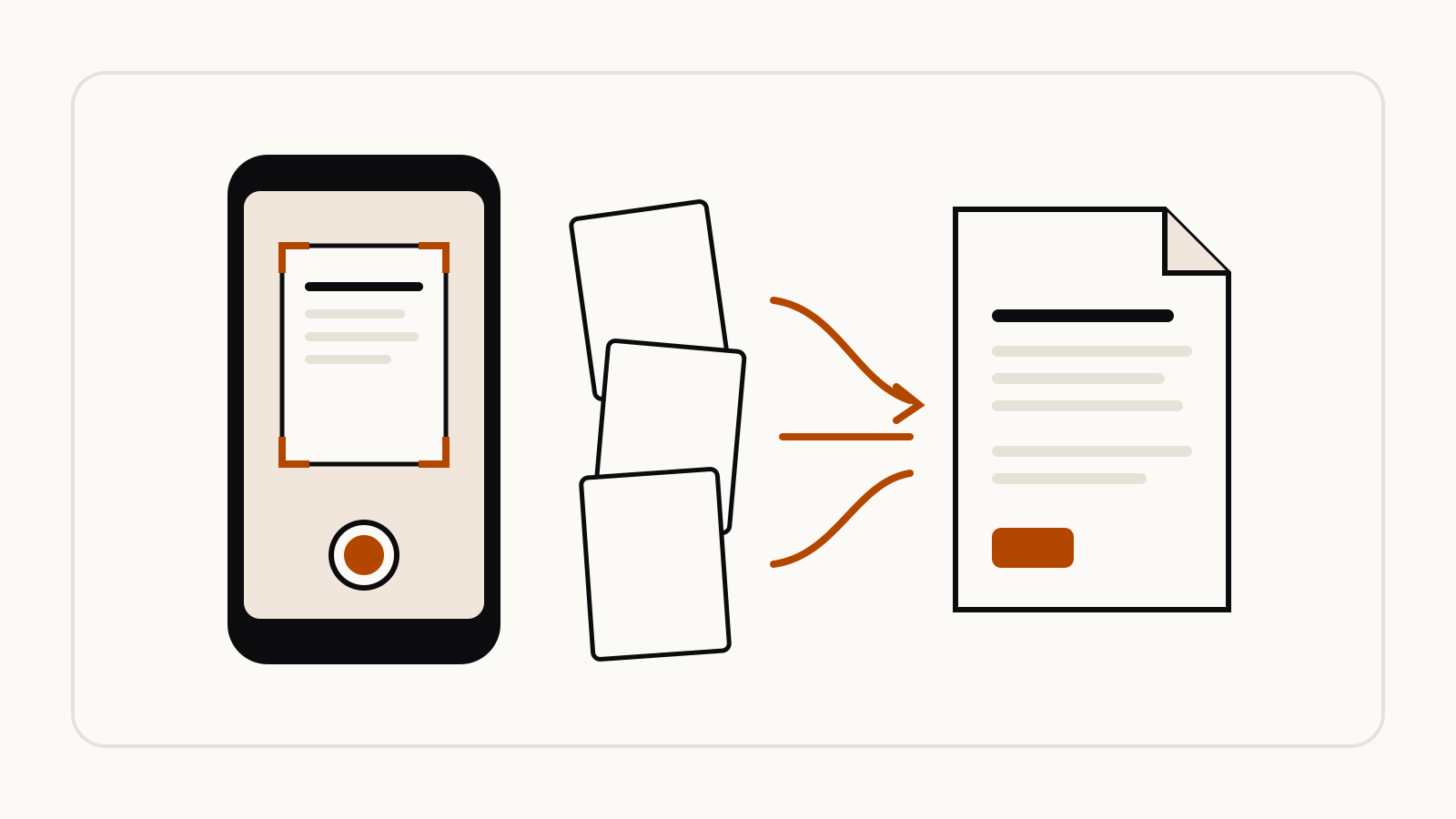
ChatGPT can now scan paper pages into a PDF on iPhone: open the camera in a chat, tap the three-dot menu, choose Scan and photograph the pages one after another. ChatGPT combines them into a single PDF and attaches it to your chat, so you can ask about the whole document at once.
On this page
What OpenAI announced
The change is in the ChatGPT release notes under October 2, 2026:
Capture multiple pages in a row, and ChatGPT automatically combines them into a single PDF, ready to upload to your chat. To get started, open the camera in ChatGPT, tap the three-dot menu, and select Scan. Rolling out on iOS.
That is the whole announcement. OpenAI names no plan limits for the feature and says nothing about Android or the web, so if Scan is missing from your camera menu, the rollout has not reached your account yet.
Before this, a paper document went into ChatGPT as separate photos, one image per page. A scan arrives as one file, which keeps the pages in order and lets you refer to them by number.
Check that ChatGPT can read the scan
A PDF made from photos is a set of page images. OpenAI’s File Uploads FAQ says that on plans other than Enterprise, ChatGPT reads PDFs through “text-based retrieval”, extracting the digital text “and discard[ing] any images”. The release note does not say whether a scanned PDF gets a text layer.
So start every scanned chat with a quick test before you rely on the answer:
Before anything else: quote the first two lines of page 1 and the last line of the final page exactly as written. If you cannot read a page, tell me which one.
If the quotes are wrong or missing, rescan in better light, or attach the pages as photos instead. ChatGPT reads photos as image inputs, which OpenAI’s Image Inputs FAQ describes as available on Free and paid plans.
Prompts to use on a scanned document
Once the test passes, name the pages and the output you want. Some starting points:
Handwritten notes
These are my handwritten lecture notes. Type them up as clean text, keep my headings, and mark any word you could not read as [unclear].
A printed form or letter
Summarize this letter in five bullet points: who sent it, what they want, any dates or deadlines, and what I need to do next. Quote the exact sentence for each deadline.
A multi-page handout
Make a one-page study sheet from pages 2 to 4. Use the terms exactly as the handout defines them and give the page number for each point.
Asking for page numbers and exact quotes makes it easy to check the answer against the paper. For more structured requests, our prompt library has a ChatGPT prompt to turn notes into a one-page executive summary.
Upload limits still apply
A scan counts as a file upload. The File Uploads FAQ lists a hard limit of 512 MB per file and up to 80 files every three hours, and says “Free users are limited to 3 file uploads per day”. OpenAI notes it may lower these limits during peak hours. The ChatGPT Free limits page tracks the rest of the Free plan.
Scan only documents you are allowed to share. Files you upload stay in your account for as long as the chat they belong to, according to the same FAQ.