On October 1, 2026, OpenAI added virtual try-on to ChatGPT: clothing and accessory listings in shopping results now carry a “Try on” button that turns your selfie into a preview of the item on you. The same ChatGPT release notes add product Favorites and a multi-page document scanner on iOS.
On this page
ChatGPT shopping listings now have a Try on button
According to OpenAI’s release notes, a “Try on” button appears on product listings for clothes and accessories. You select it, take or upload a selfie, and ChatGPT Images generates the try-on picture. Your reference photo is kept for later try-ons, so you don’t have to upload it each time.
The second change is saving. Any product can go to Favorites or into a folder you create, and both live in your ChatGPT Library.
OpenAI’s Shopping with ChatGPT help article adds a caveat worth reading before you buy: “Try-on images may not represent the product or your appearance exactly and do not guarantee fit or size.” It tells shoppers to check the merchant’s measurements, product details and return policy before purchasing.
Available in ChatGPT on mobile and web
OpenAI lists the shopping features as available in ChatGPT on mobile and web. The release notes do not name plan or country restrictions for try-on or Favorites. The new document scanner is a separate change and is rolling out on iOS only.
How to use virtual try-on
- Ask ChatGPT for clothes or accessories so it shows product listings.
- Select Try on on a listing.
- Take or upload a selfie.
- View the generated try-on image.
The item doesn’t have to come from ChatGPT’s own results. The help article says you can upload a picture of clothing or accessories in a conversation and ask ChatGPT to show how the item could look on you.
To manage the saved photo, open Settings → Personalization → Reference photos, select the photo, then choose Change photo to replace it or the delete icon to remove it.
To save a product, select its bookmark icon and it goes to your favorites. You can also create a new folder while saving. Return to ChatGPT Library to browse saved products and folders.
Scanning multi-page documents on iOS
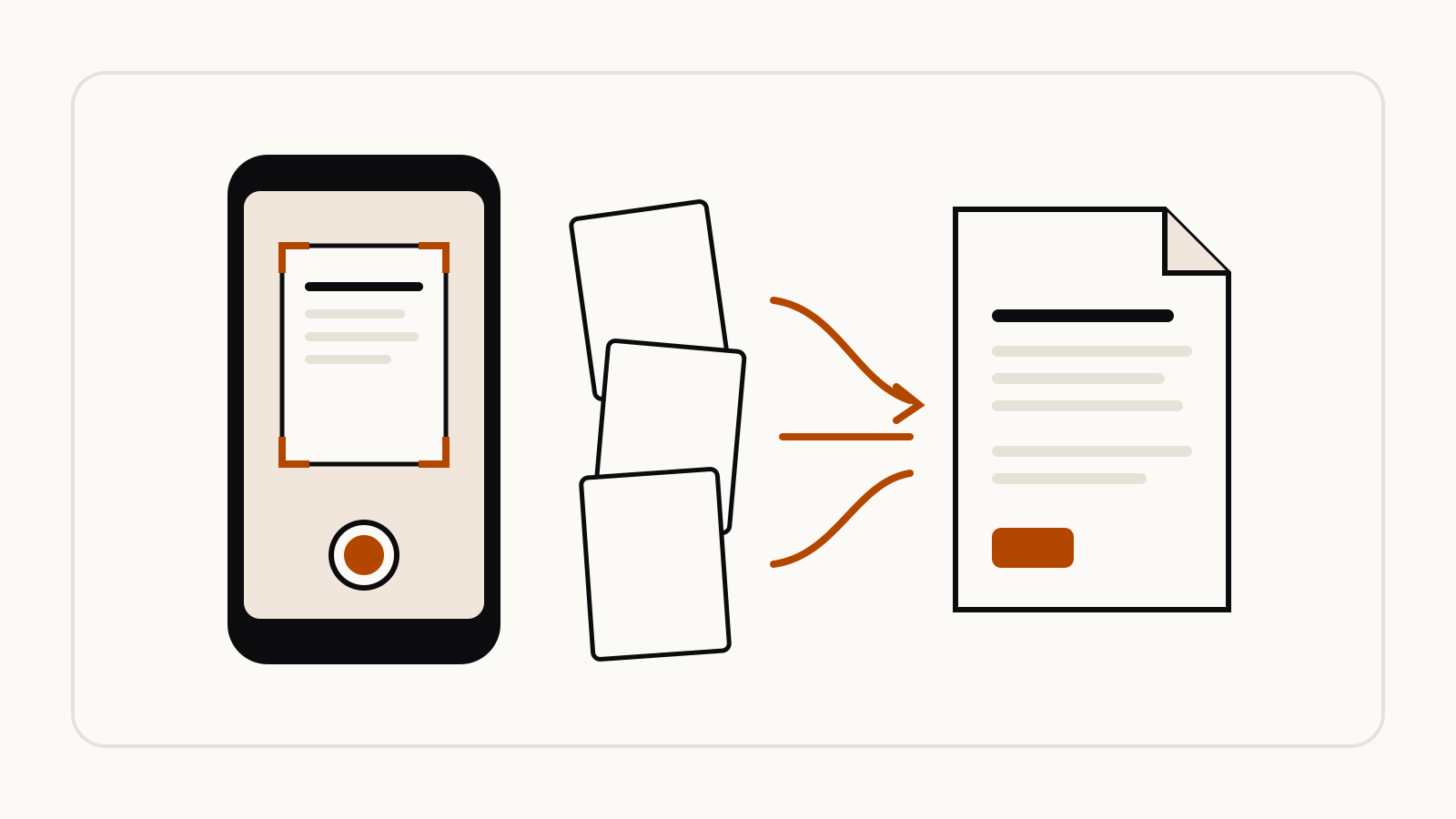
The same update changes the ChatGPT camera on iPhone. You can capture several pages in a row, and ChatGPT combines them into a single PDF ready to upload to your chat. Open the camera in ChatGPT, tap the three-dot menu and select Scan.
How to prompt it
OpenAI has not published an example prompt for try-on. Its help article describes the request in plain terms: upload a picture of the item and ask ChatGPT to show how it could look on you. For the image prompting advice OpenAI does publish, see our guide to ChatGPT image prompts.