OpenAI does not publish a number of images per day for any ChatGPT plan. Its pricing page gives each plan a phrase instead: Free gets “limited image creation”, Go “more”, Plus “more complex and accurate”, and Pro “unlimited and faster”. Image generation runs on its own limit, separate from text chat, and ChatGPT tells you when you reach it and when you can try again. We re-read OpenAI’s pages on November 12, 2026.
On this page
What each plan gets
| Plan | Image creation, in OpenAI’s words | Image generation with Thinking |
|---|---|---|
| Free | “Limited image creation” | No |
| Go | “More image creation” | No |
| Plus | “More complex and accurate image creation” | Yes |
| Pro | “Unlimited and faster image creation” | Yes |
| Business | Included; no allowance stated on the pricing page | Yes |
The Free, Go, Plus and Pro wording comes from the ChatGPT pricing page, where the comparison table marks image generation as “Limited” on Free and “Yes” on the paid plans. The same page notes that usage must be reasonable and comply with OpenAI’s policies, so “unlimited” on Pro is not a promise of endless volume. The Thinking column follows OpenAI’s Images in ChatGPT help page, which says images with thinking are available on Plus, Pro and Business and are coming to Enterprise and Edu. For each plan’s chat and tool limits side by side, see the ChatGPT Free, Go, Plus and Pro pages of our limits tracker.
How the image limit works
Three rules from OpenAI’s help center decide what happens when you run out:
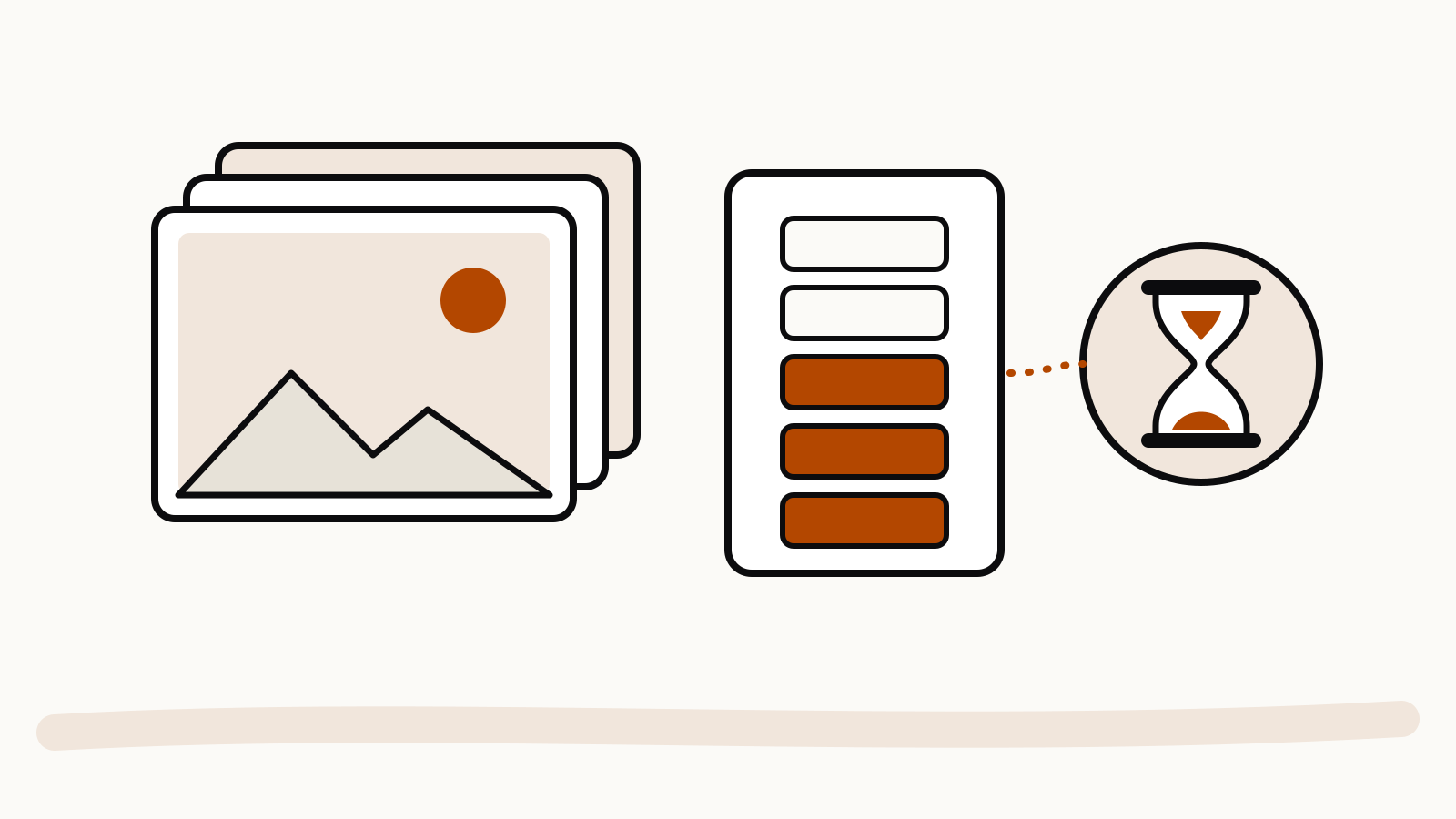
- It is a separate meter. The Free tier FAQ says Free users have unlimited everyday text chats, while file uploads, image generation, voice and data analysis “have separate usage limits”. You can run out of images and keep chatting.
- ChatGPT tells you, and you wait. The same FAQ says ChatGPT will notify you when you reach a limit, and that you then need to wait for a later time to use the tool again. The reset time is shown in the product, not published as a fixed window.
- Upgrading resets it. If you hit a limit on Free, the FAQ says your usage rates reset when you move to Plus, Pro or Business.
Paid limits are not fixed either. OpenAI’s ChatGPT Plus page says Plus can include usage limits, especially during high demand, and that they “may vary based on system conditions”. Image generation can also take a few minutes per request, according to the Images help page, and you can keep chatting while it runs.
GIFs and saved photos
ChatGPT Images 2.6 added looping GIFs and saved reference photos. The Images in ChatGPT page says ChatGPT Images is available on all tiers and that GIF creation is still rolling out, so it may not appear on every account yet. OpenAI has not published a separate GIF allowance for any plan, and it does not say whether a GIF counts as one image or more. Our news piece on GIFs and saved photos covers what the update added.
Getting more from a limited allowance
- Get the prompt right before you generate. Fewer retries means fewer images used. Our ChatGPT image prompts guide collects OpenAI’s own tips.
- Edit instead of starting over. The Images help page says you can select part of an image and describe the change, or describe the edit in the chat. One targeted edit replaces several fresh attempts.
- Check the plan before you pay. Only Pro is described as unlimited. If you are choosing between Pro tiers, our Pro 100 vs 200 vs 500 comparison covers the differences OpenAI lists.
The ChatGPT app and the OpenAI API are billed separately: the Plus page says API usage is not included in the subscription, so an API key does not add to your ChatGPT image allowance.