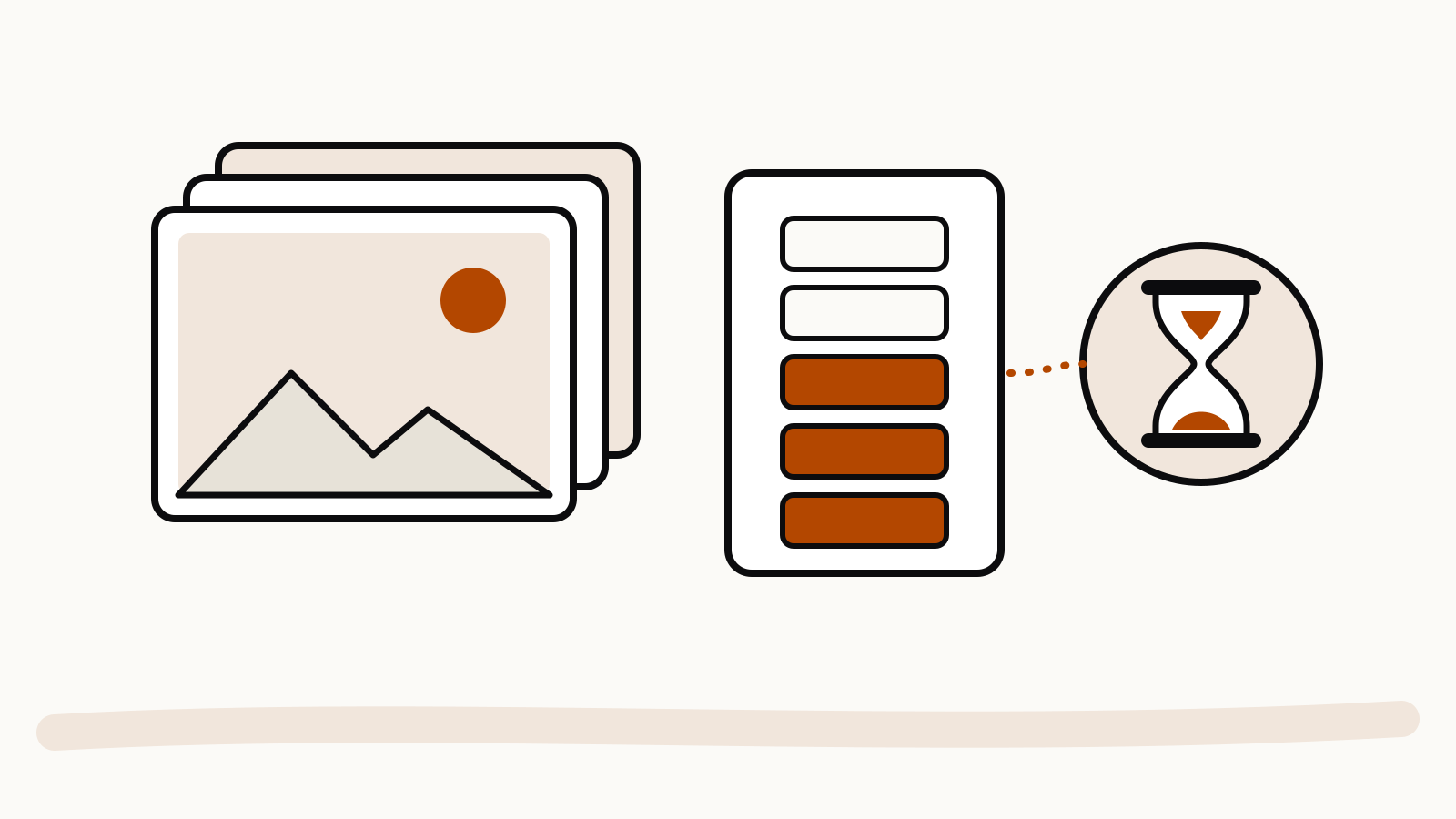
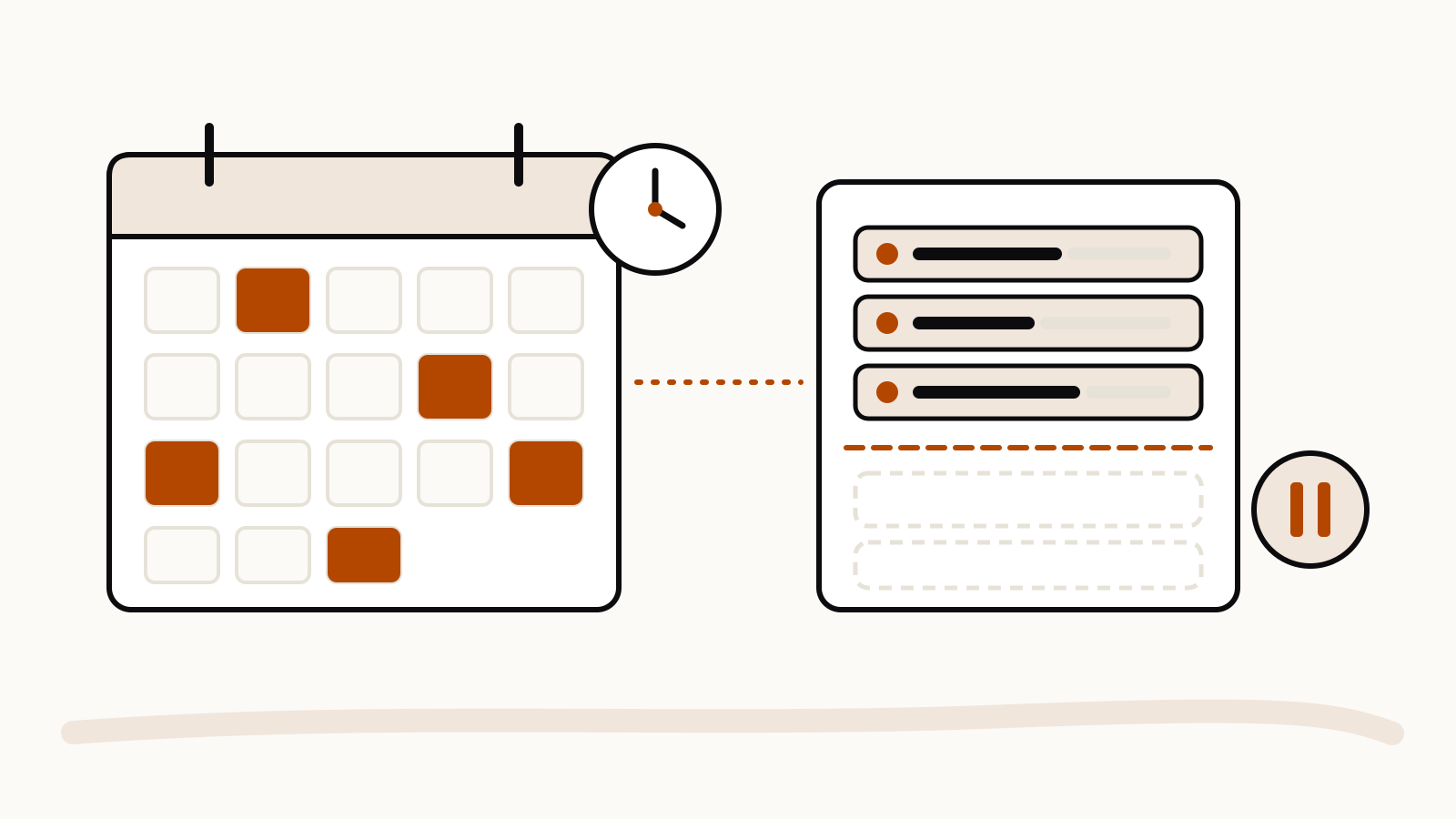
ChatGPT caps scheduled tasks by the number active at once: 3 on Free and Go, 5 on Plus, 10 on Business and Edu, and 15 on Pro and Enterprise. Free tasks can repeat at most once a day, while paid plans can run them hourly at exact times. These figures come from OpenAI’s Scheduled tasks in ChatGPT help article, which we re-read on November 15, 2026.
On this page
Active task limits by plan
A task counts toward the limit while it is active. Paused and finished tasks do not hold a slot, so the cap is on what is running, not on how many tasks you have ever made.
| Plan | Active scheduled tasks | How often a task can repeat | Event-triggered tasks |
|---|---|---|---|
| Free | 3 | One-time, or at most once per day | No |
| Go | 3 | Up to once per hour, exact times | No |
| Plus | 5 | Up to once per hour, exact times | Yes |
| Business, Edu | 10 | Up to once per hour, exact times | Yes |
| Pro | 15 | Up to once per hour, exact times | Yes |
| Enterprise | 15 | Up to once per hour, exact times | Yes |
OpenAI says that limits on other eligible plans depend on the account or workspace. Business, Enterprise and Edu members also depend on what their admin allows.
How often tasks can run
On Free, OpenAI writes that you “can schedule a one-time task or a recurring task no more than once per day”, and the time is a flexible window such as morning, afternoon or night. Paid plans “support recurring tasks up to once per hour and exact delivery times”. If a Free task needs to run twice a day, that is two tasks, and both count toward the three slots.
Event-triggered tasks have their own cap
Event-triggered tasks start when something happens in a connected app, such as a new email in Gmail, a Slack message or a GitHub event, instead of at a set time. They need Work and a Plus, Pro, Business, Enterprise or Edu account; Free and Go cannot create them. Across all of them, OpenAI allows up to 30 runs per hour and 720 runs per day, and several events may be grouped into one run.
Tasks also use your plan’s allowance
A scheduled task is a normal ChatGPT request. OpenAI notes that a completed task in Chat “can use your plan’s usage allowance or workspace credits even when it does not post an update”. An hourly task on a paid plan runs up to 24 times a day, which matters if you already come close to your message limits. Our ChatGPT limits tracker lists each plan’s published allowances.
What to do when you hit the limit
- Open Scheduled in the ChatGPT sidebar, or go to Settings > Notifications > Manage tasks.
- Pause a task you do not need right now, or delete one you are done with. Deleting a task from Scheduled does not delete its chat.
- Combine related tasks. One morning task that checks three things uses one slot instead of three.
- Wait for a one-time task to finish, which frees its slot.
If you still need more active tasks, the next plan up is the only way OpenAI offers to raise the cap.
Where tasks do not work
OpenAI lists three places with no scheduled tasks: voice chats, GPTs and locked chats. Before you lock a chat, delete its tasks, including paused ones. A task created inside a project cannot read the files uploaded to that project, so paste what it needs into the task’s instructions instead.