When ChatGPT keeps changing your reference images as it merges them, a shorter prompt may help: say which image is the base, which adds the subject, and what must stay, then stop. The technique was shared by crowycrow on the OpenAI Developer Community forum on November 3, 2026, in a thread where users reported weaker reference-based edits in ChatGPT Images since late October.
On this page
The problem it answers
crowycrow combines several photos into one realistic picture: one image supplies the location, light, shadows and color temperature, the others supply the subjects. The author reports that long, detailed instructions led to altered faces, wrong light, unnatural skin tones and poor blending with the original background. Their theory is that the text model between the chat and the image generator rewrites and embellishes a long request, so every extra sentence is one more chance for a detail to drift.
The prompt, as the author posted it
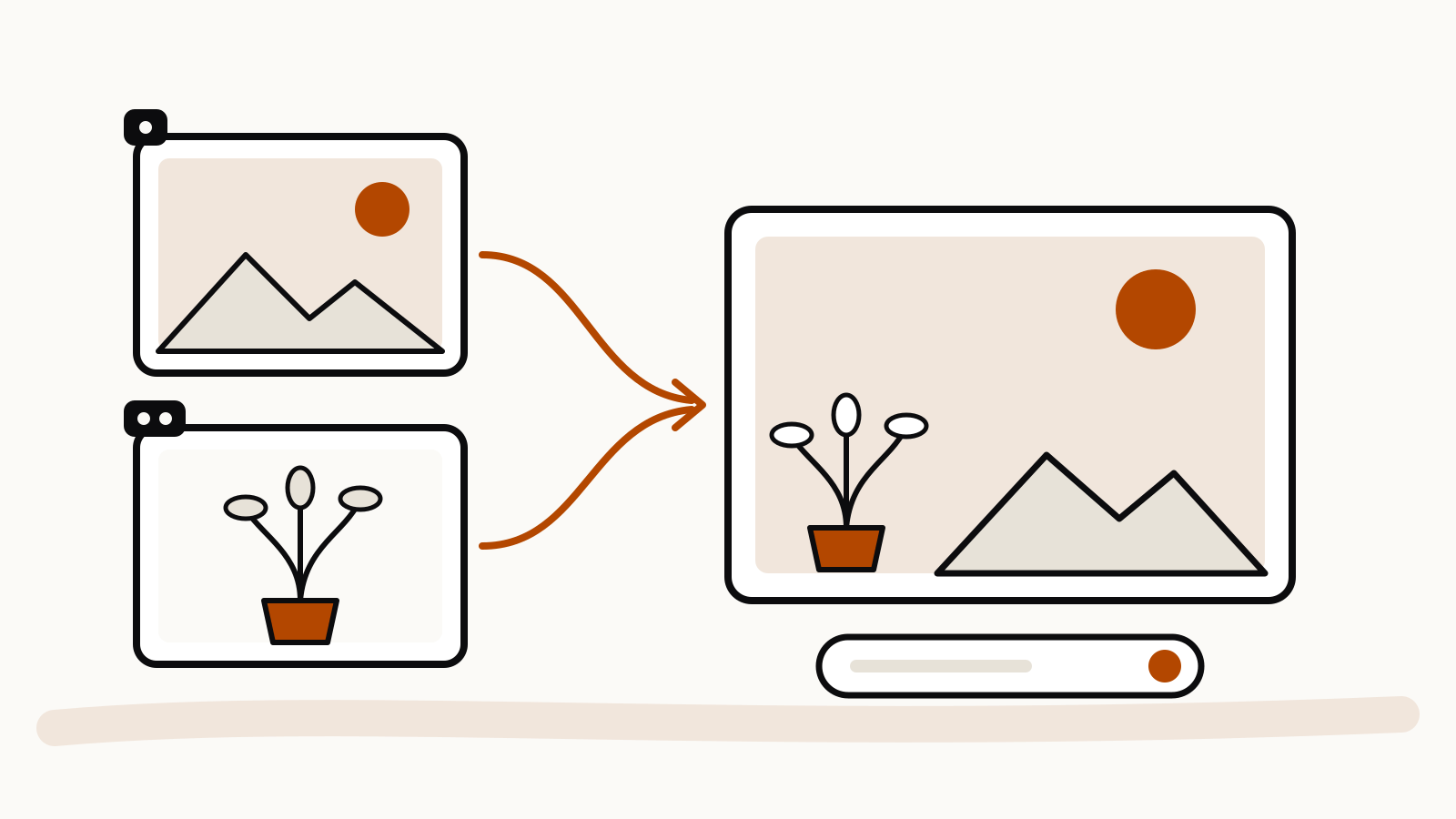
Image 1 is the original background and must be preserved, including location, clothing, lighting, shadows, and color temperature.

Image 2 shows the characters who should appear in that scene.

Insert the characters into the original background at the indicated positions. Adapt them to the existing lighting and color temperature of the background.

COMBINE, DON'T REINTERPRET!

Do not independently rewrite or embellish my instructions. Do not describe the images. Simply request the composition using the provided reference images.

Preserve the original background and its natural lighting.
The author reports more natural skin tones, better light and fewer unwanted changes with this version, and also suggests turning memory off while working. We have not run the prompt ourselves, and the author notes that results are still inconsistent. Another user in the same thread wrote that shorter prompts gave results closer to what they wanted for a series of book characters.
Why it may work
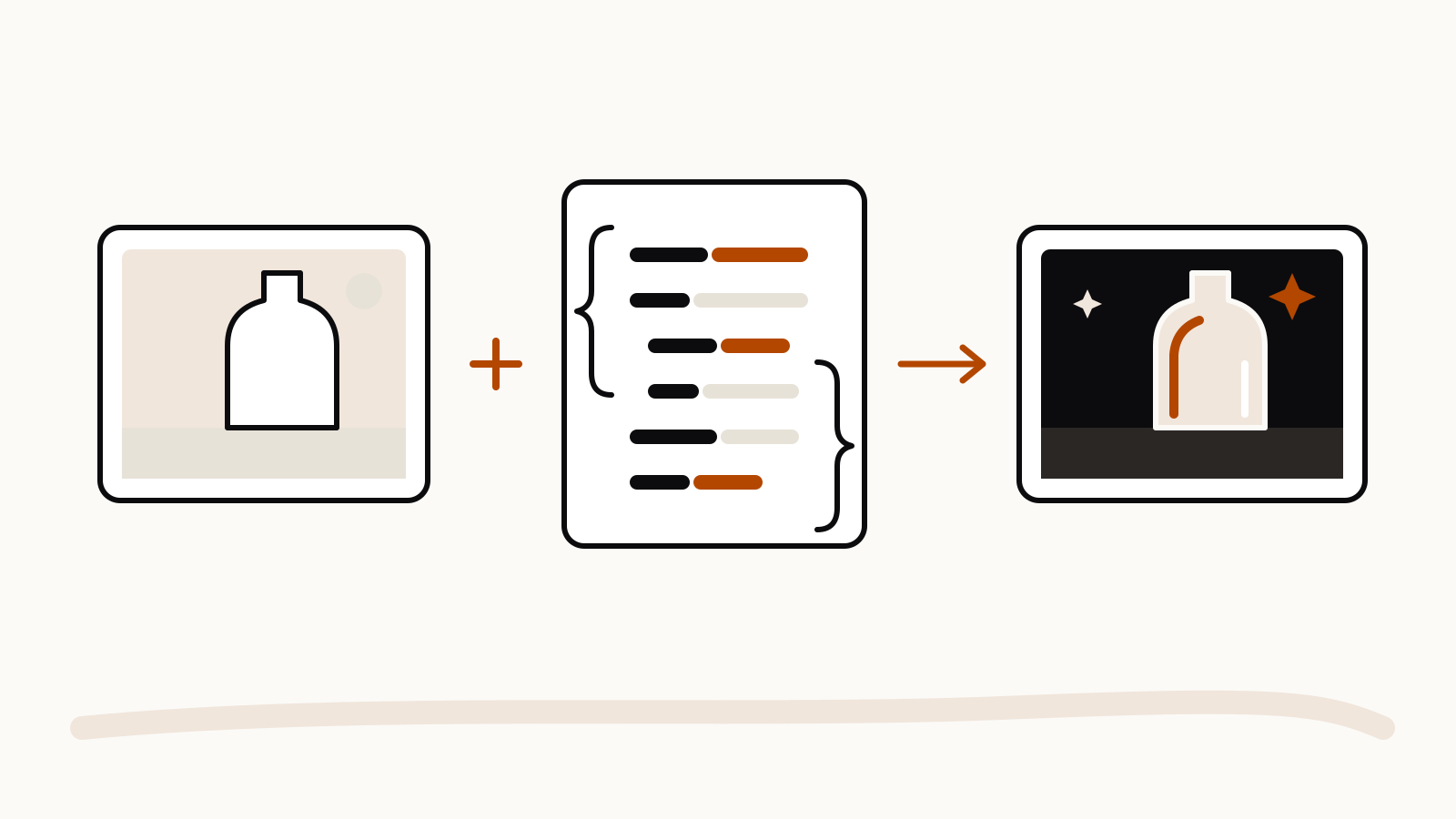
The idea lines up with how OpenAI documents its image tool for developers. The image generation guide says that when a chat model calls the tool, it “will automatically revise your prompt for improved performance”, and the API returns that rewrite as revised_prompt. The same guide suggests that, to combine images, you write something like “edit the first image by adding this element from the second image” instead of “combine” or “merge”. OpenAI does not say whether ChatGPT itself rewrites prompts the same way, so treat the forum explanation as a reasonable guess, not a documented fact.
The prompt follows three rules you can reuse with any set of references:
- One job per image. Number the uploads and say what each one contributes: the scene, the subject, the clothing.
- Name what stays. List the parts that must not change, such as the background, light direction and color temperature.
- Describe the operation, not the pictures. Do not retell what is already visible in the references. The images define the look; the prompt only says what to do with them.
Adapting it
Swap “characters” for whatever you are placing: a product, a pet, a piece of furniture. For a product shot, image 1 can be your room or table and image 2 the item. Keep each line short and keep the “do not describe” line. If you use people, use photos of yourself or of people who have agreed to it.
To keep saved details out of the request, OpenAI’s Memory in ChatGPT page shows where the controls are: Settings, then Personalization, then Memory. Turning Memory off does not delete your past chats. A Temporary Chat is the quicker option for a one-off edit. For saved photos you reuse often, ChatGPT’s saved reference images are covered in our news piece on GIFs and saved photos.