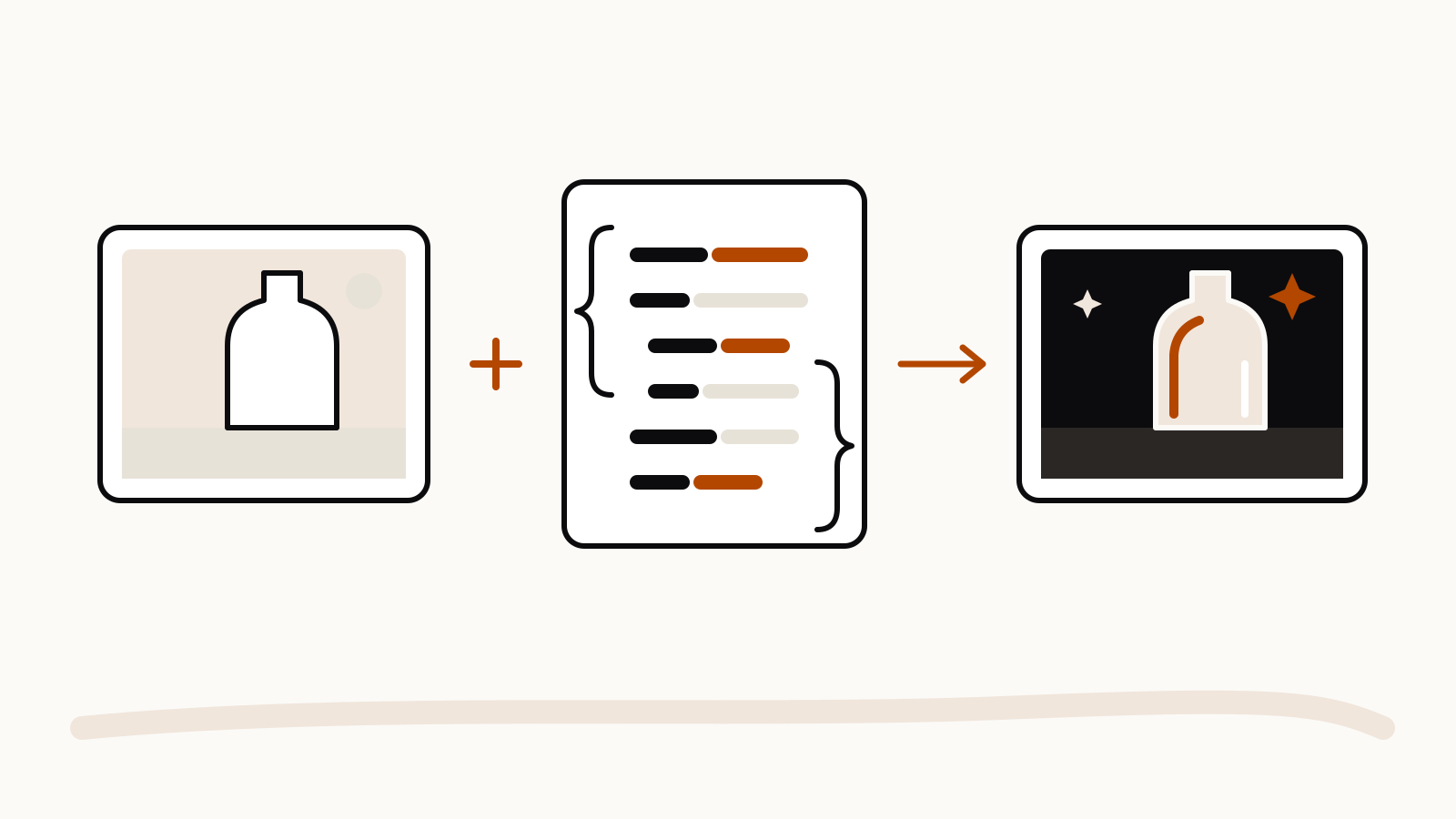
To change what everything in a picture is made of without moving anything, upload the image and put the new look in a JSON block: material, surface, lighting, colors, background and finish. The image supplies the layout; the JSON supplies only the materials and light. The technique was shared by @egeberkina on X on November 10, 2026, with a glass-and-iridescence example made in MiniMax’s H3 Image model.
On this page
What the author did
The author uploaded an existing image and asked the model to “retexture” it from a JSON description. They report that the textures changed completely while the original composition stayed intact. The post shows the before and after images, which we do not reproduce here; open the original post to see them.
The prompt, as the author posted it
retexture the image attached based on the JSON aesthetic below

{
  "style": "photorealistic 3D render",
  "material": "glass with transparent and iridescent effects",
  "surface_texture": "smooth, polished with subtle reflections and refractive effects",
  "lighting": {
    "type": "studio HDRI",
    "intensity": "high",
    "direction": "angled top-left key light and ambient fill",
    "accent_colors": ["blue", "green", "purple"],
    "reflections": true,
    "refractions": true,
    "dispersion_effects": true,
    "bloom": true
  },
  "color_scheme": {
    "primary": "transparent with iridescent blue, green, and purple hues",
    "secondary": "crystal-clear with subtle chromatic shifts",
    "highlights": "soft, glowing accents reflecting rainbow-like effects",
    "rim_light": "soft reflective light around edges"
  },
  "background": {
    "color": "black",
    "vignette": true,
    "texture": "none"
  },
  "post_processing": {
    "chromatic_aberration": true,
    "glow": true,
    "high_contrast": true,
    "sharp_details": true
  }
}
We have not run this prompt ourselves. The result above is what the author reports for one model, and another image model may read the same JSON differently.
Why the split may help
The prompt never describes the scene. It leaves the subject, layout and camera angle to the uploaded image and lists only the properties that should change. That is the same division Google recommends for style transfer in its Gemini image generation guide: provide an image, ask for a new style, and say “preserve the original composition” while describing the stylistic elements. JSON is not required for that. The keys simply force you to name each property separately, so nothing about the scene sneaks in.
Make your own version
Keep the first line and the key names, then swap the values:
- Material: “brushed copper”, “felted wool”, “polished marble”, “matte ceramic”.
- Lighting: a type, a direction and an intensity, such as “soft window light from the right, low intensity”.
- Color scheme: a primary color and one accent, so the model does not invent a palette.
- Background: a color or “keep original” if only the object should change.
- Post-processing: turn effects on or off with
trueandfalse.
Use a picture you own, such as a product shot or a room photo. For edits to people, use only photos of yourself or of someone who has agreed. If the model shifts the layout, add a plain sentence before the JSON: “Keep the composition, framing and object positions exactly as in the attached image.”