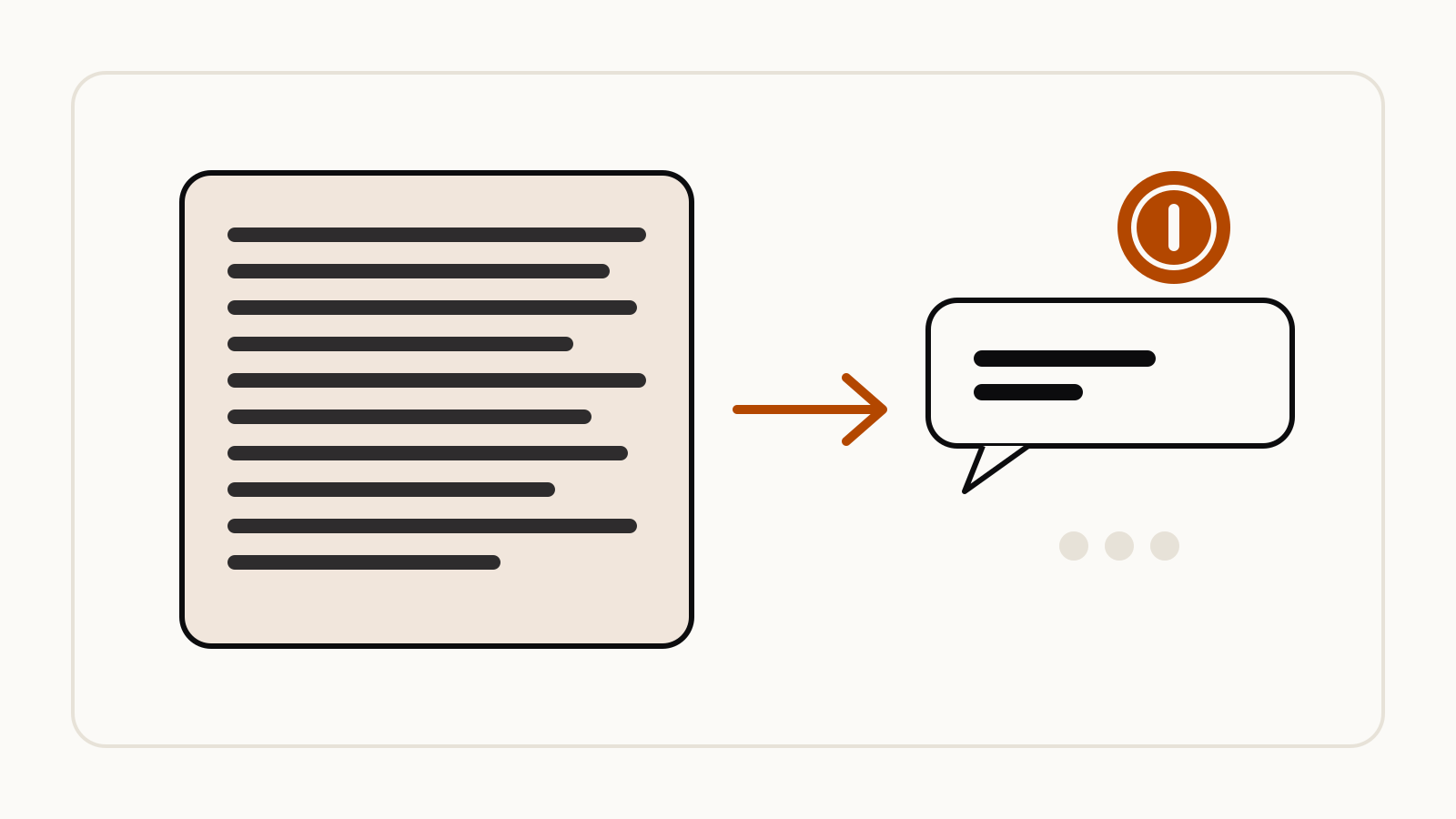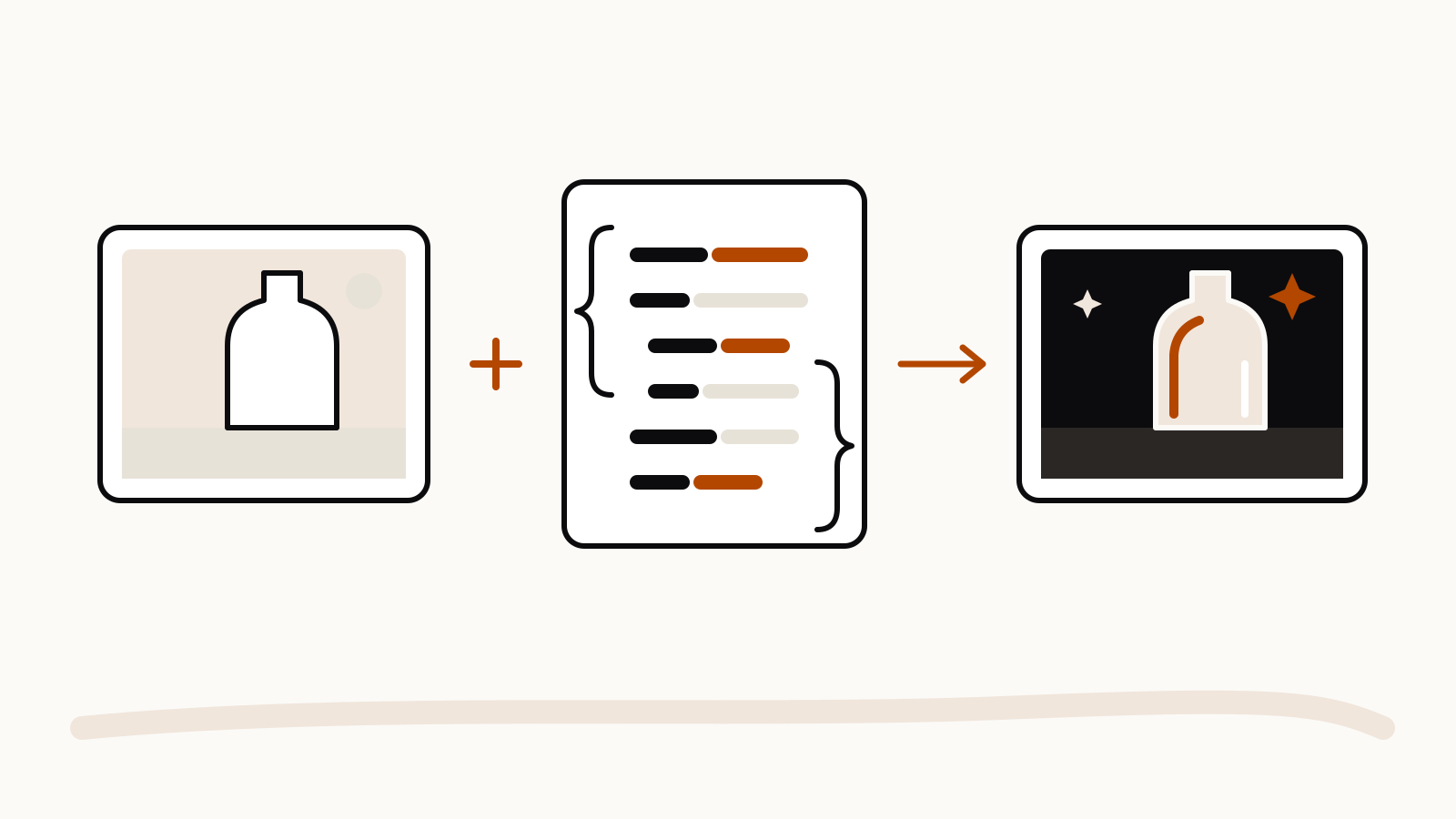

The “ask me questions” prompt reverses the usual order: you describe a vague task in plain words, the model asks you questions, and only then does it write the prompt. The method was shared on November 5, 2026 by the author of bywill.ai, a trainer who runs AI workshops, in a write-up on prompting. It adds two habits most people skip: telling the prompt writer whether its prompt worked, and saving the versions that did.
On this page
The prompts, as shared
The author starts from a story: a student whose requests kept coming back wrong turned out to be unsure what she wanted, so the model was guessing too. The fix was to talk the task through first. These are the lines from the original write-up, quoted verbatim:
When you are not sure what you want yet:
I'm not really sure what I want to do. Let's brainstorm this together, and give me some references.

To set up a separate prompt writer:
Your job is to produce prompts. I'll give you my ideas and what I'm trying to do. You give me the prompts, and ask me some questions to make sure we get to what I'm looking for.

To improve a prompt you already have:
If you were able to make this prompt better, what would you do?

To close the loop after a test:
you did a good job, that was exactly what I needed.
that didn't work, let's adjust it
The author reports this from his workshops. We have not run the method ourselves, so treat it as one person’s working routine, not a measured result.
The six steps
- Talk it through. Explain what you are trying to do in your own words, including that you are unsure.
- Let it ask you questions. The model checks what it understood before it writes anything.
- Split the jobs. One assistant writes the prompt, another chat or tool does the work.
- Test the prompt. Run it and read the answer honestly against what you needed.
- Report back. Tell the prompt writer what worked or what missed, and keep going until it fits.
- Save what works. Keep the winning prompt in a plain text or Markdown file so you can reuse it.
The write-up also lists the mistakes it is meant to fix: too little context, too much in one request, never revising a prompt that missed, and leaning on rigid formulas instead of a plain conversation with feedback.
Why the questions help
Both vendors’ own guides point at the same gap. Anthropic’s prompting best practices describe the model as “a brilliant but new employee who lacks context on your norms and workflows” and suggest showing a prompt to a colleague: if they would be confused, the model will be too. Letting the model ask you questions is a quick way to find the context you left out.
OpenAI’s prompt engineering tips for ChatGPT call for iterative refinement: start with a prompt, review the response and adjust it. OpenAI’s prompting guide for everyday work adds a rule of thumb that fits step 1: if you cannot describe a good result in one or two sentences, the model cannot reliably produce one either.
How to adapt it
- One chat works too. A separate prompt writer is the author’s preference. You can run the questions and the task in the same conversation if switching feels like extra work.
- Cap the questions. Add “Ask me up to five questions, one at a time” so the interview does not drag on.
- Save a test with the prompt. Next to each saved prompt, keep one sample input and a line on what a good answer looks like. OpenAI’s guide suggests checking prompts against a handful of questions whose answers you already know.
- Keep private details out. Answer the model’s questions with what the task needs, not account numbers or other people’s personal data.
For a longer task that will not fit one prompt, the same loop works one step at a time, as in our prompt chaining examples.