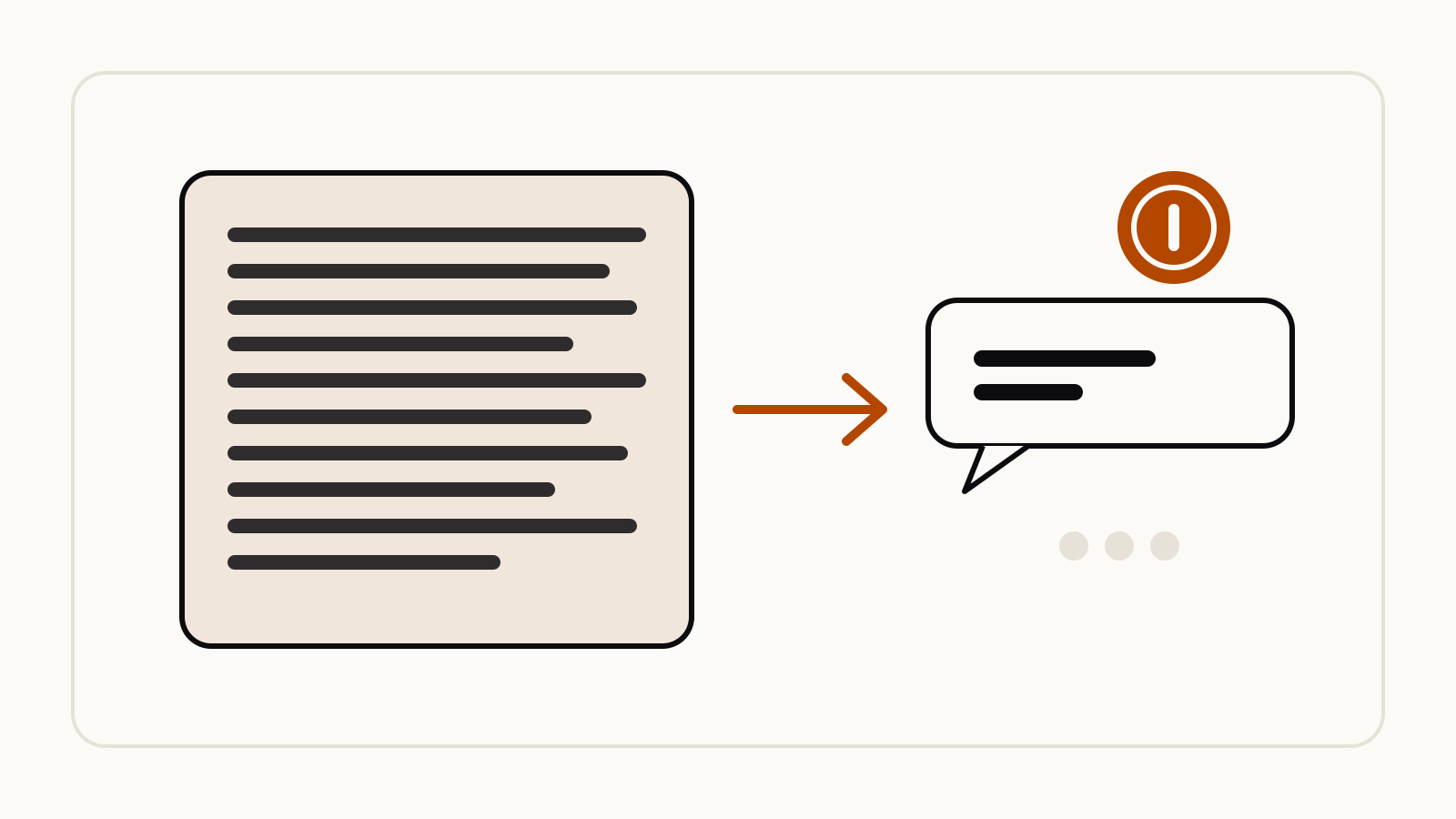
A brevity prompt shared by @rubenhassid on X aims to make Claude or ChatGPT answer in short, plain sentences with two instructions: write in ASD-STE100, the Simplified Technical English standard used for aircraft maintenance manuals, and act as if every word costs $1,000. You paste it at the start of a chat or into your custom instructions.
On this page
The prompt, as shared on X
The post, shared by @rubenhassid on X on October 3, 2026, opens:
Now that AI can write any length, brevity is a luxury. People want short text. And I found a hack to make Claude or ChatGPT write this way.
The prompt itself is two sentences:
Write in ASD-STE100. Be so brief every word you write costs you $1,000.
The author puts it at the beginning of a prompt and then writes the request as usual. He pairs it with his favorite request format:
I want [goal] so that [success]. My situation is [context]. Ask me questions until you have enough context to start.
His post also shows where to save it so it applies to every chat: Claude’s settings under “Instructions for Claude”, and ChatGPT’s Personalization settings under Custom Instructions. Results are the author’s report; we link the original rather than copy his image.
Why the two sentences work together
ASD-STE100 gives the model a rulebook. It is a published standard, not a vague style word. The ASD-STE100 specification describes Simplified Technical English as a controlled language with two parts: writing rules for grammar and style, and a dictionary of approved words, where “there is only one word for one meaning”. ASD’s own summary lists the core rules: active voice, one instruction per sentence, no unnecessary synonyms or jargon, and a controlled dictionary of about 900 approved words. One name stands in for all of those rules, so the prompt stays two sentences long.
The $1,000 line sets the length. Simplified Technical English keeps sentences simple but says nothing about how many sentences to write. The price per word pushes the answer toward fewer of them.
Expect a flat, manual-like tone. That suits instructions, summaries and status updates; it is a poor fit for a wedding toast or marketing copy.
How to adapt it
- One chat only. Paste the two sentences above your request, as the author does.
- Every chat. Save them as account-wide instructions. In ChatGPT, OpenAI’s help page on custom instructions gives the path as Settings, then Personalization on web and desktop, or Customize ChatGPT on iOS and Android; Free and Go accounts can save up to 1,500 characters. In Claude, Anthropic’s page on personalization puts “Instructions for Claude” in Settings and says they apply to all your conversations.
- Keep the details you need. If short answers start dropping steps, add a line such as
Keep every number, name and step. - Limit it to one kind of work. Account-wide instructions also shorten drafts you want long. Anthropic’s same page describes project instructions that apply only to chats inside one project, a better home for the line if you only want it for status updates or summaries.
Our guide to system prompts explains how standing instructions like this one shape every answer, and the Claude prompts guide covers Anthropic’s own advice on length and format.