Prompt chaining means giving a model a sequence of smaller prompts instead of asking for the whole job in one turn. Each step has one purpose and passes a controlled result to the next step. The prompt chaining examples below use that pattern for research, planning and rewriting.
Docs checked: 27 October 2026. Anthropic lists prompt chaining among its current prompting techniques. Google’s Live API guidance recommends chaining instead of a lengthy multi-page prompt for complex flows. Interfaces and model behaviour can change.
On this page
When a chain is worth using
A single prompt is usually enough when a task has one clear input and one clear output. Use a chain when you need to inspect an intermediate result before the model continues.
Good candidates include:
- extracting facts before writing a summary;
- turning notes into an outline before drafting;
- applying feedback without silently changing approved details;
- classifying items before producing recommendations;
- checking a finished draft against a short acceptance list.
The useful part is not the number of steps. It is the boundary between them. A step should produce an output you can read, correct or reuse.
Anthropic’s prompt-engineering overview begins with the same discipline: define success criteria, have a way to test them and start with a draft prompt. If you cannot describe what a step should produce, splitting the task into more prompts will not fix the ambiguity.
The three-part chain
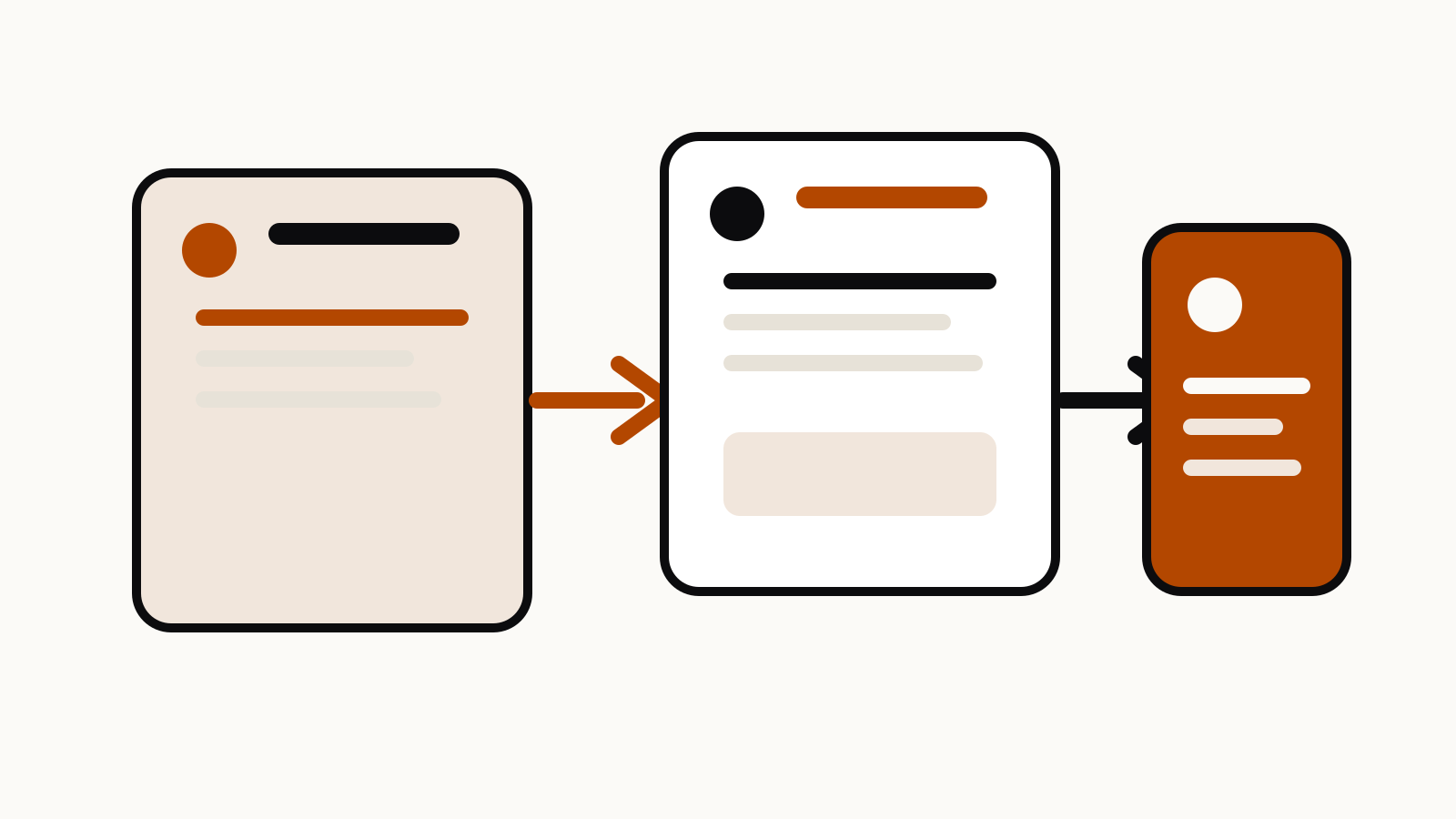
A practical chain has three jobs:
- Collect: extract or organise source material without writing the final answer.
- Decide: choose a structure, priority or action from the collected result.
- Produce: create the deliverable from the approved handoff.
Use labels so the next prompt does not need to guess which text is the handoff:
Step 1 — Collect
Read the material below. Extract only directly supported claims. For each claim, include the source section. Put uncertain points under “Needs checking”. Do not draft the final answer.
Material:
[paste the source]
Review that output before continuing.
Step 2 — Decide
Using only the approved fact list below, make an outline for [audience and purpose]. Put the most important decision first. Mark any section that still needs evidence. Do not add facts.
Approved fact list:
[paste the checked result from step 1]
Finally:
Step 3 — Produce
Write [deliverable] from the approved outline and fact list. Keep dates and qualifications. Do not fill evidence gaps. If a marked gap affects the conclusion, leave a note for the editor.
Outline:
[paste the approved outline]Fact list:
[paste the checked facts]
This takes more turns than a one-shot request, but it makes every handoff visible. A wrong assumption in step one is easier to catch before it shapes the whole draft.
Example 1: turn several sources into a briefing
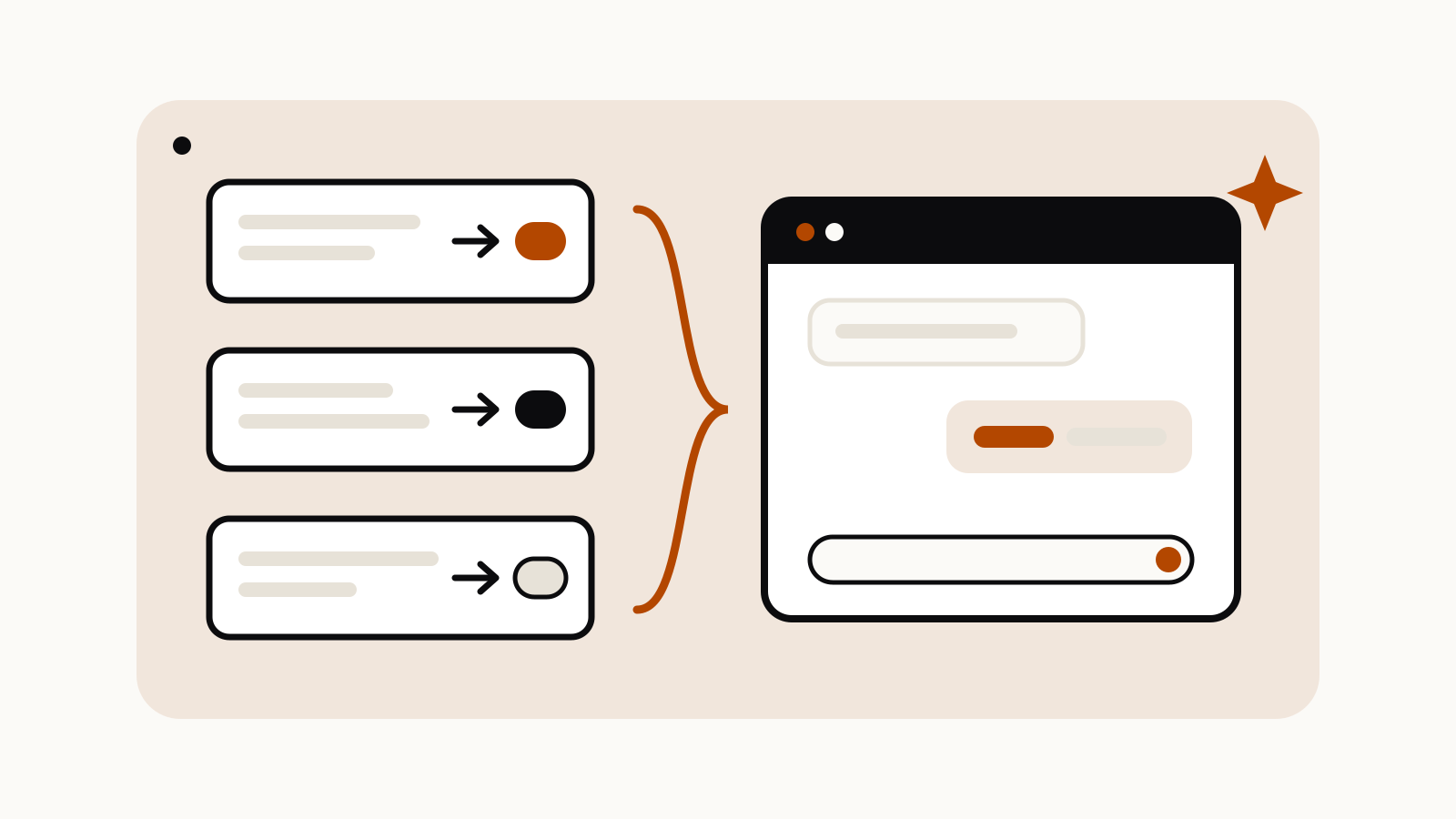
Suppose you have three product announcements and need an internal briefing. Do not ask the model to read, compare, rank and write in one large instruction.
Start with one extraction prompt per source:
Read this announcement. Return: announcement date, what changed, who can use it, availability status, stated limits and any future promise. Separate the company’s claims from confirmed availability. If the page does not say, write “not stated”.
Merge the checked outputs, then ask for the comparison:
Compare these verified source cards. Group only genuinely similar changes. Rank them by immediate effect on [team or user], not by publicity. Explain each ranking in one sentence. Do not assume that an announcement is generally available.
After approving the ranking, request the briefing:
Write a 250-word briefing. Lead with the decision the team needs to make. Keep dates and availability labels. Add a “Watch next” line only for future events explicitly named in the sources.
The chain prevents a polished paragraph from hiding the difference between a launch, a preview and a plan.
Example 2: rewrite without losing approved facts
A rewrite request often fails because “make it better” gives the model permission to change too much. Separate diagnosis from revision.
First ask for a change list:
Review the draft for unclear sentences, repeated points and unsupported claims. Return a numbered list. For each item, name the exact problem and propose the smallest change. Do not rewrite the draft yet.
Choose the items you accept, then provide them back:
Apply only changes 1, 3 and 6 from the approved list. Preserve all names, numbers, dates, links and qualifications. Show the revised draft followed by a short record of what changed.
This also protects house voice. For another way to control structure without turning instructions into prose, see the Claude XML tags guide.
Example 3: build a memo from messy notes
For meeting notes or interview fragments, classify before drafting:
Sort each note into one of four buckets: decision, evidence, open question or action. Keep the original wording beside each classification. Do not combine notes yet.
Then:
Combine only entries that describe the same decision or action. Keep conflicting evidence separate. For every action, identify an owner and date only if the notes explicitly name them.
Only after checking that result should you request the memo. This prevents missing owners and dates from becoming invented specifics.
Keep each handoff small
Do not paste the entire conversation into every step. Pass the smallest checked object the next step needs: a fact table, an outline, accepted edits or classified notes.
A useful handoff says:
- what is approved;
- what remains uncertain;
- which format the next step must return;
- which facts may not change.
Google’s Live API guidance recommends one prompt per persona or role instead of a long multi-page instruction. That page concerns real-time API applications, but the editing lesson applies more broadly: one step should have one job.
Add a stop rule
A chain should stop when a required input is missing:
If the source does not provide the date, eligibility or limit needed for the next step, stop and list the missing fields. Do not estimate them.
This is stronger than “be accurate” because it tells the model what to do when accuracy is impossible.
Review the steps that can change meaning
Inspect factual extraction, classification or ranking, outline approval, and final claims and links. If a source changes after step one, rerun the affected steps. Do not patch a new fact into the final paragraph while leaving an old comparison in place.
Before running the next step, check:
- Does this prompt have one job?
- Is its input an approved handoff?
- Is the expected format explicit?
- Are unsupported additions forbidden?
- Is there a stop rule for missing evidence?
- Can a person inspect the result before it becomes final?
If most answers are no, the workflow is probably a long prompt broken into arbitrary pieces, not a useful chain.