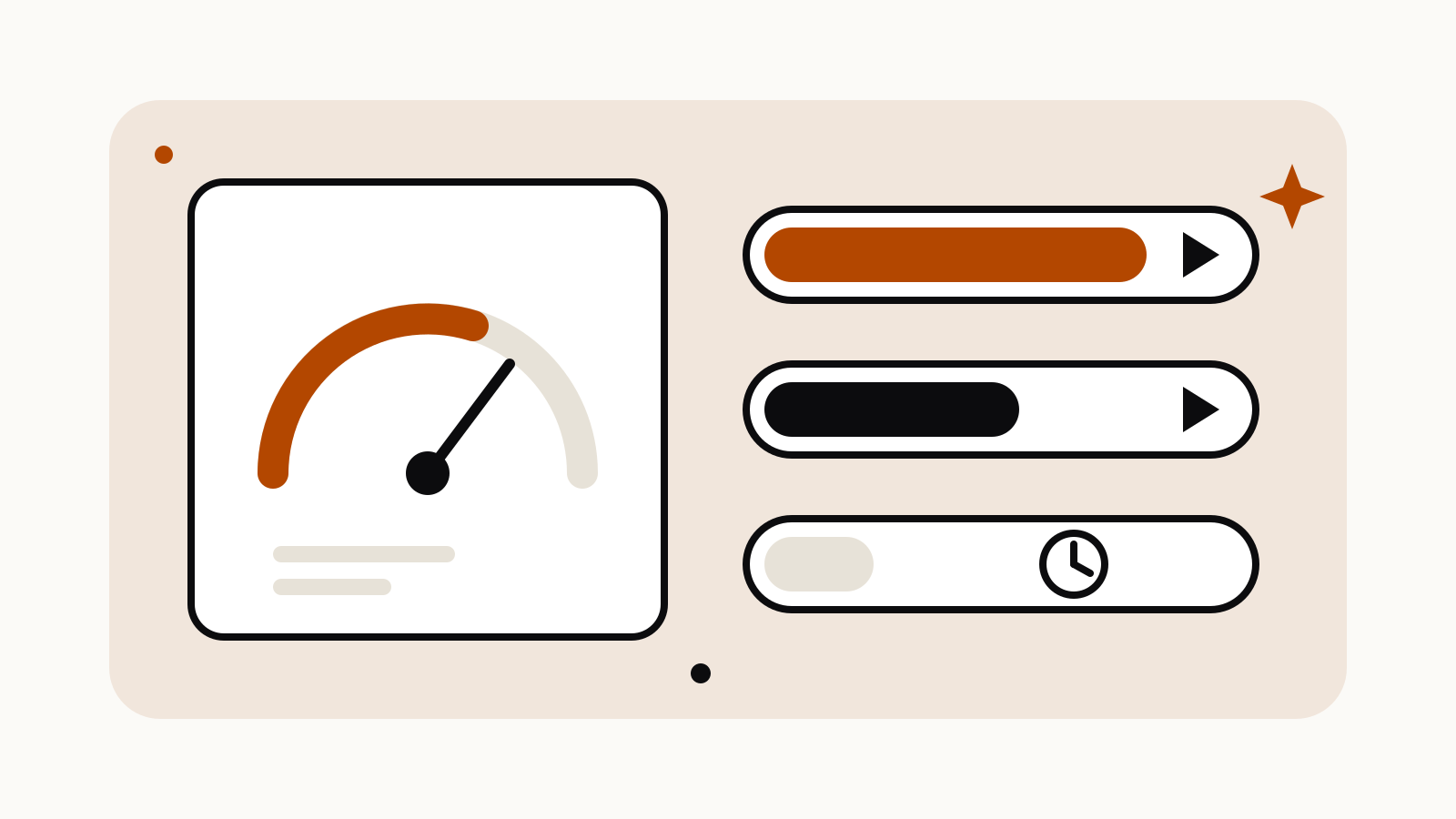
Midjourney has three GPU speeds. Fast Mode spends the monthly Fast hours that come with your plan. Relax Mode is unlimited for images on Standard, Pro and Mega, but your jobs wait in a queue. Turbo Mode renders up to four times faster than Fast and costs double the Fast time. Basic has no Relax Mode at all, so every Basic image comes out of its 200 minutes.
On this page
What each speed costs you
Midjourney’s help article on GPU speed compares GPU time to the data on a phone plan: you pay for minutes of graphics-card work, not for minutes you spend on the site or waiting.
| Mode | What it uses | Render speed | Who gets it |
|---|---|---|---|
| Fast | Your monthly Fast time | Normal | Every plan |
| Relax | Unlimited Relax time | Queued, 0 to 30 minutes of waiting | Images: Standard, Pro, Mega. SD video: Pro and Mega |
| Turbo | Fast time at double the rate | Up to 4× faster than Fast | Every plan, while Turbo GPUs are available |
Two notes from the same article. Turbo is labelled experimental, so its availability and cost can change. And the top of the page says Turbo “is not currently supported in V8.1”; when Turbo is not available, Midjourney runs the job in Fast Mode instead.
How many Fast hours each plan includes
From Midjourney’s plan comparison:
| Plan | Monthly price | Fast GPU time | Relax |
|---|---|---|---|
| Basic | $10 | 3.3 hours (200 minutes) | None |
| Standard | $30 | 15 hours | Unlimited images |
| Pro | $60 | 30 hours | Unlimited images and SD video |
| Mega | $120 | 60 hours | Unlimited images and SD video |
Annual billing takes 20% off. Each plan’s full limits, including concurrent jobs and queue size, are on our tracker pages for Basic, Standard, Pro and Mega.
How fast the minutes go
Midjourney publishes approximate costs per job. Upscales, unusual aspect ratios and older model versions can cost more; variations and lower quality settings often cost less.
| Job | Approximate GPU time |
|---|---|
| SD image prompt | 0.8 minutes |
| HD image prompt | 1.3 minutes |
| Variation | Under 1 minute |
| Creative or Subtle upscale | 2 minutes |
| Edit model, SD | 1 minute |
| Edit model, HD | 2.3 minutes |
| Batch of 4 SD videos | 8 minutes |
| Batch of 4 HD videos | 26 minutes |
As a rough guide by those figures, Basic’s 200 minutes cover about 250 SD prompts, or about 150 HD prompts, or 25 batches of SD video. Turbo halves each of those numbers.
When Relax Mode is the better choice
Relax is the setting for volume work on Standard and above: exploring a style, running dozens of variations, building a set of product mockups. The trade-off is the wait. Midjourney says Relax jobs queue for free GPUs, waits run from zero to 30 minutes, and people who use Relax less get shorter waits.
Some jobs do not run in Relax at all: permutation prompts, the --repeat parameter, HD video and the legacy Max Upscale. Relax video is SD only, and only on Pro and Mega.
How to switch speeds
- On the website: open the settings panel from the Imagine bar and choose a default speed. It applies to every prompt after that.
- For one prompt: add
--fast,--relaxor--turboat the end. This overrides the default for that job only. Other parameters are in our Midjourney parameters cheat sheet. - In Discord: send
/fast,/relaxor/turbo, or pick a mode from the settings command.
Web and Discord settings are synced, so a change in one place changes the other.
When Fast time runs out or expires
Fast time resets when your subscription renews and does not roll over: Midjourney’s article on Fast time expiration says unused time “vanishes at the end of each month”, on monthly and yearly plans alike. Check what is left under Usage Details on the Manage Subscription page, or with the info command in Discord.
If you run out early, you can buy extra Fast time at $4 per hour from the Manage Subscription page. Purchased hours expire after 60 days and work only while you have an active subscription.