The Midjourney --stylize parameter (short form --s) sets how much artistic freedom Midjourney takes with your prompt. Midjourney’s Stylize page gives a default of 100 and a range of 0 to 1000 in the latest versions: low values follow the prompt closely, high values look more artistic but can drift from the details you asked for.
This guide covers what the setting changes, how to add it, and how it interacts with Raw mode, Personalization and moodboards, all from Midjourney’s own documentation.
On this page
Low stylize is literal, high stylize is interpretive
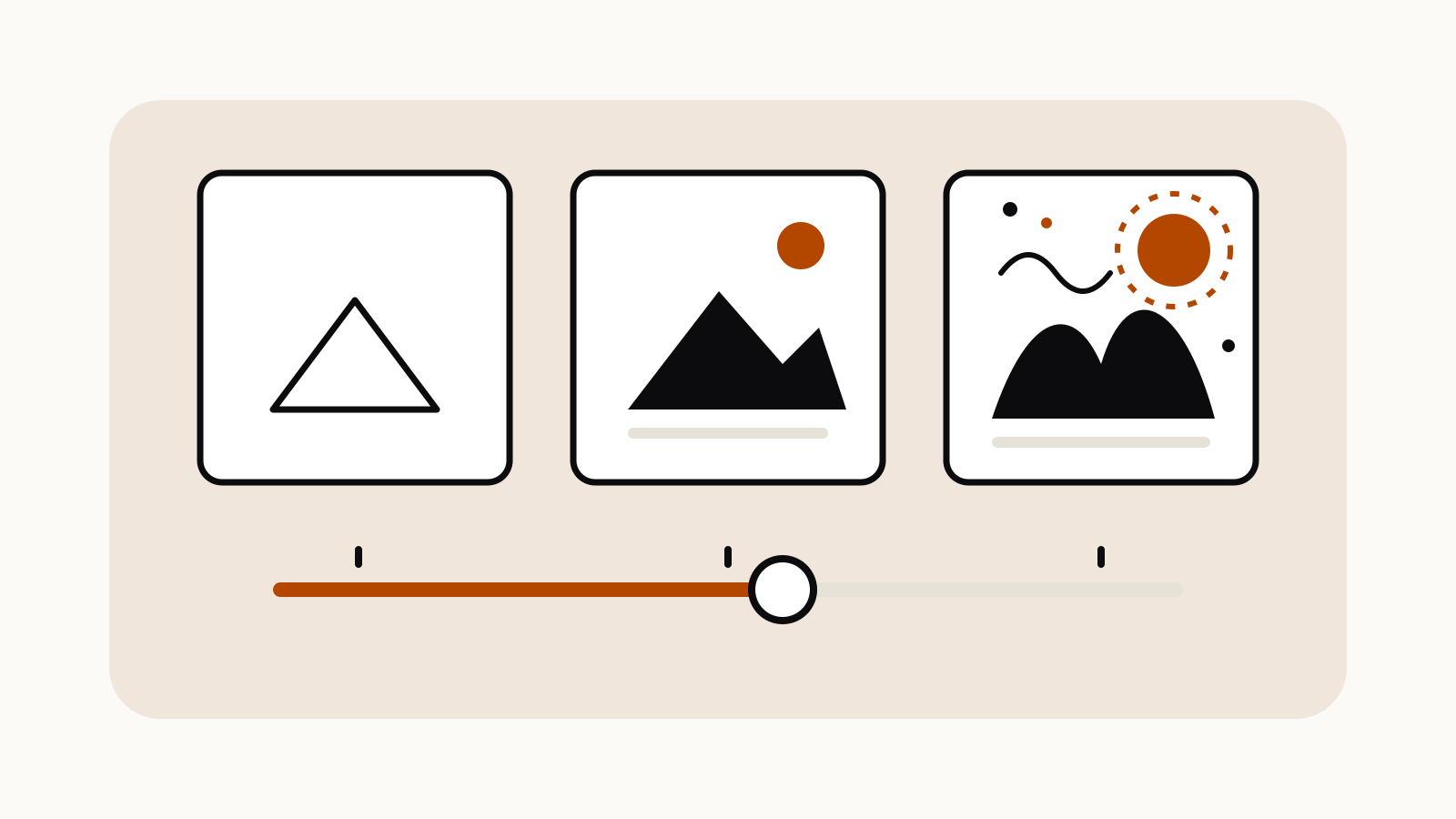
Midjourney describes stylize as a slider. With a low value, it says, Midjourney “sticks to the facts without much extra flair.” With a higher value, the image “might look more artistic and visually interesting, but it could stray from the exact details of your prompt.”
| Setting | What Midjourney’s docs say it does | When it suits |
|---|---|---|
| Low (toward 0) | Follows the prompt very closely | Product shots, diagrams of objects, anything where details must match |
| Default (100) | The standard balance | Most everyday prompts |
| High (toward 1000) | More creative interpretation, may drop details | Mood pieces, posters, exploratory concepts |
The docs do not attach fixed looks to particular numbers beyond the default, so treat any value other than 0, 100 and 1000 as a point on that slider rather than a named style.
How to add --stylize to a prompt
Put the parameter at the end of the prompt, after the text:
colored pencil illustration of a lighthouse on a rocky coast --s 50
colored pencil illustration of a lighthouse on a rocky coast --s 600
Both forms work: --stylize 600 and --s 600 are the same setting. Midjourney’s general parameter rules apply, as listed in our Midjourney parameters cheat sheet: a space before the dashes and no punctuation after the value.
To change the default for every prompt, Midjourney’s docs give two routes:
- On midjourney.com: open the settings button in the Imagine bar and pick a Stylize default. It then applies to all future prompts.
- In Discord: use the settings command and choose a Stylize preset button. “Stylize med” is the default; select a preset and check “Current suffix” to see its exact value.
A value typed into a prompt applies to that prompt only.
Compare values on the same prompt
The clearest way to see what stylize does to your own subject is to run the same prompt at a few values and compare the grids. Keep everything else fixed. Midjourney’s Seeds page describes --seed as a tool for controlled tests, so adding one makes the comparison fairer:
ceramic teapot on a wooden shelf, morning window light --s 0 --seed 1234
ceramic teapot on a wooden shelf, morning window light --s 100 --seed 1234
ceramic teapot on a wooden shelf, morning window light --s 750 --seed 1234
Look for which version keeps the details you care about (one teapot, the shelf, the light direction) and which adds things you did not ask for. Pick the lowest value that still gives you the look you want.
Stylize with Raw mode, Personalization and moodboards
Stylize is not the only setting that controls Midjourney’s own styling.
Raw mode (--raw). Midjourney’s Raw page says standard mode adds “its own creative touch,” and Raw turns off this “auto-pilot.” With simple prompts, Raw often gives more realistic, photo-like images. If your goal is a literal result, Raw and a low stylize value push in the same direction.
Personalization (--p). When a personalization profile is on, Midjourney’s Personalization page says stylize “controls how much of your Personalization is applied.” A lower value limits your profile’s influence; a higher value increases it.
Moodboards. The Moodboards page says the same: stylize sets how much of the moodboard style reaches the image.
So if a personalized image looks too much like your profile and too little like your prompt, lowering --s is the documented control, not rewriting the prompt.
Stylize is not the same as style references
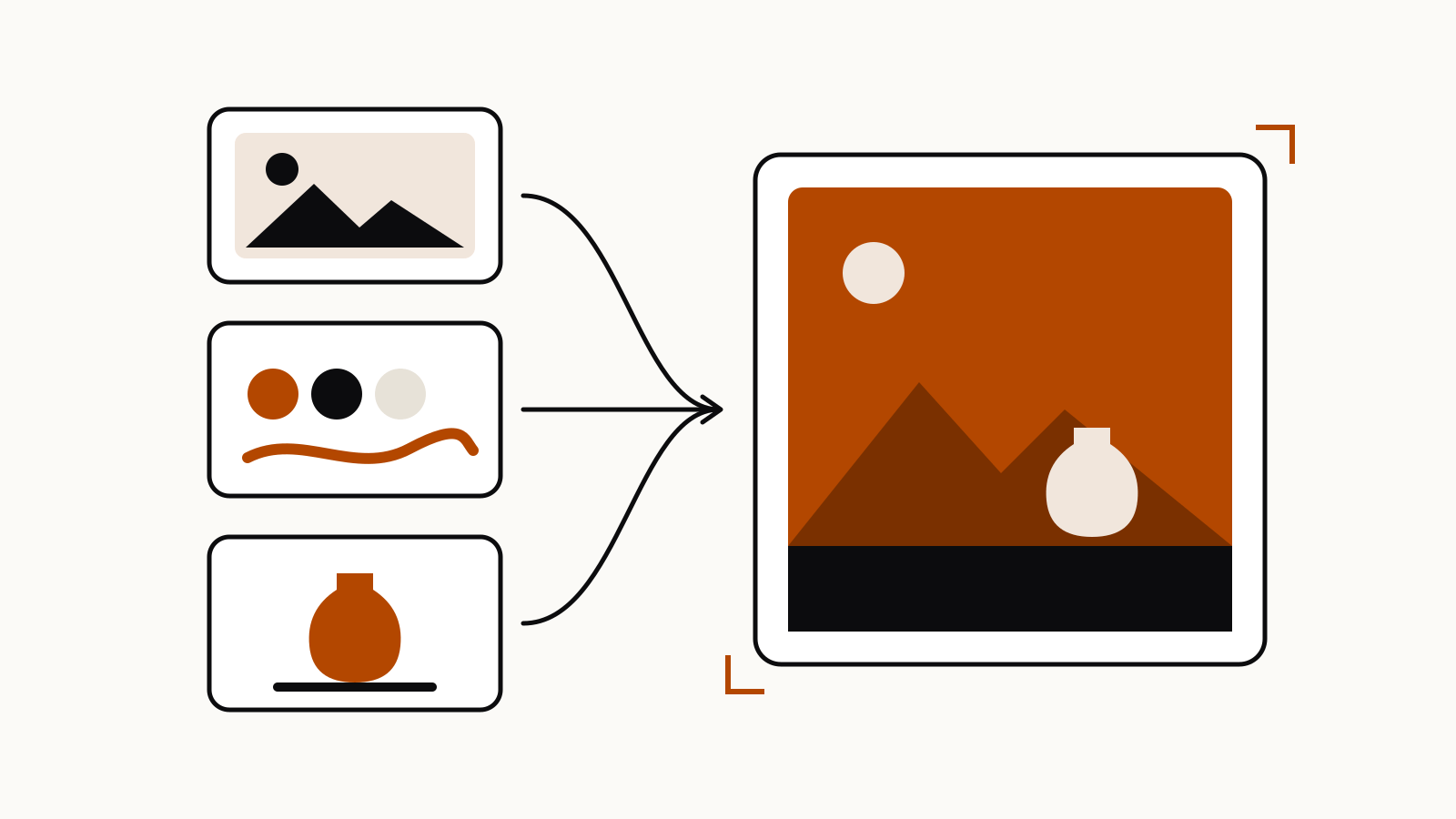
--stylize adjusts Midjourney’s own aesthetic. A style reference (--sref) copies the look of an image you supply, and its strength is set separately with --sw. The difference between image prompts, style references and the Edit model is covered in our image prompt vs style reference guide.
Questions
What is the default --stylize value in Midjourney?
The default is 100, and Midjourney’s docs give a range of 0 to 1000 in the latest versions.
Is --s the same as --stylize?
Yes. --s is the short form of --stylize.
Does a high stylize value make images better?
Not necessarily. Midjourney says higher values look more artistic but can stray from your prompt’s details.
How do I set a default stylize value?
On midjourney.com, use the settings button in the Imagine bar. In Discord, use the settings command and pick a Stylize preset.
Does stylize change how much my personalization profile is used?
Yes. With Personalization or a moodboard on, a lower stylize value limits its influence and a higher one increases it.