Claude Pro limits work in two layers: a session limit that resets every five hours and a weekly limit across all models. Anthropic does not publish a fixed message count. Its Pro plan article says Pro offers more usage per session than Free, and the number of messages “will vary based on message length, including the length of files you attach, the length of your current conversation, and the model or feature you use.”
This guide explains how both limits work, what uses them up fastest, and what you can do when you run out. The short version of the numbers is in our Claude Pro limits listing.
On this page
How the Claude Pro limits work
The five-hour session limit
Every Pro session has a cap. Once you reach it, you wait for the reset. Anthropic’s Pro plan article says the session-based limit “will reset every five hours.”
The weekly limit
On top of sessions, Pro has a weekly limit that applies across all models. It resets at a fixed time each week assigned to your account. That time doesn’t move when you start using Claude or when your subscription began, and you get your full weekly allowance each cycle. You can see the next reset in Settings > Usage.
Anthropic also says it may limit usage in other ways, “such as weekly and monthly caps or model and feature usage, at our discretion” (source).
One pool for every Claude app
Usage on claude.ai, Claude Desktop and Claude Code counts toward the same limit. A long coding session can drain the allowance you planned to use for chat.
What Pro includes
The pricing page lists Pro at $20 a month billed monthly, or $17 a month with the annual discount ($200 billed up front). Prices exclude tax. Pro adds over Free:
- Opus models (Free has Sonnet and Haiku only)
- Research, Claude Code, Claude Design, Slides and Docs
- Claude in Chrome and Claude for Microsoft 365
- Projects without the Free plan’s cap of five
- Usage credits
Fable is not part of the Pro allowance. The pricing table lists it for Pro as “Usage credits” only.
Usage limits vs length limits
These are two different walls. Anthropic’s usage and length limits article separates them:
- Usage limits control how much you can use Claude over time. They reset.
- Length limits come from the context window, which caps how long a single chat can get. On paid plans the newest models support up to 1M tokens, while others support 500K or 200K.
If you hit a length limit, start a new chat or move the material into a project. Waiting won’t help, because length limits don’t reset. Claude can summarize earlier messages automatically when code execution is on, but those long chats “consume more of your usage limit.”
What uses your Pro limit fastest
Anthropic’s best practices page lists the factors:
- Message length and file attachment size
- Current conversation length
- Tool use, such as Research and web search
- Model choice and effort level
- Artifact creation
- Multi-step tasks like running code, creating files or browsing
How to stretch your Pro allowance
- Plan the conversation. Put background information and related questions in one message instead of many short ones.
- Batch similar requests. Send all the math problems or all the edits together.
- Use projects for repeated documents. Project content is cached and “counts less against your limits when reused.” Caches expire after inactivity, so the first message after a long break counts the content in full again.
- Start new chats for new topics. Long conversations make every reply cost more.
- Lower the effort level and turn off extended thinking for routine work.
- Turn off tools you don’t need. Web search, Research and connectors are token-intensive.
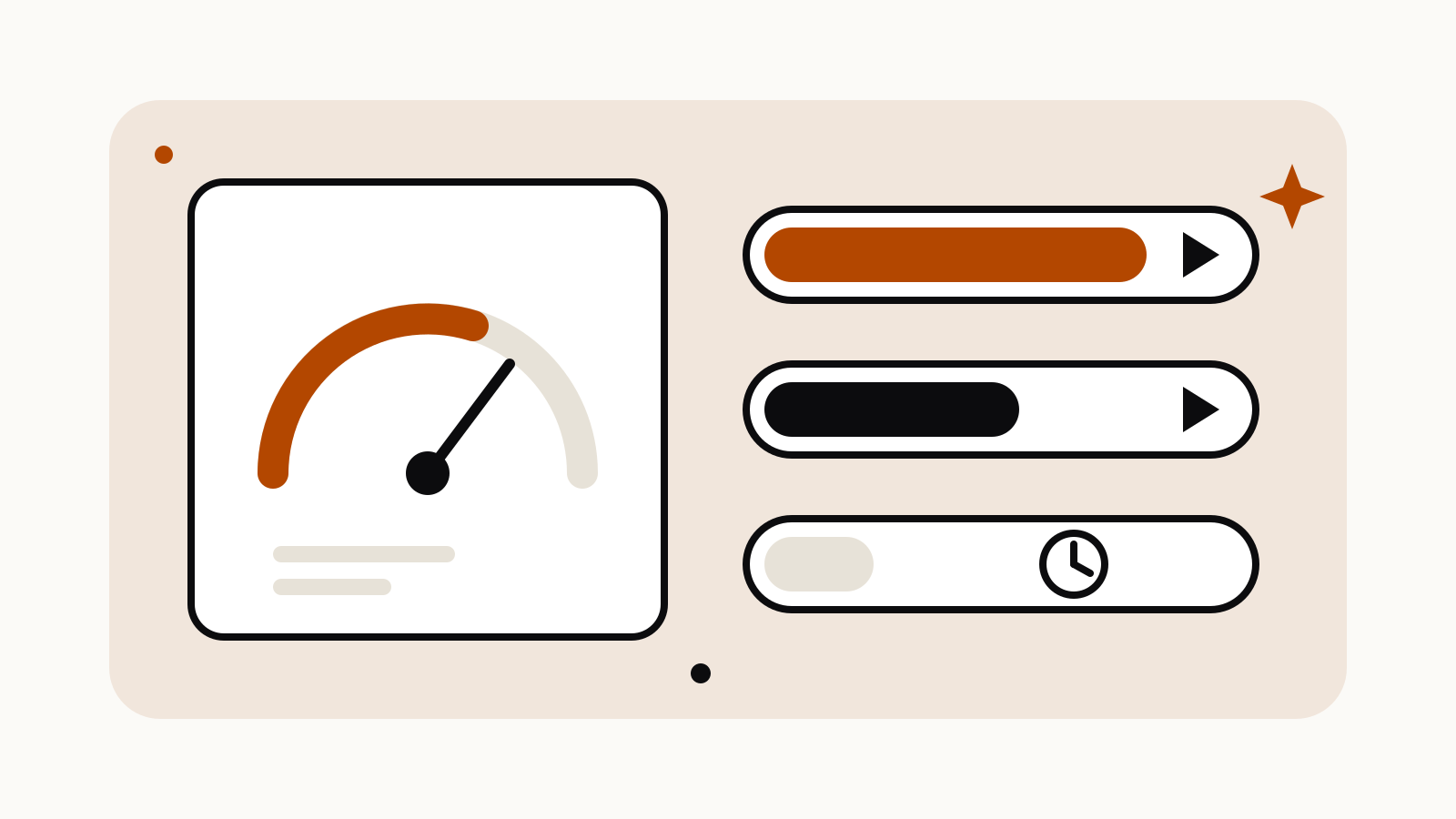
- Watch Settings > Usage. It shows progress bars for your current session and your weekly limit.
What to do when you hit the limit
You have three options.
Wait. The session limit resets every five hours. If you’ve hit the weekly limit, check the reset time in Settings > Usage.
Enable usage credits. Pro subscribers can keep going at standard API rates. Per Anthropic’s usage credits guide:
- Go to Settings > Usage.
- Find Usage credits and click Enable.
- Add a payment method if you don’t have one.
- Click Adjust limit to set a monthly spend cap, or set it to unlimited.
- Click Add funds to prepay, and optionally turn on auto-reload.
Credits are billed separately from the subscription, and there is a daily redemption limit of $2,000. If you subscribed through the iOS or Android app, you can only turn credits on in the web app.
Upgrade to Max. The pricing page offers Max with 5x or 20x more usage than Pro, starting at $100 a month. Details are in our Claude Max limits listing.