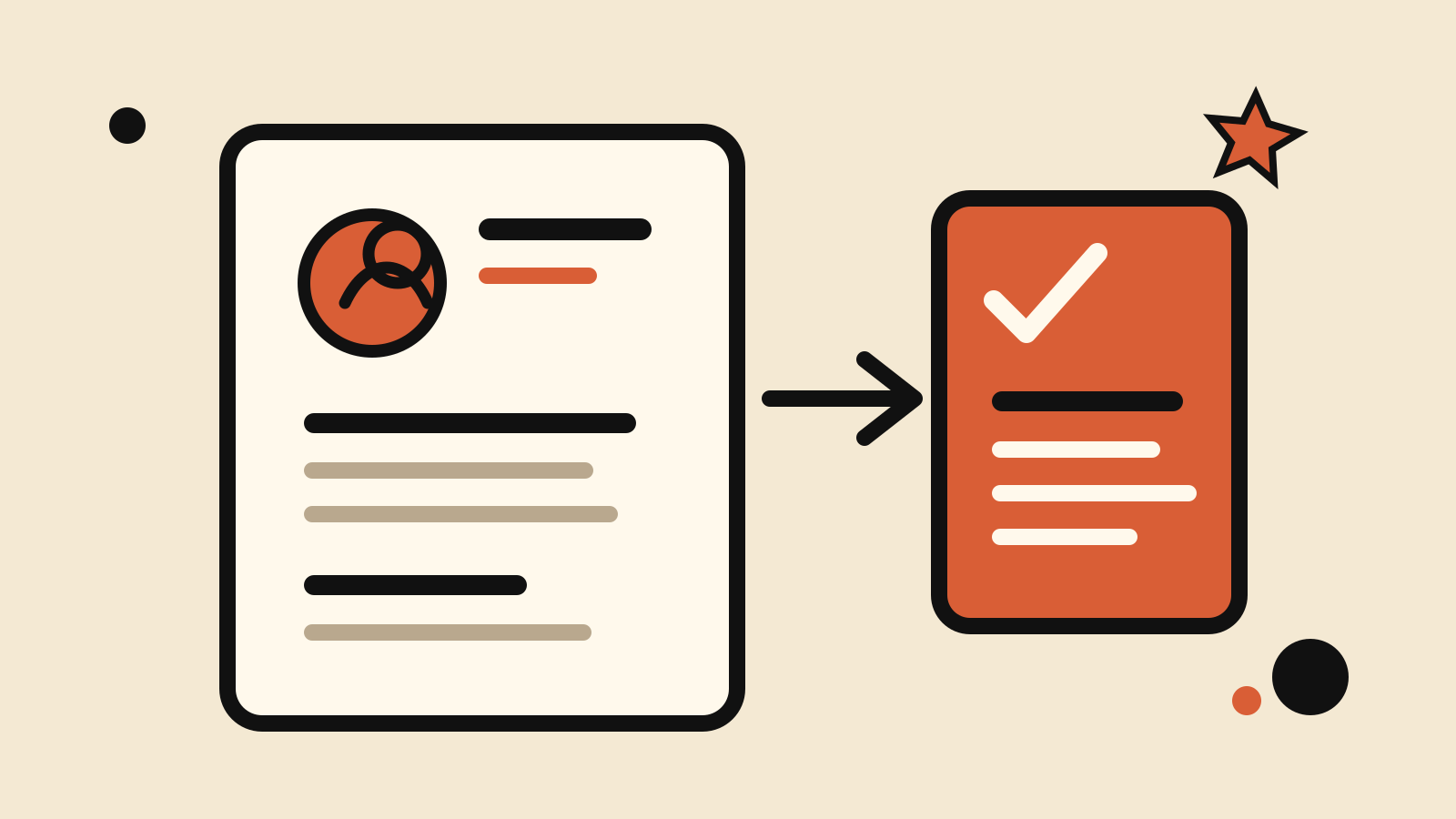
A ChatGPT resume writer works best when you give it a real job description, your verified work history and one tightly scoped task at a time. Do not ask for a finished résumé in a single vague prompt. Build the document in passes: extract requirements, choose evidence, draft bullets, edit for accuracy, then format.
OpenAI says you can upload or create a résumé in ChatGPT, tailor it to a specific role and download it in a polished format. Résumé formatting is available in English globally on the web across all plans, according to the ChatGPT release notes. The prompts below also work as a structured editing workflow if you prefer to paste text rather than use that interface.
Docs checked: 21 October 2026. Product availability can change by plan, region and workspace policy.
On this page
Before you paste a résumé
Remove details the model does not need. A first editing pass rarely requires your full street address, personal phone number, date of birth, government identifiers, salary history or references’ contact details.
For personal accounts, OpenAI’s Data controls guide explains how to turn off “Improve the model for everyone.” Temporary chats do not appear in history, do not create or update memories, and are not used to improve OpenAI models while they remain temporary; OpenAI says they may still be retained for up to 30 days for safety. Our Temporary Chat guide covers the details. Managed workspaces can apply their own retention and access rules.
Keep a clean source document outside the chat. The source should contain facts you can prove: role names, dates, employers, products, responsibilities, tools and outcomes. If a number is uncertain, mark it as unknown instead of asking ChatGPT to estimate it.
1. Extract the job’s real requirements
Paste the job description first. Ask for a requirements table before showing your résumé.
Read the job description below. Make a table with: requirement, whether it is essential or preferred, evidence the employer asks for, and exact wording worth mirroring. Do not infer requirements that are not written. Do not draft my résumé yet.
Job description: [paste]
This separates the employer’s language from your own evidence. It also makes gaps visible before rewriting begins.
2. Build an evidence inventory
Now provide only the experience relevant to the role.
Here is my verified work history. Map each job requirement to evidence I supplied. Use three labels: strong evidence, partial evidence, no evidence. Quote my facts exactly in a separate evidence column. Do not invent metrics, tools, employers, dates, titles or responsibilities.
Work history: [paste]
If the table says “no evidence,” leave it that way. A résumé is not the place to fill a gap with a plausible-sounding claim.
3. Draft achievement bullets
Give the model a narrow brief for one role.
Turn the verified notes below into four résumé bullets for a [target role]. Start each bullet with a specific action. Keep each bullet to one or two lines. Use numbers only when they appear in my notes. Preserve product names and technical terms. Avoid “responsible for,” “helped,” “leveraged,” “dynamic” and unsupported superlatives.
Notes: [paste]
A useful bullet normally shows action, object and result. Not every bullet needs a metric. “Reduced weekly reconciliation from two steps to one by replacing a shared spreadsheet with an approval workflow” is more credible than an invented percentage.
4. Tailor the professional summary
Write the summary after the evidence is mapped.
Write a 45–65 word résumé summary for this role. Use only the evidence below. Mention my years of experience only if the dates support the calculation. Name two relevant strengths and one domain. Do not write “results-driven,” “seasoned professional,” “passionate,” or “proven track record.”
Role requirements: [paste]
Verified evidence: [paste]
Ask for two versions if the role could be framed in different ways: one that leads with domain expertise, and one that leads with a transferable capability.
5. Reorder skills without keyword stuffing
Applicant-tracking systems can search for relevant terms, but a skills section should still reflect what you actually know.
Compare my verified skills with the job description. Return three lists: include near the top, include later, and omit. Keep the employer’s exact term when it truthfully matches my experience. Flag synonyms that may confuse a reviewer. Do not add a skill that is only mentioned in the job description.
My skills: [paste]
Job description: [paste]
Put the most relevant, defensible skills first. Do not repeat the same keyword in the summary, every bullet and the skills list merely to raise its frequency.
6. Run an accuracy audit
Treat the model as an editor, not as the final authority.
Audit this résumé against the source notes. Create a table with every claim that is new, stronger, more specific or differently dated than the source. For each, show the résumé wording, the source wording and a correction. Then list claims that need human verification. Do not rewrite the résumé in this step.
Source notes: [paste]
Résumé draft: [paste]
Check titles, dates, totals, certifications and software versions yourself. Also confirm that every link, portfolio item and publication is yours and still public.
7. Make the language sound like you
The model can smooth a document until every line sounds identical. Use an editing constraint.
Edit this résumé for clarity without changing any facts. Keep my direct tone. Prefer concrete verbs and ordinary words. Vary sentence openings. Keep technical nouns that a hiring manager will recognize. Return a short change log explaining any line you materially changed.
Draft: [paste]
OpenAI’s prompt engineering guidance recommends clear, specific instructions and iterative refinement. That is especially useful here: review one section, correct it, then move on.
8. Format the final version
Once the facts and wording are approved, ask for a simple layout.
Format the approved résumé for an English-language one- or two-page document. Use a single-column structure, standard section names, consistent dates and readable spacing. Do not use tables, icons, skill bars, headshots or decorative ratings. Do not change the wording. Return the section order first, then the formatted copy.
OpenAI says ChatGPT’s résumé formatting is available globally in English on the web. Still inspect the exported document on desktop and mobile. Check line wraps, page breaks, bullet alignment and whether text remains selectable.
A practical review sequence
Run these checks in order:
- Truth: every claim exists in your source notes.
- Relevance: the first half of the page answers the role’s main requirements.
- Specificity: nouns and outcomes replace generic praise.
- Readability: bullets are short enough to scan.
- Consistency: titles, dates, tense and punctuation match.
- Format: the exported file survives PDF conversion without broken spacing.
Save each approved section before requesting another revision. If a later prompt makes the résumé worse, you can return to the last verified version instead of reconstructing it from the chat.
If you want one all-in-one prompt instead of eight passes, use the ChatGPT resume writer prompt. For another reusable structure, see our system prompt examples, then browse the Prompting guides for more task-specific templates.