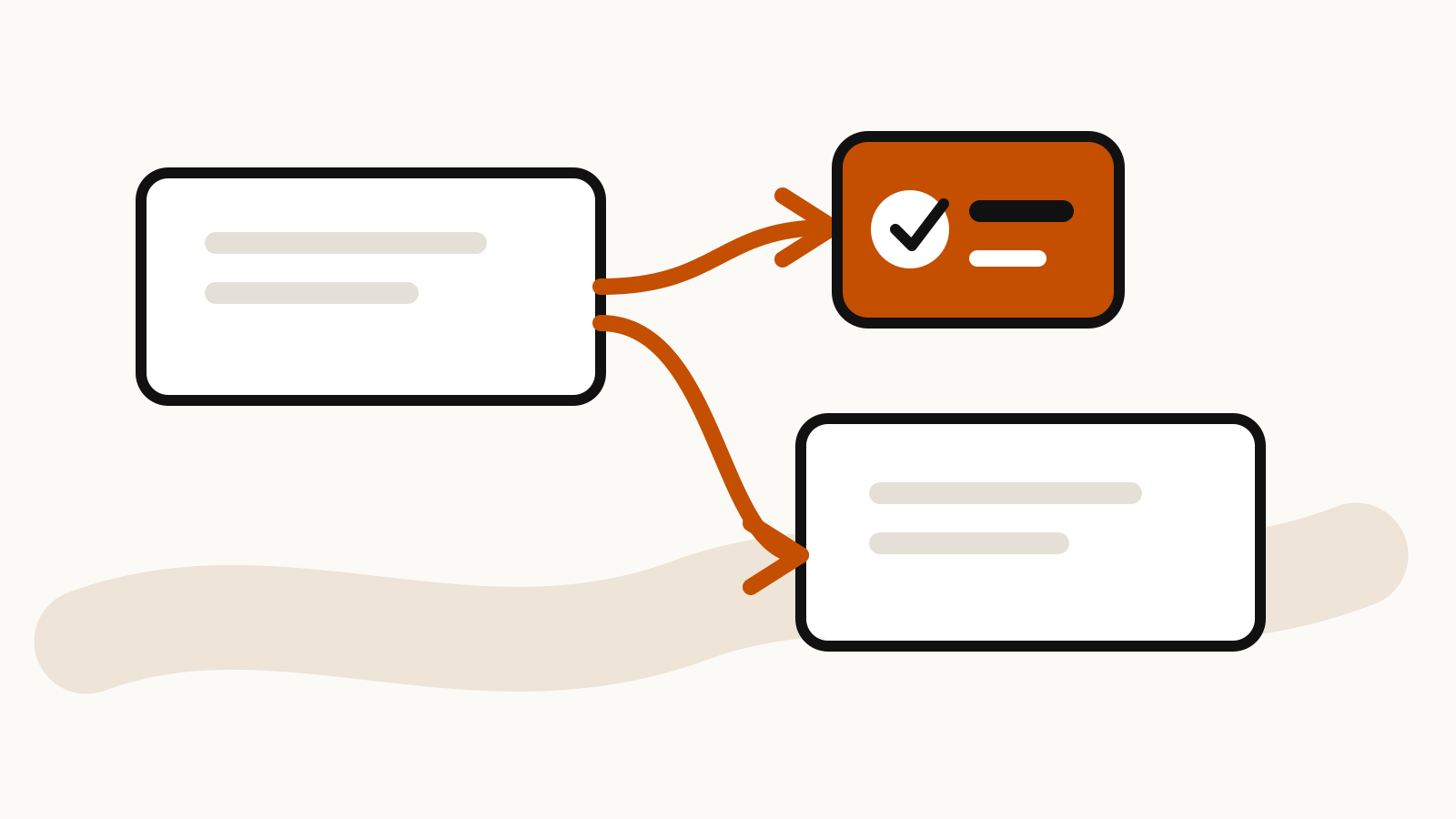
Branch a ChatGPT conversation when you want to test a different direction without overwriting the thread that already works. The branch starts a separate chat from the selected point, while the original conversation stays available.
OpenAI added conversation branching on the web for logged-in users and documents the same workflow inside shared projects. This guide explains the controls, what remains separate, and a simple method for keeping two branches useful instead of creating nearly identical chats.
On this page
How to branch a ChatGPT conversation
On the ChatGPT web app:
- Open the conversation you want to branch.
- Find the message where the new direction should begin.
- Point to that message and open More actions (the three-dot menu).
- Select Branch in new chat.
- Continue the new chat with the alternative instruction, assumption or draft.
OpenAI’s ChatGPT release notes describe the web control as a way to explore a different direction without losing the original thread. The new conversation begins from the message you selected, so choose the last message that both versions should share.
If the control is missing, first check that you are signed in and using the web app. Availability inside a managed workspace can also depend on workspace settings and the current product rollout.
Pick the branch point before you write the new prompt
The best branch point is usually just before the first decision you want to change. Branching too early makes you rebuild useful context. Branching too late carries the old decision into the new chat.
For example, suppose a conversation contains:
- the audience and goal;
- source documents;
- a proposed outline;
- a first draft;
- a request to make the draft more formal.
To test a shorter, conversational version, branch from the first draft or from the outline. Starting after the formal rewrite makes the new branch inherit wording you are trying to replace.
Write the first message in the branch so the change is explicit:
Keep the audience, sources and factual constraints from the conversation so far.

For this branch, use a shorter structure:
- one-sentence opening;
- three sections;
- no executive summary;
- final checklist under 100 words.

Do not carry over the formal tone requested in the other version.
The message names what should stay and what should change. That is more reliable than “try another version,” which leaves the intended difference unclear.
Use one branch for one decision
A branch is easiest to compare when it tests one variable. Good branch questions include:
- What changes if the audience is a beginner?
- What happens if the budget is capped at a fixed amount?
- Can the same material become a one-page brief?
- Which recommendation follows if one assumption is removed?
- How would the draft read with a different structure?
If a branch changes the audience, evidence, length and conclusion at once, you cannot tell which change produced the better result. Split those experiments into separate branches or use a short sequence.
For multi-step work, Promptline’s prompt chaining examples show how to hand a reviewed result from one stage to the next.
Branching inside a ChatGPT project
Projects keep chats, files and project instructions together. OpenAI’s current Projects in ChatGPT guide says members of a shared project can branch existing conversations. The branched chat appears in the project alongside the original, and the profile icon shows who started a chat.
Shared projects use project-only memory. They cannot use a member’s memories or context from outside the project. The project’s files and instructions remain the common working context, subject to plan availability and workspace settings.
This makes branching useful for collaboration. One person can preserve the agreed draft while another tests a new hypothesis or structure. Team members can then compare two chats without editing the same thread back and forth.
Read ChatGPT shared projects before using branches with a group. It covers access levels, files, collaboration limits and the difference between project sharing and sharing one conversation.
A branch-comparison prompt
After both branches have produced a result, compare them against the same criteria. Copy the relevant outputs into a fresh chat or a review document and use a prompt such as:
Compare Version A and Version B for this purpose:
[purpose]

Use these criteria:
1. factual support;
2. fit for the intended audience;
3. missing assumptions;
4. unnecessary repetition;
5. actionability.

For each criterion:
- state which version performs better;
- cite the exact passage that supports the judgment;
- identify any trade-off;
- do not combine the versions yet.

End with the changes worth carrying into a final version.
Review the evidence before merging. A longer answer can appear more complete while merely repeating the same point.
Name the chats so the difference is visible
Two branches with similar titles become hard to find later. Rename each chat around the choice it tests:
- Launch plan: conservative budget
- Launch plan: faster schedule
- Policy draft: employee version
- Policy draft: manager version
The title should describe the branch condition, not the general project. If the branch is temporary, add a short status such as “reviewed” or “discarded” after the decision.
Inside a shared project, the chat profile icon helps identify who started each conversation, but it does not explain the purpose of the branch. A specific title does.
What branching does not solve
Branching preserves alternatives, but it does not verify them. Check important dates, prices, limits and quoted passages against their original sources.
It is also not a co-editing tool. OpenAI’s project documentation describes branching as continuing an existing chat in a new conversation; it does not describe several people editing one chat in real time. Collaborators can build on the same project context, but a branch remains its own chat.
Finally, a branch can become outdated. If the original project receives a new file or instruction after the branch begins, review whether the older branch still has the context required for the decision. State the source version or date in the branch when the work depends on changing material.
A practical branch workflow
Use this five-step routine:
- Mark the shared point. Choose the last message both versions need.
- State the changed assumption. Write it in the first branch message.
- Keep the evidence fixed. Use the same sources when comparing approaches.
- Review with named criteria. Do not choose by tone alone.
- Record the decision. Rename the winning chat or save the final result in the project.
For a high-stakes choice, keep a short note explaining why one branch won and which uncertainty remains. The note is more useful later than the full history of trial prompts.