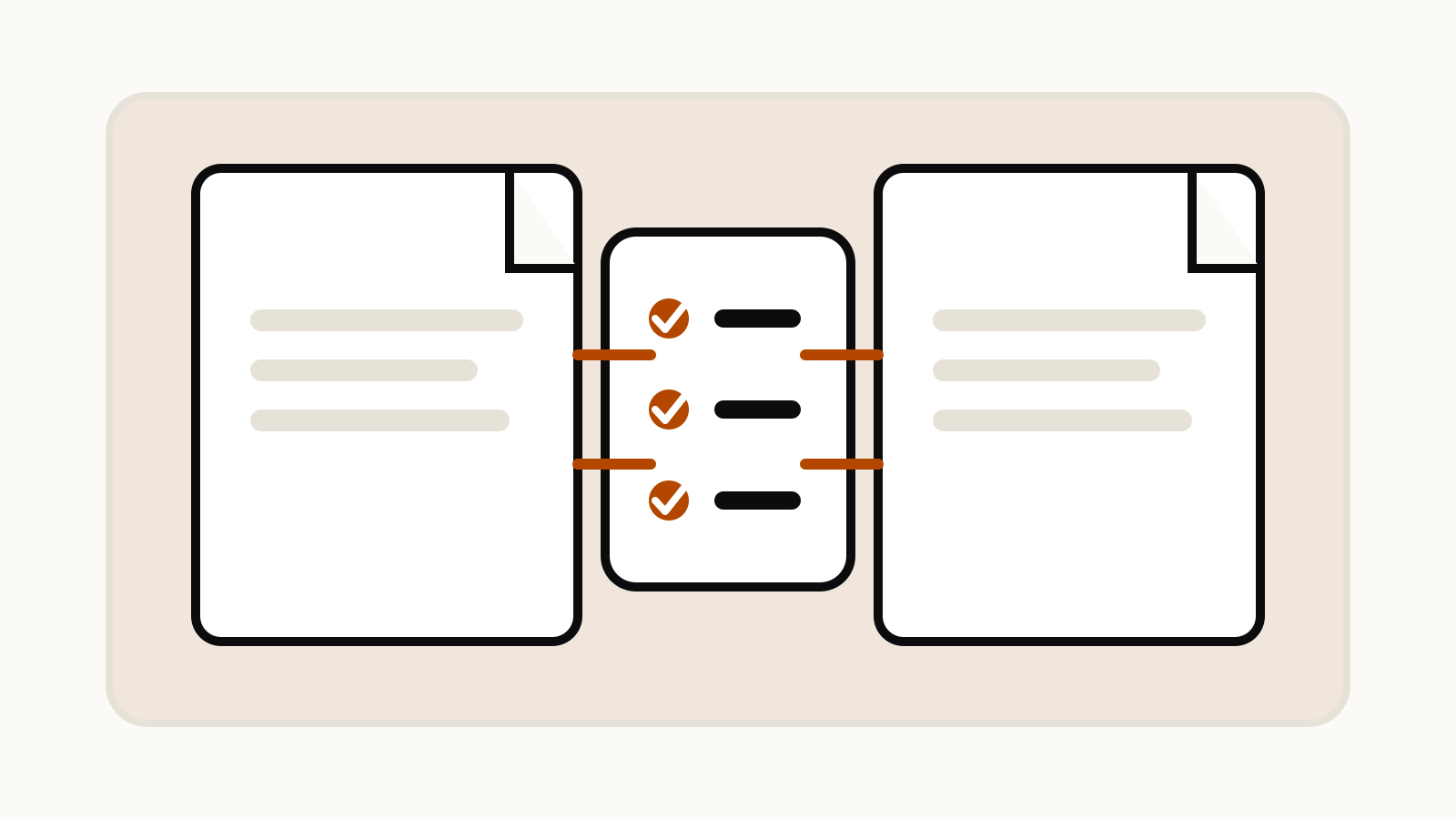
Use this ChatGPT compare documents prompt to compare two uploaded files against named criteria, keep each source’s claims separate, and flag missing evidence. It returns a traceable table, the most important differences, unanswered questions and facts that still need a human check.
ChatGPT can compare two uploaded documents, according to OpenAI’s file upload guide. A useful comparison still depends on the brief you give it. “Compare these” leaves too many decisions open. The template below names the comparison criteria, asks for source labels and separates direct evidence from interpretation.
On this page
A reusable compare-documents prompt
Attach both files directly to the chat, then replace the bracketed text:
You are comparing two documents for [decision or purpose].

Document A: [short label, such as Supplier proposal]
Document B: [short label, such as Internal requirements]

Compare them only on these criteria:
1. [criterion]
2. [criterion]
3. [criterion]
4. [criterion]

Return:
- a table with one row per criterion;
- Document A's position;
- Document B's position;
- agreement, conflict or missing information;
- the page, section or heading that supports each point.

After the table, list:
1. the three most important differences;
2. claims that appear in only one document;
3. questions that neither document answers;
4. facts that need human verification.

Do not merge the sources into one statement. If a point is unclear, write "unclear" and name the missing evidence.
The source labels matter. Keep “Document A” and “Document B” stable through the whole answer so a reader can trace each statement back to the right file.
Choose criteria before asking for a comparison
A comparison is only as useful as its criteria. For two contracts, you might use price, renewal, termination, liability and data handling. For two research papers, use question, sample, method, result and limitation. For two product proposals, use scope, dependencies, delivery date, support and exclusions.
Avoid a catch-all instruction such as “compare everything.” It tends to produce a long summary instead of a decision-ready comparison. Five to eight criteria are usually easier to review than an unlimited list. If you do not know the criteria yet, split the work into two prompts:
Read both documents and propose six comparison criteria that would matter for [decision]. Explain why each criterion matters. Do not compare the documents yet.
Review that list, remove irrelevant criteria, then run the main prompt. This is a small form of prompt chaining: one step defines the frame and the next applies it.
Ask for evidence, not just conclusions
A table can look precise even when a statement is only an inference. Ask for a page number, section heading or short supporting passage beside every important difference. The evidence column gives you something concrete to check.
You can add this instruction when exact wording matters:
Before stating a difference, quote the shortest passage from each document that supports it. Keep each quote under 30 words. If a document does not address the point, write "not found".
Treat “not found” carefully. It means the answer did not locate the information in the material it processed. It does not prove the information is absent from every version or appendix.
A prompt for applying one document to another
OpenAI’s guide also lists applying a framework from one document to another as a supported use. Keep the framework separate from the material being assessed:
Use Document A only as the evaluation framework.
Evaluate Document B against each requirement in Document A.

For every requirement, return:
- requirement;
- evidence from Document B;
- status: met, partly met, not met or not addressed;
- reason;
- section to review manually.

Do not treat an unstated requirement as met.
This works for a policy checklist, request for proposal, marking rubric or editorial standard. It is different from a general comparison because one file defines the rules.
When the files are long
OpenAI says ChatGPT accepts DOCX, PDF and TXT documents. Documents and presentations can be up to 512 MB per file, and text and document files are capped at two million tokens per file. Actual access also depends on the plan, workspace settings, region, client version and selected model. See the current ChatGPT file upload limits before planning a large review.
For long files, reduce the scope:
- Name the relevant chapters or date range.
- Ask for a criteria list before the full comparison.
- Compare one group of criteria at a time.
- Request a final discrepancy list only after reviewing the earlier tables.
- Upload a chart separately if the embedded image is not being read reliably.
OpenAI notes that direct chat attachments and files stored as project or GPT knowledge may handle embedded images differently. If a chart drives the decision, attach the PDF directly to the chat or upload the chart as an image.
What to verify yourself
Check every number, deadline, exception and legal clause in the original files. Also check whether the answer compared the same version of each document. A neat table cannot resolve a missing appendix, scanned page or outdated copy.
For a high-stakes comparison, use the model to organize the review, then have the responsible person make the decision. The prompt is a reading aid, not proof that every detail was captured.
Quick variations
Compare two policies
Compare eligibility, coverage, exclusions, deadlines, appeals and contact routes. Cite the section for every difference.
Compare two reports
Compare scope, data period, method, headline finding, uncertainty and stated limitation. Separate measured results from the authors' interpretation.
Compare two proposals
Compare deliverables, assumptions, dependencies, timetable, price basis and support. Flag anything promised by one proposal but absent from the other.