ChatGPT shared projects let collaborators work from one set of chats, files and instructions. A shared project is useful when several people need the same background for a recurring task. The important decisions are who can change that background, how people join and which information belongs in the shared space. Set those rules before inviting the group.
On this page
Choose access for the job
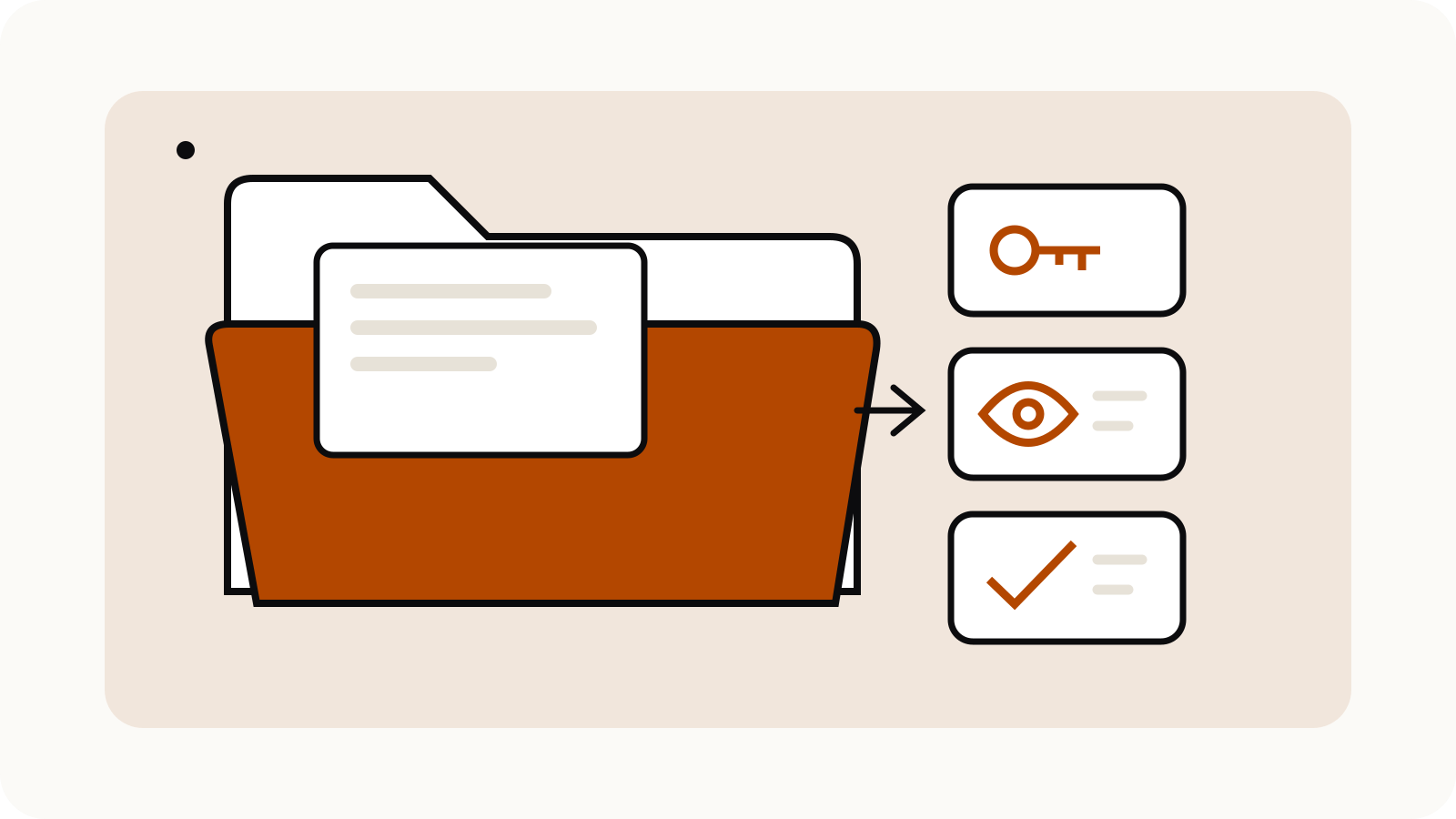
OpenAI distinguishes two member roles: chat access lets a member see and use the project’s chats, files and instructions; edit access also permits changes to instructions and files and invitations to other people. The owner controls membership and permissions. See the official Projects in ChatGPT guide.
For a study group, that might mean one editor maintains the agreed reading pack while everyone else asks questions. For a volunteer newsletter, the editor could keep the style instructions and approved facts, with contributors using chat access to draft sections.
Those are suggested arrangements, not restrictions imposed by ChatGPT. Choose the arrangement that fits who is responsible for the shared material. Give editing access deliberately: changing a source document or instruction can affect other people’s work.
Decide how people will join
An invite-only project gives you a named membership list to check. An anyone-with-the-link project allows a logged-in person with that link to join. Managed workspaces can apply additional sharing restrictions.
Before sharing a link, decide where it will be pasted, who can forward it and who will review membership later. A link placed in a large group can travel beyond the people who were present when it was created.
A simple invitation note could be:
This project is for the October reading group. Please use the supplied readings and identify the document behind each factual answer. Ask the editor before adding a new source or inviting another member.
Write the note for your actual group. It should explain the intended use without pretending to replace the product’s permissions.
Check the owner’s plan limits
OpenAI lists these shared-project collaboration limits:
| Owner’s plan | Files | Collaborators |
|---|---|---|
| Free | 5 | 5 |
| Go or Plus | 25 | 10 |
| Pro | 40 | 100 |
Business, Enterprise and Edu workspace projects support up to 40 files and 100 collaborators, subject to workspace controls. File uploads also have separate size, rate and storage restrictions; see ChatGPT file upload limits.
The table combines OpenAI’s project documentation with its file upload guidance.
Plan the reading pack before uploading it. A short index explaining what each file is for can be more useful than several similarly named drafts. Keep superseded versions outside the working pack until somebody decides which version is authoritative.
Keep the shared context appropriate
Shared projects use project-only memory and do not draw on a member’s personal memories or conversations outside that project. That boundary does not make material inside the project private from its members. OpenAI says information added to a shared project may appear in responses visible to other members.
Treat each proposed upload as something the whole group may use. Remove unrelated personal details, check permission to share the document and give files clear names. For a fictional newsletter example, event-dates-approved.pdf is a clearer source label than notes-final-v7.pdf.
Give the group a usable starting prompt
This original template keeps the first task narrow:
Use only the project sources to prepare a brief for [audience]. Start with the question we need to answer. For each factual point, name the source file and section. Separate agreed facts from unresolved questions. If the sources conflict, show the conflicting passages and ask which version should govern. Do not fill missing dates, names or figures.
Replace the brackets before sending it. Check the answer against the original documents; a requested citation is a way to make checking easier, not proof that the model has read a source correctly.
Review before the next cycle
At the end of a recurring task, review the member list, source pack and instructions together. Keep a record of which output was approved and where it will be used. Ask one person to own this housekeeping so different members do not silently replace each other’s context.
For a one-off private conversation instead, read ChatGPT Temporary Chat. For practice sessions, the separate Study Mode guide explains that workflow.