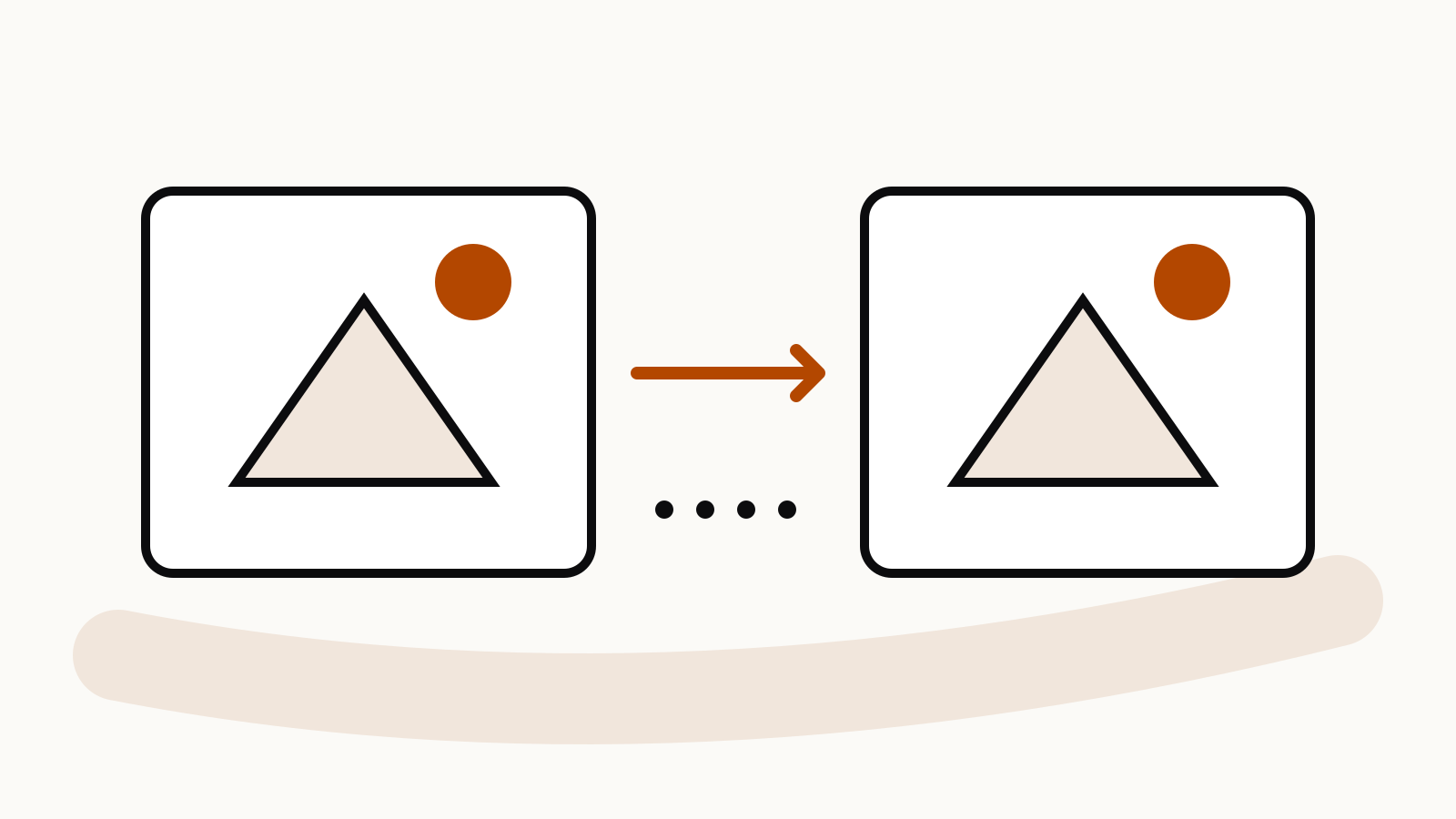
The Midjourney seed parameter fixes the starting point for an image comparison. Keep the prompt, model and settings together; the number alone does not save a style or guarantee identical output.
A useful comparison needs more than a repeated number. Keep the model, prompt and settings together, change one element, and judge the result against a question you chose beforehand. Otherwise a different image can tell you very little about which change mattered.
Documentation checked: 1 November 2026.
The examples below are proposed comparison prompts, not results from a hands-on test.
On this page
What a seed controls
According to Midjourney’s Seeds documentation, a seed sets the initial noise from which an image develops. Add --seed followed by a whole number from 0 to 4294967295. Without that parameter, Midjourney selects a random starting point.
The vendor presents seeds as an aid for experiments, rather than a guarantee of identical output. It says V8.X seeds are approximately 99% identical, while warning that prompt, version and setting changes can alter the result. Do not translate that claim into a promise of pixel-for-pixel reproduction.
Write a comparison question first
Start with a narrow question: does naming the light direction make the object easier to read, or does a tighter frame remove too much context? Avoid asking whether one image is simply “better.” That invites you to select whichever result happens to appeal most.
For an illustration brief, your checklist might be:
- Is the focal object immediately recognisable?
- Does the requested viewpoint survive?
- Is there enough empty space for the intended placement?
- Are unwanted objects introduced?
- Which specific difference would make you change the prompt?
These are editorial criteria you choose. A seed cannot decide them for you.
A two-prompt example
Use an invented object and a simple setting so the comparison stays easy to inspect:
a small unbranded ceramic jug on a plain table, soft window light,
front view, restrained editorial still life --ar 3:2 --seed 38172
Then change only the light instruction:
a small unbranded ceramic jug on a plain table, hard side light,
front view, restrained editorial still life --ar 3:2 --seed 38172
Keep the same model selected in both runs. If you also change the aspect ratio, styling and subject, you have a new brief rather than a controlled comparison. Our aspect-ratio guide explains the framing decision separately.
Keep a small experiment record
A simple table prevents a promising result from becoming an undocumented favourite.
| Record | What to keep |
|---|---|
| Question | The single difference you want to evaluate |
| Baseline | Complete prompt and selected model |
| Change | The exact words or setting changed |
| Starting point | The seed used |
| Observation | What you can actually see |
| Decision | Keep, reject or test again |
Write observations concretely. “The jug is cropped at the handle” is useful. “The prompt is more professional” is difficult to act on. Keep the complete prompt rather than a note saying “same as before.”
Find the seed of an existing result
On the Midjourney website, open one of your images from Create or Organize, use the options near its prompt and select Copy → Seed. In Discord, the official instructions use the envelope reaction to request the seed by direct message.
Midjourney warns against relying on seed locking in Turbo mode or across separated sessions. If an old comparison no longer reproduces as expected, record that limitation instead of repeatedly changing the prompt to force a match.
Use another control for another problem
A seed is a poor substitute for a style reference or an editing workflow. If the problem is visual language, use a style reference. If an existing object must remain recognisable, inspect the relevant image-reference or editing features. The image prompt and style-reference comparison helps separate those jobs.
For a prompt that is being overwhelmed by default styling, review Raw mode. For missing or unwanted objects, inspect the subject description and exclusion parameter before changing every control at once.