A good Gemini Deep Research prompt states the goal, who the report is for and what the report must cover, then lets you fix the rest in the research plan Gemini shows before it starts. You do not need a perfect first prompt: Google’s own advice is to start simple and use Edit plan. The templates below give Deep Research enough to plan well, and the steps after them use the controls Google documents.
On this page
How Deep Research uses your prompt
Deep Research does not answer straight away. Google’s Deep Research help page (checked November 16, 2026) describes the flow:
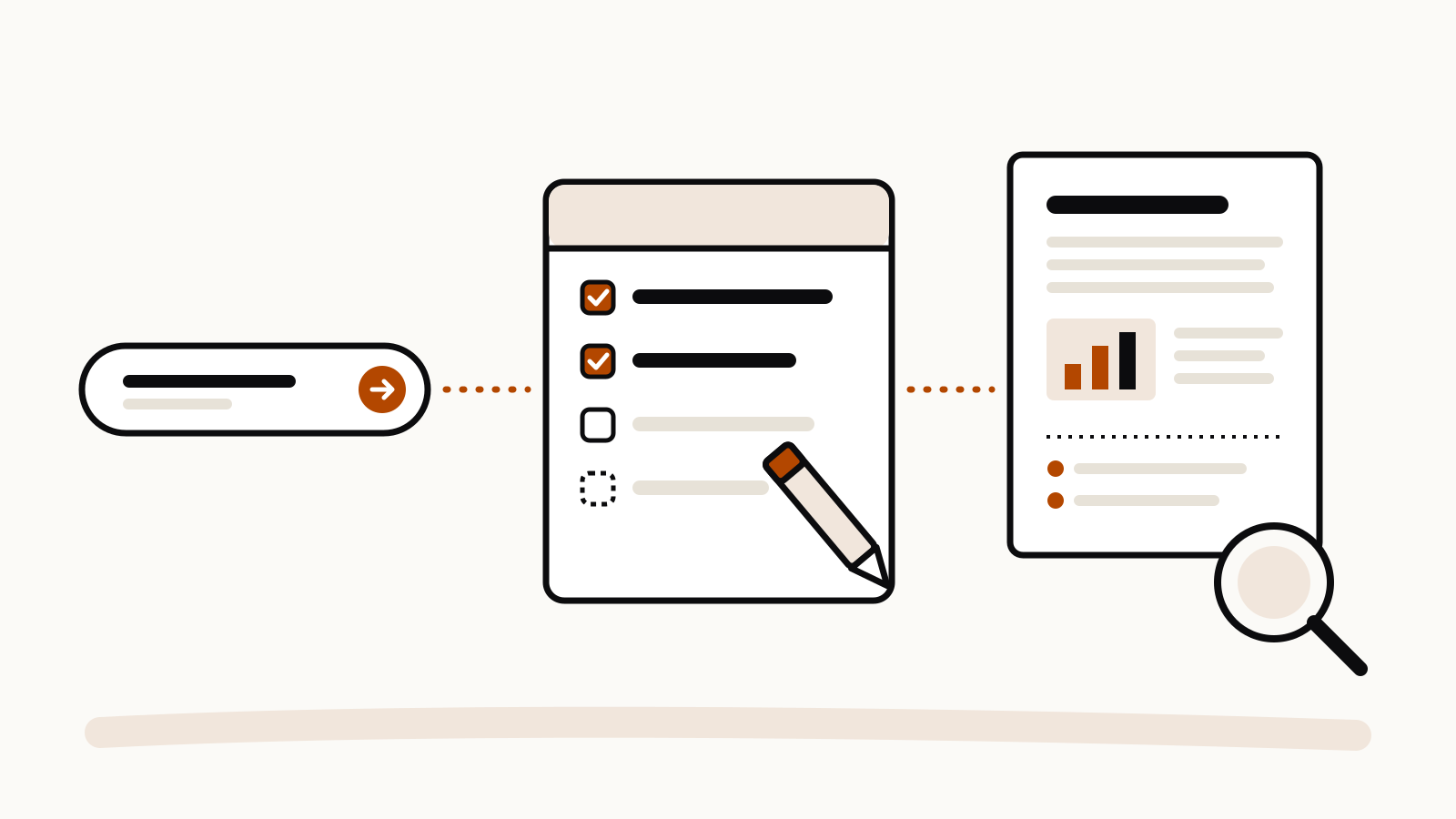
- In Gemini, choose Deep Research, optionally add files and pick Sources, then enter what you want researched.
- Gemini writes a research plan. Click Edit plan to change it, then Start research.
- Reports usually take 5 to 10 minutes. You can leave the chat; Gemini tells you when the report is ready.
- Open the report, ask follow-up questions, and share, export to Docs or copy it.
So the prompt’s job is to produce a good plan. The plan is where you see what Gemini thinks you asked for, and where a wrong guess costs one edit instead of a ten-minute report.
Five things to put in the prompt
| Part | Why it matters | Example |
|---|---|---|
| Goal | The plan is built around it | “I need to choose a [project management tool] for a team of 12” |
| Reader | Sets depth and tone | “for a non-technical manager” |
| Must cover | Becomes plan steps | “pricing, data export, offline use” |
| Limits | Keeps the search focused | “only tools available in the EU”, “sources from 2026” |
| Output | Shapes the report | “end with a comparison table and a recommendation” |
Google’s six Deep Research tips add one rule before all of these: decide whether the task needs Deep Research at all. A quick definition belongs in a normal chat. Deep Research suits questions that need many sources.
Templates to copy
Compare options before a decision
I need to choose [a robot vacuum] for [a two-floor flat with pets]. Research the main options available in [my country] this year. Cover price range, maintenance costs, noise, app features and common complaints in owner reviews. Leave out sponsored rankings. End with a comparison table and the two best fits for my situation, with the reasons.
Get up to speed on a topic
I start a new role in [supply-chain planning] next month and know little about it. Research the core concepts, the standard tools and the terms a beginner hears in the first weeks. Explain each term in plain English, list three reliable sources to read next, and keep the report under [2,000] words.
Local research
I am planning [a birthday dinner for 10 people] in [neighbourhood, city] on [date]. Find restaurants that take group bookings, have [vegetarian] options and are reachable by public transport. Include price level, booking method and opening hours from each restaurant’s own page where possible.
Google’s tips name local questions as a good fit, because Deep Research can draw on local sources.
Research your own files
Using the attached [course notes and two articles], build a study guide on [topic]. Start with a one-paragraph summary, then the key ideas in order, then ten practice questions with answers. Use only the attached files and do not search the web.
To keep the research to your files, deselect Google Search under Sources. Google says Search is included by default and can be turned off.
Check a claim
A colleague says [a four-day work week raises productivity]. Research what reliable sources say about this claim. Separate strong evidence from weak evidence and opinion, note where sources disagree, and finish with a short, plain verdict and its limits.
Fix the plan, not the prompt
When the plan appears, read every step before you start. Use Edit plan in plain language:
- “Drop step 4, I already know the history.”
- “Add a step on running costs over three years.”
- “Use sources from this year only.”
Google’s tip is to state the end goal plainly, for example “I want to find a great summer camp in New York for my 10-year-old”, and let the plan fill in the steps. Editing the plan is faster than rewriting the prompt.
After the report
- Ask follow-ups in the same chat. Google says Deep Research either answers from the research it has done or searches again, and can add to the report, as in its example: “add camp cost details to my report.”
- Watch the sources. Google’s tips mention Show thinking, which shows the steps while a report runs, and Sites browsed, a list of the sites it reads. Open any of them in a new tab while you wait.
- Export. In the Canvas panel, Share & export offers Share Canvas, Export to Docs and Copy Contents. Google says the Docs export keeps all citations in a works cited section.
- Listen. Create in the Canvas panel can turn the report into an Audio Overview.
Who can use it
Google’s help page says you must be 18 or over and signed in. All users can run Deep Research with Thinking; Google AI Pro and Ultra subscribers can use Pro for higher quality and get higher report limits. Limits apply to daily research requests and to how many run at once, and Gemini warns you near the daily limit. Our Gemini usage limits guide covers the plan limits in general.