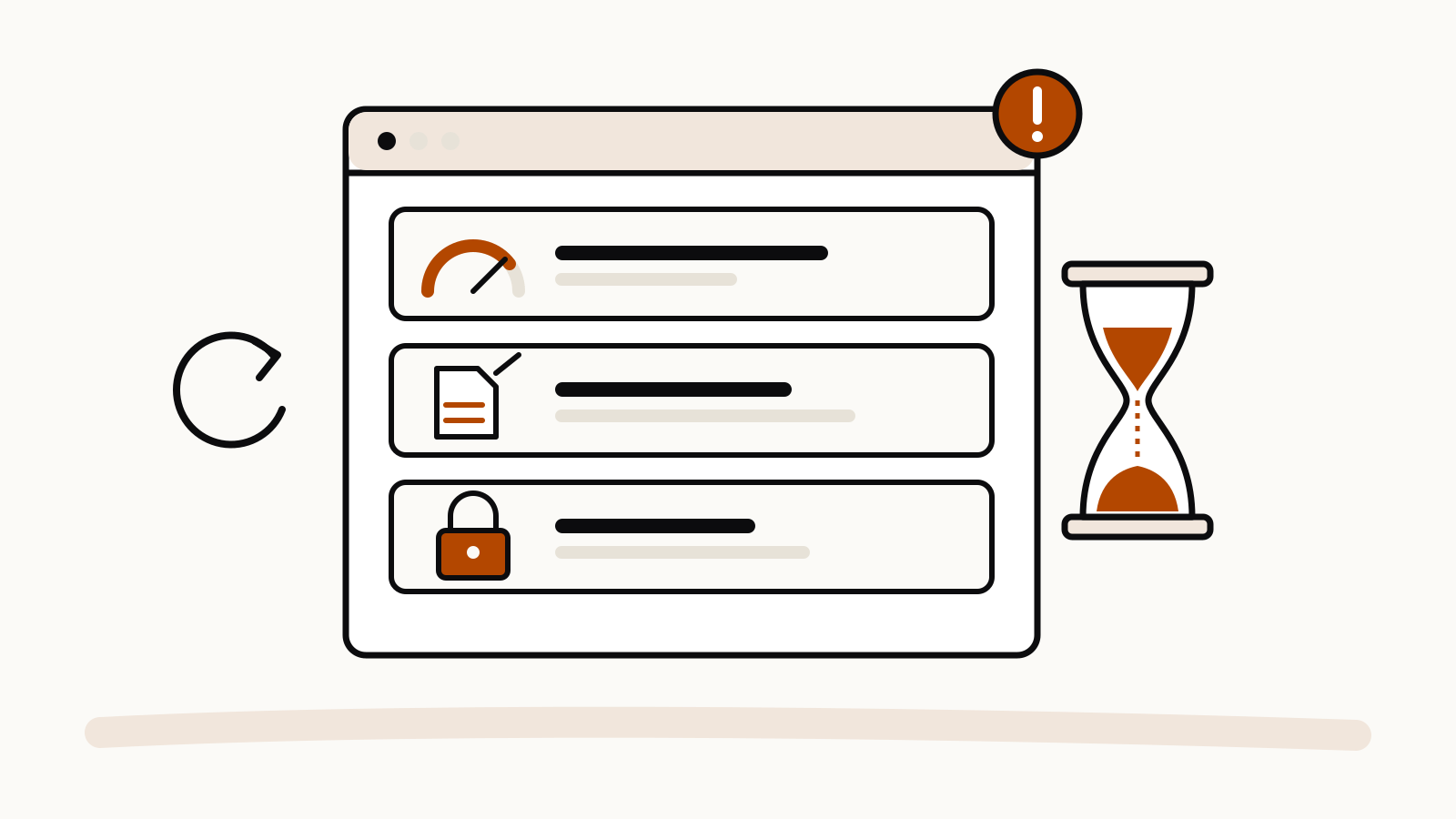
Most Claude error messages fall into five groups that Anthropic documents: usage limits, length limits, login errors, capacity constraints and real outages. Each one has a different fix, so read the exact wording first. The table below matches each message to its cause, and the sections after it give the steps Anthropic recommends, as listed on its Troubleshoot Claude error messages page (checked November 16, 2026).
On this page
Claude error messages at a glance
| Message you see | What it means | First thing to try |
|---|---|---|
| “Approaching session limit” or “Approaching weekly limit.” | A warning: you are close to a plan limit | Finish the current task, or turn on usage credits |
| “5-hour limit reached - resets [time]” | Your five-hour session limit is used up | Wait for the time shown |
| “You’ve reached your weekly limit. It resets [day] at [time].” | Your weekly limit is used up | Wait, or use usage credits on a paid plan |
| “Your message will exceed the length limit for this chat…” | The message is longer than the maximum input | Split it, shorten it or start a new chat |
| “There was an error logging you in” | A generic login error | Turn off VPN and extensions, clear cookies |
| “Due to unexpected capacity constraints, Claude is unable to respond to your message…” | High demand across all users | Wait a few minutes and try again |
Usage limit warnings and errors
Anthropic says: “Your plan has a weekly limit and, except on verified Ultra accounts, a five-hour session limit.” It adds that “some plans have an additional weekly limit that applies specifically to Fable.”
Warnings come first. You may see “Approaching session limit”, “Approaching weekly limit.” or “You’ve used X% of your weekly limit.” Errors appear when a limit is reached and you have no usage credits turned on: “5-hour limit reached - resets [time]” or “You’ve reached your weekly limit. It resets [day] at [time].”
What to do, in Anthropic’s order:
- Wait until the limit resets at the time the message shows.
- Read Anthropic’s usage limit best practices to make your usage go further.
- On a paid plan, turn on usage credits in Usage settings. Work then continues until “you reach your monthly spend limit or your usage credit balance runs out with auto-reload off.”
- If the warning stays after you switch to credits, send another request. The message should change to “Now using credits”.
How the two windows work, plan by plan, is explained in our Claude usage limits guide and on the Claude Pro limits page of the limits tracker.
“Your message will exceed the length limit for this chat”
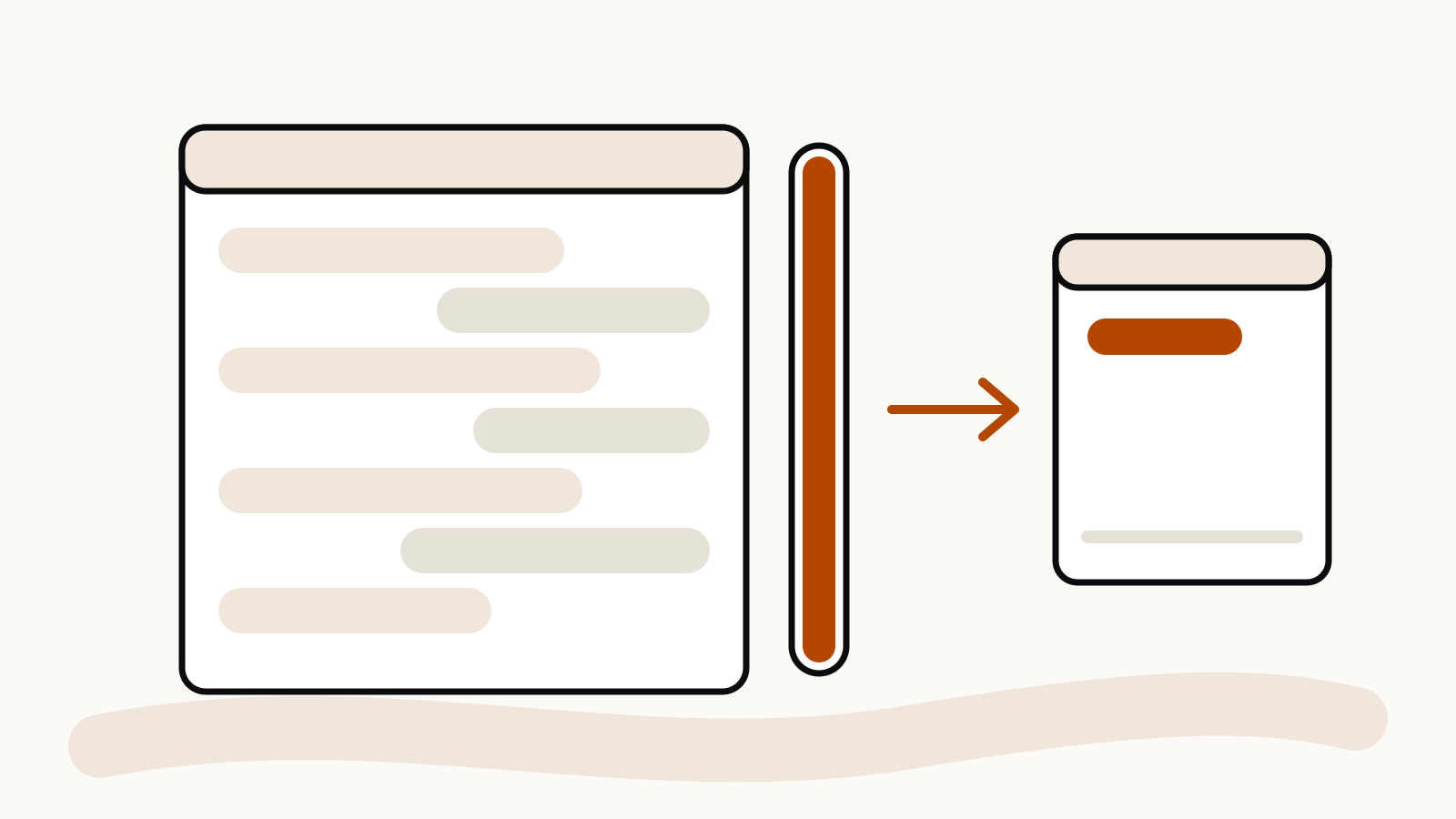
The full message reads: “Your message will exceed the length limit for this chat. Try attaching fewer or smaller files or starting a new conversation.” It means the message you are sending is longer than the maximum input, which is a different thing from a usage limit. Our page on Claude usage vs length limits explains the difference.
Anthropic says the error should be rare on paid plans with code execution turned on, because “Claude automatically manages long conversations by summarizing earlier messages when context limits are approached,” and “your full chat history is preserved so Claude can reference it even after summarization.”
Fixes Anthropic lists:
- Split the content into smaller chunks and send them one at a time.
- Summarize or pull out the key sections before you send them.
- Ask Claude to find the most relevant parts of the content first.
- Start a new conversation.
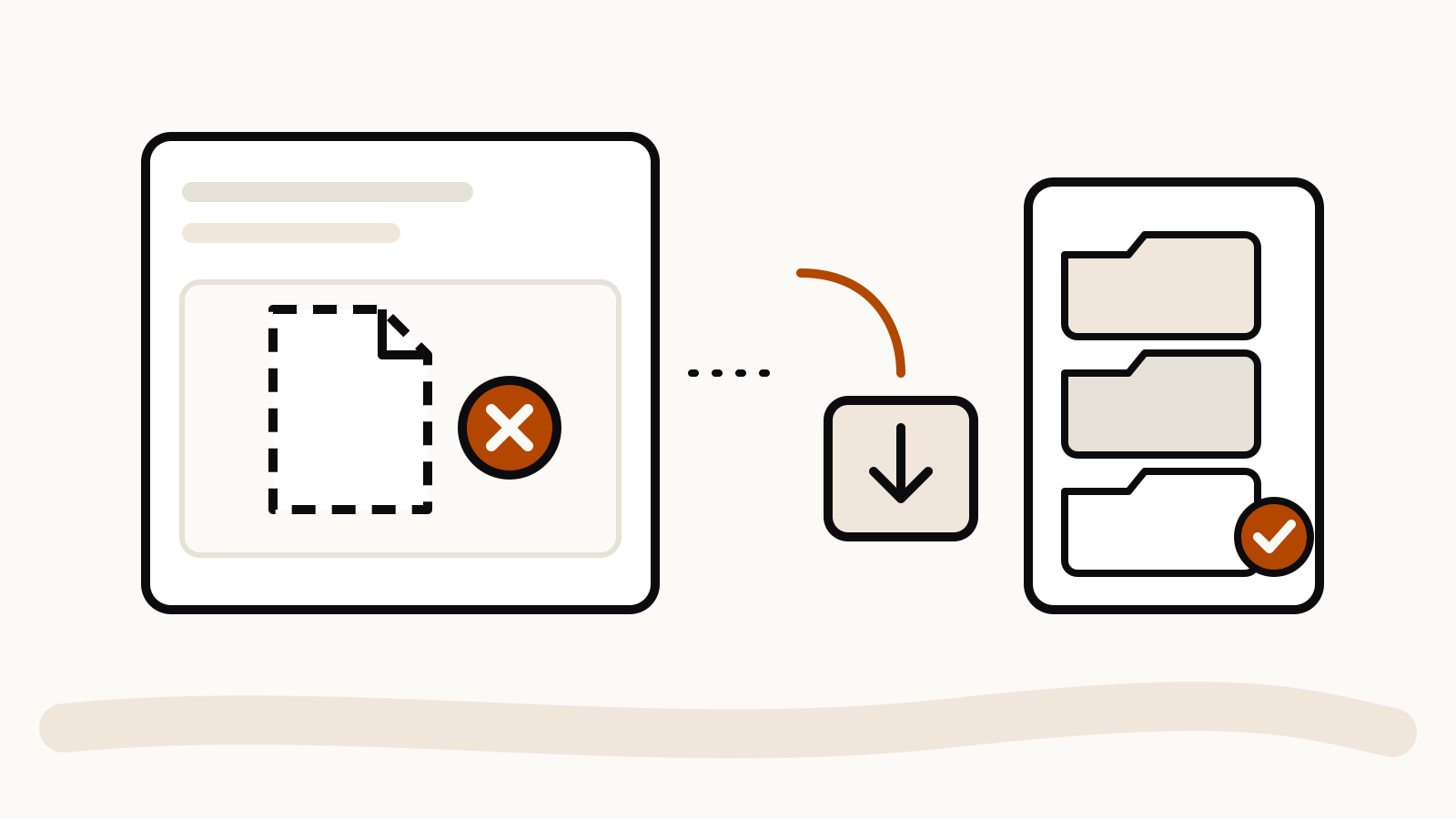
If the problem is one large file rather than a long chat, see Claude uploaded file is too large.
“There was an error logging you in”
Anthropic calls this a generic login error, usually caused by network tools or data stored in the browser. Try these steps in order:
- Turn off any VPN.
- Disable browser extensions.
- Clear the browser’s cache and cookies.
- If it still fails, check status.claude.com for an active incident.
Email-link problems and other sign-in cases are covered in our Claude login not working guide.
“Due to unexpected capacity constraints, Claude is unable to respond”
This message ends with “Please try again soon.” Anthropic is explicit: “Capacity constraints are not outages.” The system is working, but demand is high across all users, and Anthropic says these issues “typically resolve as demand patterns shift throughout the day.” Capacity constraints do not appear on the status page.
The fix is to wait a few minutes and send the message again. Keep the chat open so you do not lose your draft.
When Claude is down for everyone
Anthropic separates capacity messages from incidents, where Claude is unavailable or badly degraded for most or all users. There is no single error text for an incident. If several messages fail in a row and the steps above do not help, open status.claude.com to see whether an incident is active and how it is progressing.