On October 1, 2026, Anthropic started the Claude artifact usage promotion, a two-week offer that makes docs, slide decks and designs in Claude count half as much against your five-hour session limit. It runs through October 15 on Pro, Max and Team plans and applies automatically, according to the Claude Help Center.
On this page
Artifact work uses 50% less of the five-hour limit
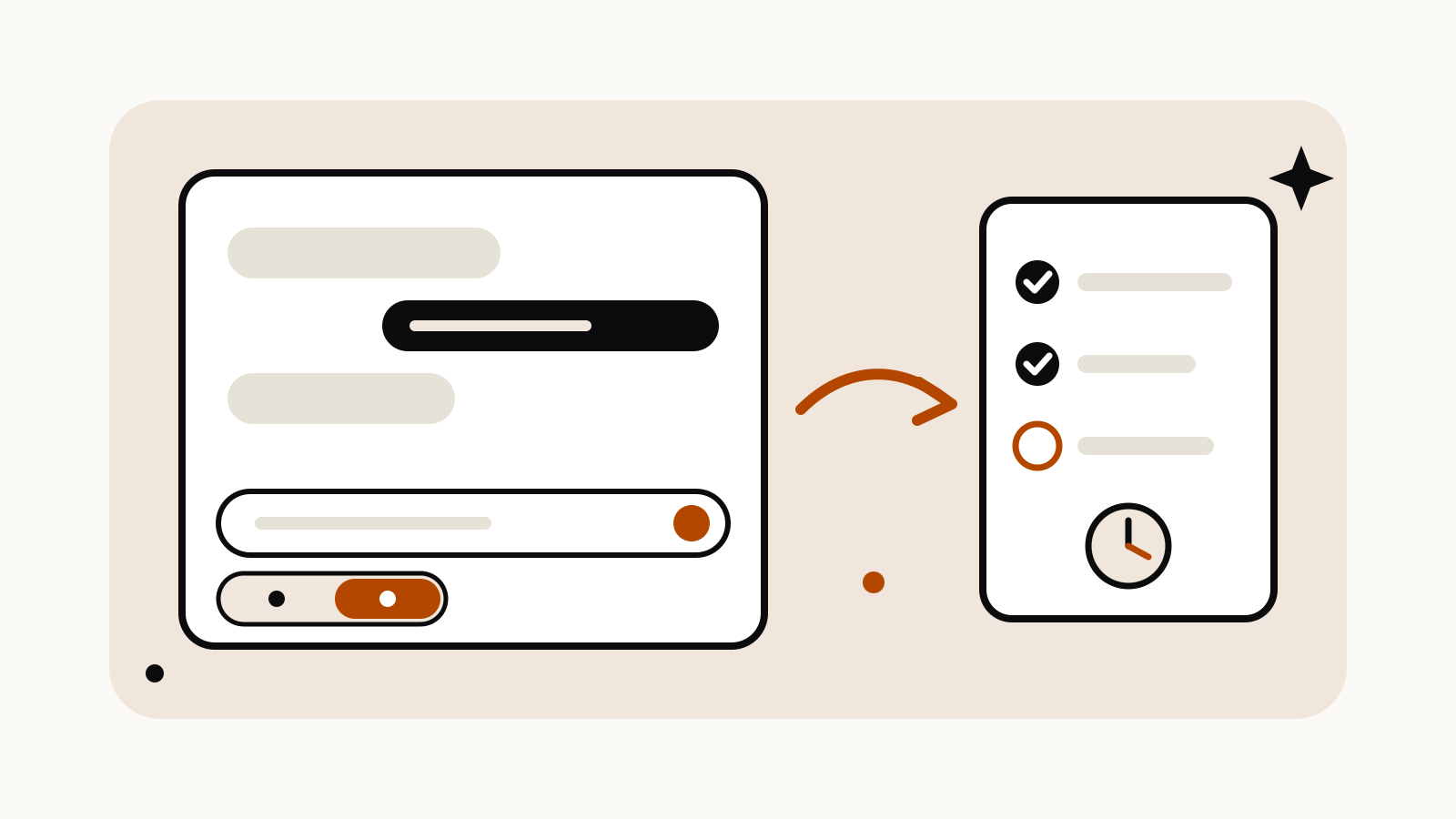
When Claude creates or edits an artifact, such as a doc, a deck or a design, a portion of the work that follows uses 50% less of your five-hour session limit. When that discounted stretch ends, messages count at the standard rate until Claude creates or edits an artifact again, which restarts the count.
The discount applies to the five-hour session limit only. Anthropic states that it doesn’t change your weekly usage limit, so a long design session still counts in full toward the week.
Pro, Max and Team plans get it until October 15
The promotion is available on Pro, Max and Team plans. Free plans and all Enterprise plans, both seat-based and usage-based, are excluded. The terms give the window as October 1, 2026 at 11:00 AM PT (18:00 UTC) through October 15, 2026 at 11:59 PM PT (06:59 UTC on October 16). There is no code or setting to turn on.
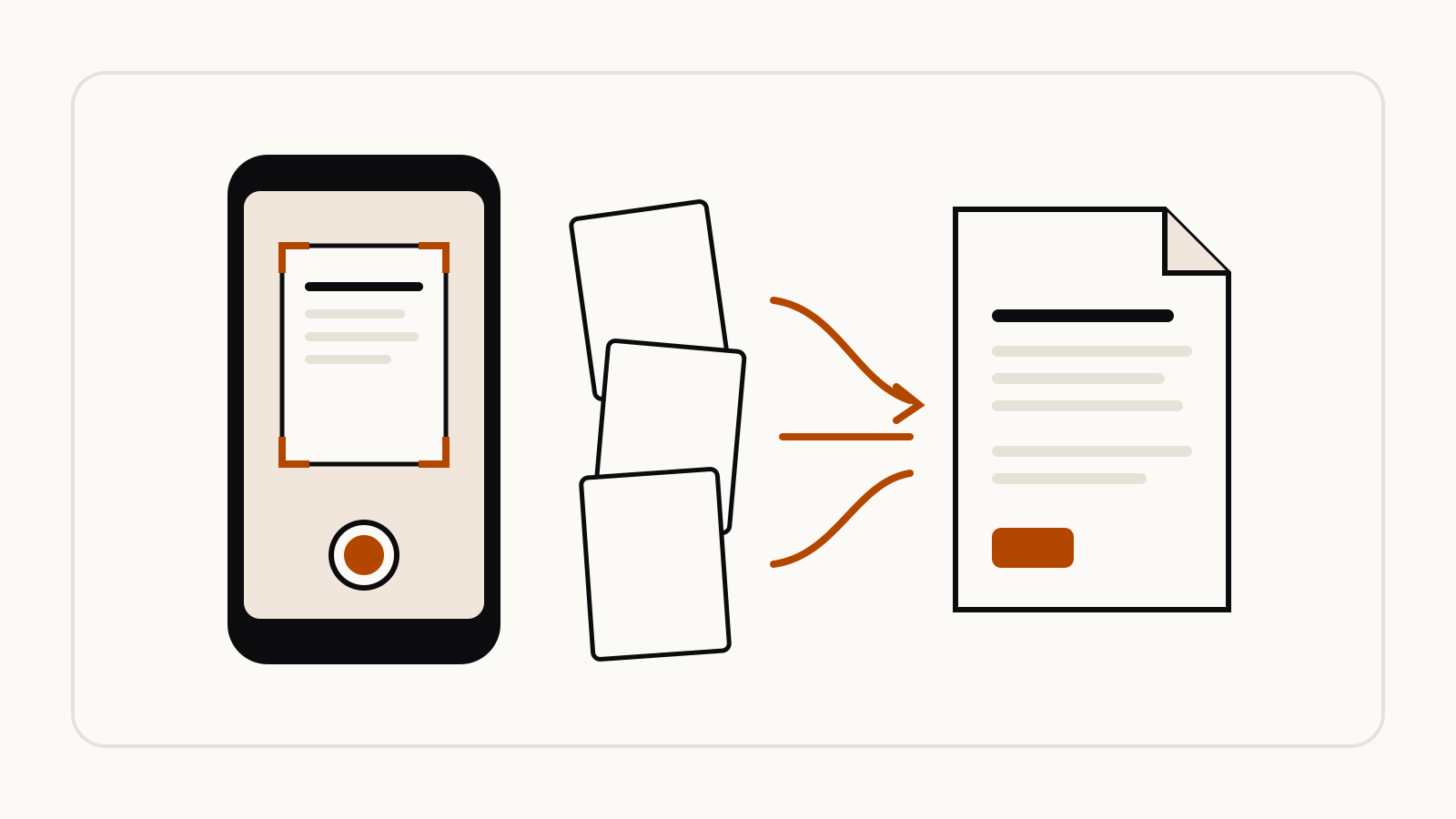
It covers chats in Claude on web, desktop and mobile, and tasks in Claude Cowork in the cloud. It doesn’t cover Claude Code, the Claude API, Claude in Slack, Cowork tasks that run locally on desktop, scheduled or unattended tasks, usage credits, artifacts made with the earlier version of artifacts, Google Docs, Sheets or Slides made through the Google Drive connector, or work in the standalone Claude Design app. Designs you make in Claude itself are included: choose Design from the Output menu.
How the discount is counted in chats
- 10 messages per artifact. After Claude creates or edits an artifact, your next 10 messages in that chat are discounted. Then the standard rate applies until the next create or edit.
- 15 steps per reply. Claude works in steps, such as running a search, using a tool or updating the artifact. Only the first 15 steps of each reply can be discounted; later steps in that reply count at the standard rate.
- How you start matters. If you open a new chat by choosing Document, Presentation or Design from the Output menu, the discount applies from your first message. If you ask for an artifact partway through a regular chat, the message where Claude first creates it counts at the standard rate, and the next 10 are discounted.
In cloud Cowork tasks, a task started from Document, Presentation or Design is discounted for about its first 45 minutes. In any other cloud task, up to the next 80 steps after Claude creates or edits an artifact can be discounted.
If you have usage credits turned on and a message draws on them, that message is billed at the standard rate.
How to prompt it
Anthropic hasn’t published example prompts for this promotion. The practical step from its rules is where you start: pick Document, Presentation or Design in the Output menu before your first message so that message is discounted too. For Anthropic’s general prompting advice, see our guide to Claude prompts.