A Gemini AI photoshoot prompt works like a brief to a photographer: name the subject, the pose, the set, the framing, the light and the lens, then say what must stay the same if you upload your own photo. Google’s own headshot prompt follows that order, and the templates below use it for portraits, products and fashion shots.
On this page
How a photoshoot works in Gemini
Gemini makes and edits images with its image model, Nano Banana. On the Gemini image page, Google says to select “Create images” from the tools menu, pick the Fast, Thinking or Pro model, then add a prompt or upload an image to edit. Google AI Pro, Plus and Ultra subscribers can also regenerate an image with Nano Banana Pro through “Redo with Pro”.
There are two kinds of shoot:
- From scratch. You describe a model, product or scene that does not exist yet. Everything comes from the prompt.
- From your photo. You upload a selfie or a product photo and ask Gemini to restage it. The prompt then needs a line that locks what must not change, such as the face or the product’s shape. Editing images in the Gemini app requires you to be 18 or over (Gemini Apps Help).
Our guide on how to use Nano Banana covers the app menus step by step, and the Gemini free limits page lists what the free plan allows.
The photoshoot formula: subject, action, set, framing, style
Google Cloud’s prompting guide for Nano Banana gives a five-part formula for new images: [Subject] + [Action] + [Location/context] + [Composition] + [Style]. Its own example is a fashion studio shot:
A striking fashion model wearing a tailored brown dress, sleek boots, and holding a structured handbag. Posing with a confident, statuesque stance, slightly turned. A seamless, deep cherry red studio backdrop. Medium-full shot, center-framed. Fashion magazine style editorial, shot on medium-format analog film, pronounced grain, high saturation, cinematic lighting effect.
The same guide then asks you to “prompt like a Creative Director” with four extra controls:
| Control | What Google suggests writing |
|---|---|
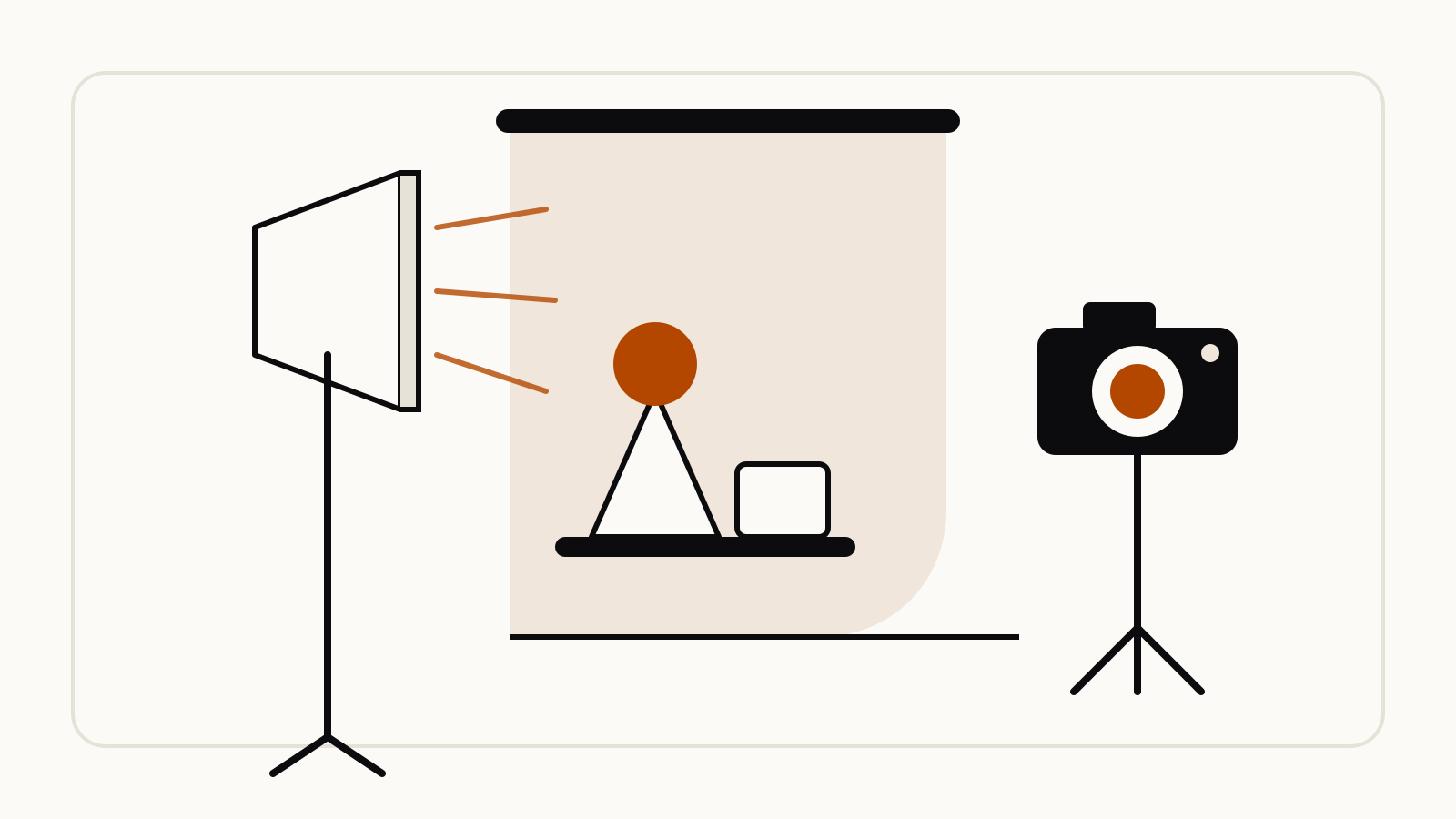
| Lighting | “three-point softbox setup” for even product light, or “Chiaroscuro lighting with harsh, high contrast” for drama |
| Camera and lens | A camera type (a GoPro, a Fujifilm camera, a cheap disposable camera), a “low-angle shot with a shallow depth of field (f/1.8)”, a “wide-angle lens” or a “macro lens” |
| Color and film | “as if on 1980s color film, slightly grainy” or “Cinematic color grading with muted teal tones” |
| Materials | Exact fabrics and surfaces, such as “navy blue tweed” instead of “a suit jacket” |
Google’s Nano Banana Pro tips add the frame: state the aspect ratio, for example “A 9:16 vertical poster”, so the shot fits where you will post it.
Google’s official photoshoot prompts
Studio headshot from a selfie
The Gemini app’s account on X, @GeminiApp, posted this headshot prompt with five tips on September 29, 2025. Upload a clear, well-lit photo of yourself first:
A professional, high-resolution, profile photo, maintaining the exact facial structure, identity, and key features of the person in the input image. The subject is framed from the chest up, with ample headroom and negative space above their head, ensuring the top of their head is not cropped. The person looks directly at the camera, and the subject's body is also directly facing the camera. They are styled for a professional photo studio shoot, wearing a smart casual blazer. The background is a solid '#141414' neutral studio. Shot from a high angle with bright and airy soft, diffused studio lighting, gently illuminating the face and creating a subtle catchlight in the eyes, conveying a sense of clarity. Captured on an 85mm f/1.8 lens with a shallow depth of field, exquisite focus on the eyes, and beautiful, soft bokeh. Observe crisp detail on the fabric texture of the blazer, individual strands of hair, and natural, realistic skin texture. The atmosphere exudes confidence, professionalism, and approachability. Clean and bright cinematic color grading with subtle warmth and balanced tones, ensuring a polished and contemporary feel.
To change the look, swap one block at a time: the outfit (“smart casual blazer”), the backdrop color code, or the light. For a moodier version, our library has a black-and-white studio headshot prompt.
Product photoshoot
The Gemini API image guide has a template for “Product mockups & commercial photography”:
A high-resolution, studio-lit product photograph of a [product description] on a [background surface/description]. The lighting is a [lighting setup, e.g., three-point softbox setup] to [lighting purpose]. The camera angle is a [angle type] to showcase [specific feature]. Ultra-realistic, with sharp focus on [key detail]. [Aspect ratio].
Google’s filled-in example is a matte black ceramic mug on polished concrete, shot at “a slightly elevated 45-degree shot”; it is in our library as the matte black mug product photo. For a darker set, see the low-key studio product photo listing.
Themed portrait shoots
Google’s Gemini image page suggests a one-line restyle for an uploaded photo:
Turn this into a retro-style mall studio portrait.
Google has also built ready-made shoots on the same model. Its Nano Banana tips post describes PictureMe, built in Canvas in the Gemini app: you upload a photo, choose a theme such as “'80s Mall Shoot” or “Pro Headshots”, and get six images in that style. Google Photos added templates such as “put me in a high fashion photoshoot” and “create a professional headshot” to its Create tab on Android in the U.S. and India, for users 18 and older.
Community photoshoot prompts
These were shared on X for specific shoots that the official examples do not cover. We quote the prompt text; open each post to see the author’s own images. Several are collected with their links in the Awesome Nano Banana images collection on GitHub, which is where the English text of the third prompt comes from.
Miniature product between two fingers. Shared by @azed_ai on X for “tiny, adorable product shots that look like high-end ads”. Replace [PRODUCT]:
A high-resolution advertising photograph of a realistic, miniature [PRODUCT] held delicately between a person's thumb and index finger. clean and white background, studio lighting, soft shadows. The hand is well-groomed, natural skin tone, and positioned to highlight the product's shape and details. The product appears extremely small but hyper-detailed and brand-accurate, centered in the frame with a shallow depth of field. Emulates luxury product photography and minimalist commercial style.
Exploding ingredients around a product. Shared by @icreatelife on X for food and drink packshots. Upload your product photo first:
Photograph this product in a dramatic modern scene accompanied by explosive outward dynamic arrangement of the key ingredients fresh and raw flying around the product signifying its freshness and nutritional value. promo ad shot, without text, product is emphasized, with the key brand colors as background.
Copy a pose into a studio shot. Shared by @ZHO_ZHO_ZHO on X, who wrote that it saves time on studio shoots. Upload the person as the first image and a pose reference, such as a line drawing, as the second:
Change the pose of the person in Figure 1 to that of Figure 2, and shoot in a professional studio
Swap the outfit. Shared by @skirano on X, who uploaded a photo of a person and a photo of a shirt with five words:
Put this shirt on him
Short prompts like the last two lean on the uploads to carry the detail. If the result drifts, add the “keep” line from Google’s headshot prompt: “maintaining the exact facial structure, identity, and key features of the person in the input image”.
Fixes for photoshoots that go wrong
| Problem | What to try |
|---|---|
| The face no longer looks like you | Put the “maintaining the exact facial structure” line first. After many edits, Google’s developer guide suggests starting a new conversation with a detailed description. |
| The background is busy | Describe the empty set you want, such as “a solid neutral studio backdrop”, rather than listing what to remove. Google’s developer guide calls this a “semantic negative prompt”. |
| The shot is cropped wrong | Name the framing (“from the chest up, with ample headroom”) and the aspect ratio. |
| Several people or products mix up | Say what each upload is for. The Nano Banana Pro tips suggest wording like “Use Image A for the character’s pose, Image B for the art style”. |
| Light looks flat | Name a setup: softbox, rim light, golden hour backlight or chiaroscuro. |
Upload photos of other people only with their consent. Google’s API documentation says generated images carry an invisible SynthID watermark.