To prompt for Veo 3 or Veo 3.1, Google’s cinematography-first formula works best: name the camera move and shot type before the subject, action, context and style, then add dialogue in quotation marks and sound effects as explicit labels.
That order is Google’s own. The company’s prompting guide for Veo 3.1 gives the formula as [Cinematography] + [Subject] + [Action] + [Context] + [Style & Ambiance] (Google Cloud, 16 October 2025). What separates a 3.1 prompt from the generic advice is where the detail goes: shot and lens vocabulary at the front, speech and sound effects written out as explicit direction, and longer sequences assembled either from reference frames or from timecodes inside one generation.
On this page
The cinematography-first prompt formula
Putting the camera first changes what the model has to resolve. Instead of inferring a framing from the action, it is handed one, and the subject and action then fill a shot that already exists. A prompt following the documented order reads as five slots: the shot and movement, who or what is in it, what they do, where it happens, and the look and mood that governs the whole thing (Google Cloud, 16 October 2025). Treat that as a checklist rather than a sentence template, since a slot you leave empty is a decision the model makes for you.
Camera, composition and lens terms Veo 3.1 understands
The guide names the vocabulary it expects in the cinematography slot, grouped by what each term controls (Google Cloud, 16 October 2025):
- Camera movement: dolly, tracking, crane, aerial, slow pan, POV
- Composition: wide shot, close-up, extreme close-up, low angle, two-shot
- Lens and focus: shallow depth of field, wide-angle, soft focus, macro, deep focus
These are film-crew words with settled meanings, which is the point of using them. A prompt asking for a low-angle two-shot with shallow depth of field is narrower than one asking for a dramatic framing, and it stays legible when you reuse the same wording across several clips.
Negative prompts: describe the frame you want
Google’s guidance is to phrase what you want rather than what to exclude. Its own comparison prefers “a desolate landscape with no buildings or roads” to “no man-made structures” (Google Cloud, 16 October 2025). The preferred version still rules things out, but it does so inside a positive description of the scene, so the model has something to render instead of a prohibition to satisfy.
Dialogue and audio direction
Veo 3.1 prompts carry their own sound design, and the guide asks for three things to be made explicit (Google Cloud, 16 October 2025). Speech goes in quotation marks, attributed to a speaker, as in the guide’s example: A woman says, “We have to leave now.” Sound effects get labelled rather than implied, written in the form “SFX: thunder cracks in the distance”. Ambient noise is defined in the prompt instead of left to the model’s sense of the location, which matters most in scenes where the room tone carries the mood.
Multi-shot and advanced workflows
Three workflows in the guide go beyond a single prompt, each with example prompts on the page (Google Cloud, 16 October 2025).
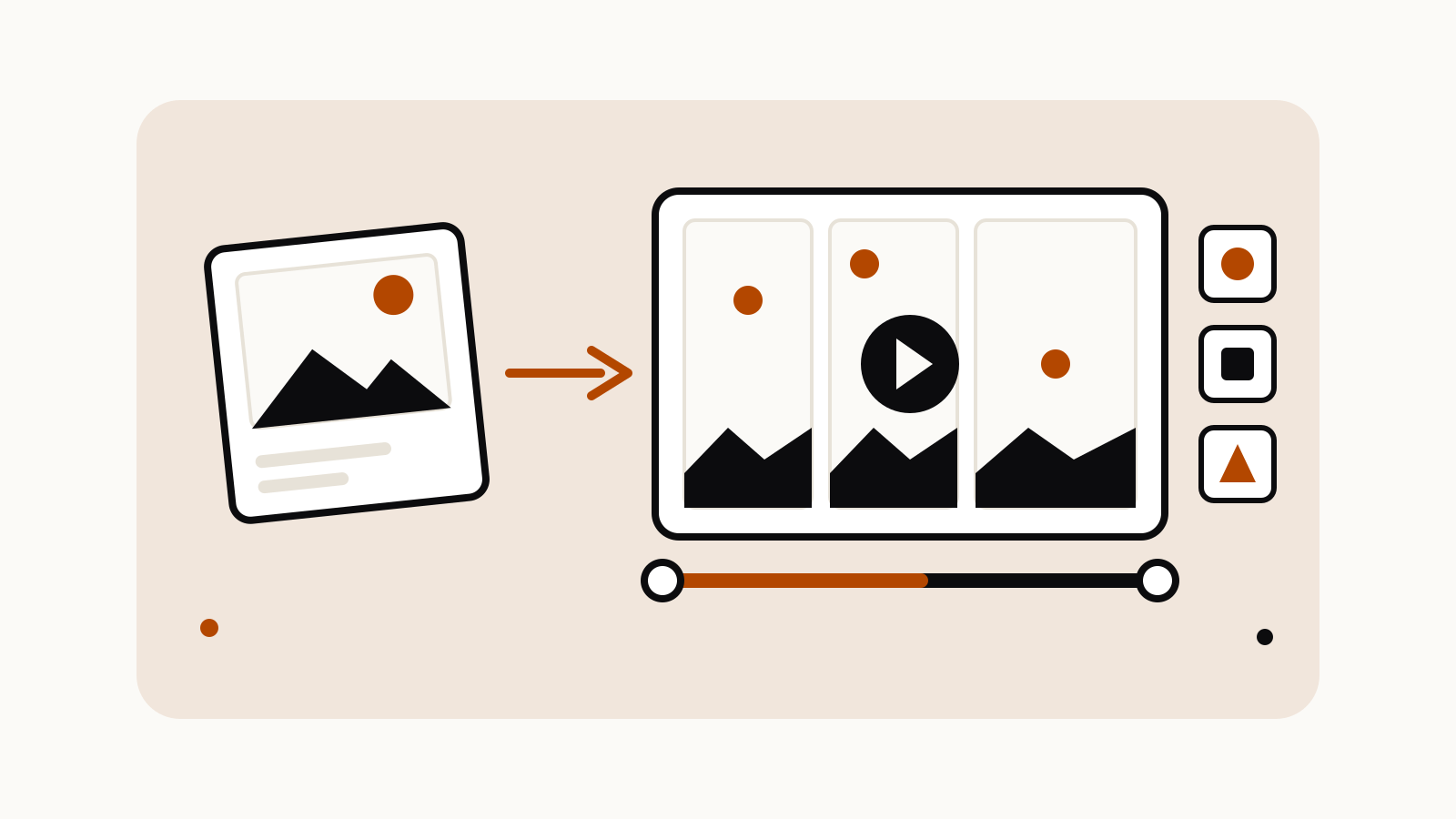
The first builds a dynamic transition from a first and last frame. You generate the start and end images with Gemini 2.5 Flash Image, then hand both to Veo with a camera-arc instruction that describes how the shot travels between them, so the movement is specified rather than guessed.
The second, ingredients to video, builds a dialogue scene from reference images, one per character. The references fix who appears, and the prompt handles what they say and how the scene is shot.
The third is timestamp prompting: several shots in one generation, each introduced by an explicit timecode such as [00:00-00:02]. That keeps a sequence inside a single clip instead of stitching separate generations together, and it makes the cut points something you write rather than something you edit afterwards.
What changed from Veo 3, and what the clips look like
Google describes the model as having “stronger prompt adherence and improved audiovisual quality when turning images into videos” and lists first and last frame transitions, ingredients to video with audio, and add or remove object among the new or updated features (Google Cloud, 16 October 2025). Add or remove object is the exception worth noting before you plan around it: by the guide’s own account it runs on the Veo 2 model and produces no audio.
Output is 720p or 1080p, in 16:9 or 9:16, as clips of 4, 6 or 8 seconds (Google Cloud, 16 October 2025). Availability is harder to state cleanly, because the page is not consistent with itself: different sections call Veo 3.1 generally available for production on Vertex AI, available in preview through the API, and describe some features as still experimental. Read it as available via Vertex AI with parts of the surface still being refined, and check the current documentation before committing a pipeline to any one of those descriptions.