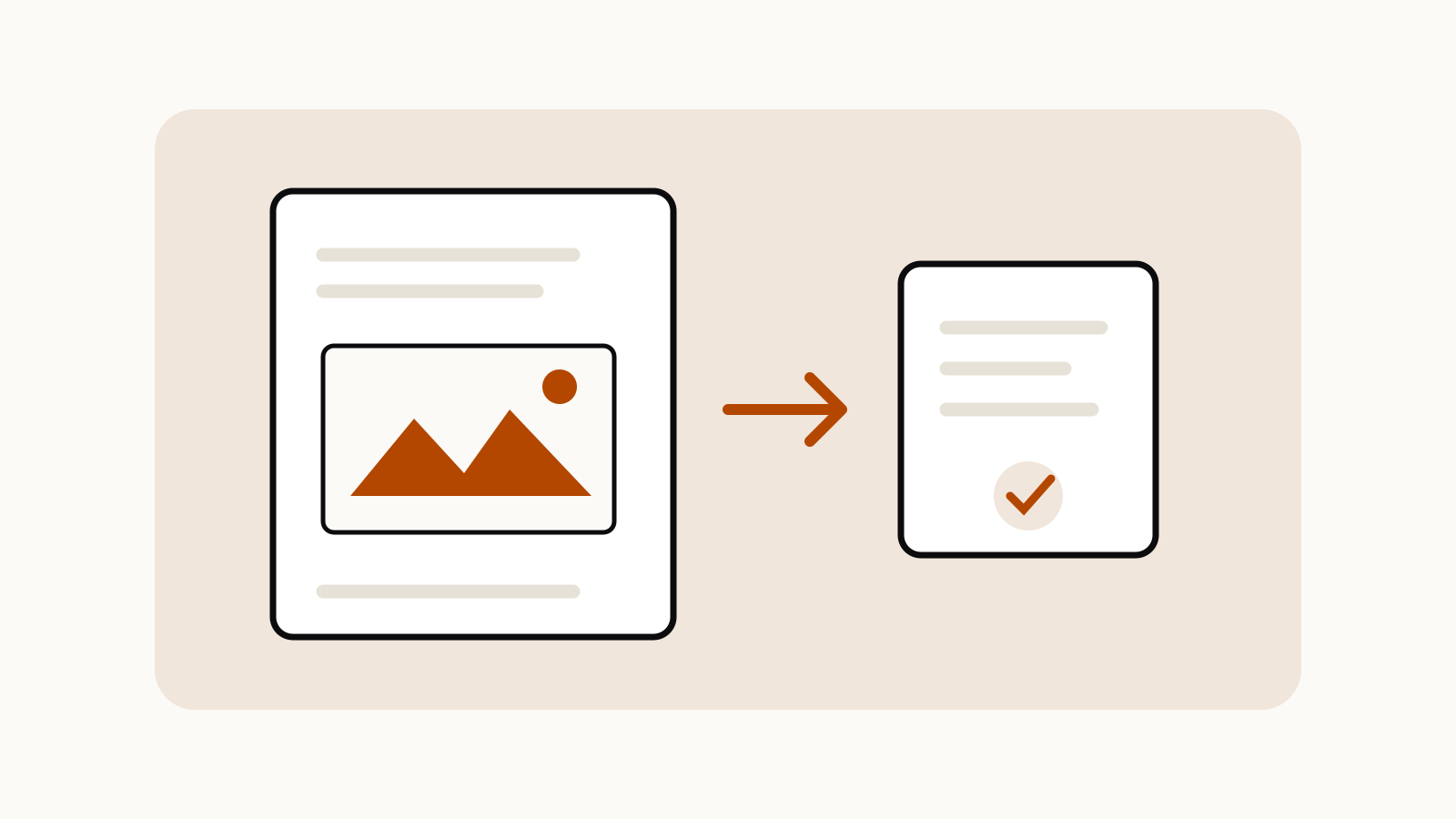
ChatGPT PDF images can be missed when a document is processed through text retrieval. If an answer ignores a chart, scanned page or diagram, first check whether the PDF contains selectable text and whether the plan and upload route support visual retrieval. Then give ChatGPT the relevant page in a supported image format or supply a text version.
On this page
Separate text extraction from visual reading
A PDF can contain digital text, page images or both. Selecting and copying a sentence in a PDF reader is a useful first check for an accessible text layer. A scanned page may look readable to you while providing no comparable digital text for document retrieval.
OpenAI’s File Uploads FAQ distinguishes text-based retrieval from the visual retrieval available for PDFs in ChatGPT Enterprise. Its Enterprise file-handling guide also distinguishes a PDF attached to a prompt from PDFs stored as GPT knowledge or project files. Do not assume every upload route reads embedded images in the same way.
This is different from an upload being rejected. For file-size and rate problems, use the separate ChatGPT file upload limits guide.
Choose the smallest useful input
| Your task | Input to prepare |
|---|---|
| Find a phrase in a report | Searchable text with the relevant section |
| Explain a chart | A legible image of the chart, with its labels and caption |
| Compare two clauses | The exact clauses, preserving document names and page references |
| Read a scanned paragraph | A legible page image or a reviewed text transcription |
| Analyze a table | Structured data where possible, with units and headers |
These are practical ways to expose the information the question depends on. They do not guarantee correct interpretation.
For an image, retain the title, axes, units, legend and footnotes. Cropping too tightly can remove the qualification that changes the meaning of a number. Review privacy and workplace permissions before uploading any document or image.
Ask for evidence before a summary
Start with a narrow question that makes an omission visible:
Use only the attached page. Identify the chart title, axis labels, units and any footnote. If a label is unreadable, say which one. Then explain the main comparison without estimating missing values.
For text extraction, ask for a short passage and its location before requesting a whole-document conclusion. Compare the answer against the original page. A fluent summary is not evidence that every chart or page was inspected.
When a document is large, work through focused questions or sections. OpenAI’s Enterprise guidance says retrieval and context handling affect large-file tasks; uploading a file does not mean every part is simultaneously present in the answer’s working context.
Check the result against the original
Verify every number you intend to use. Watch for swapped series, lost minus signs, inconsistent units and answers that discuss nearby text instead of the requested visual. If the source is unclear, improve the input or preserve the uncertainty.
For an important decision, keep the document and page reference beside the extracted fact. The output should let another reader locate the supporting material.