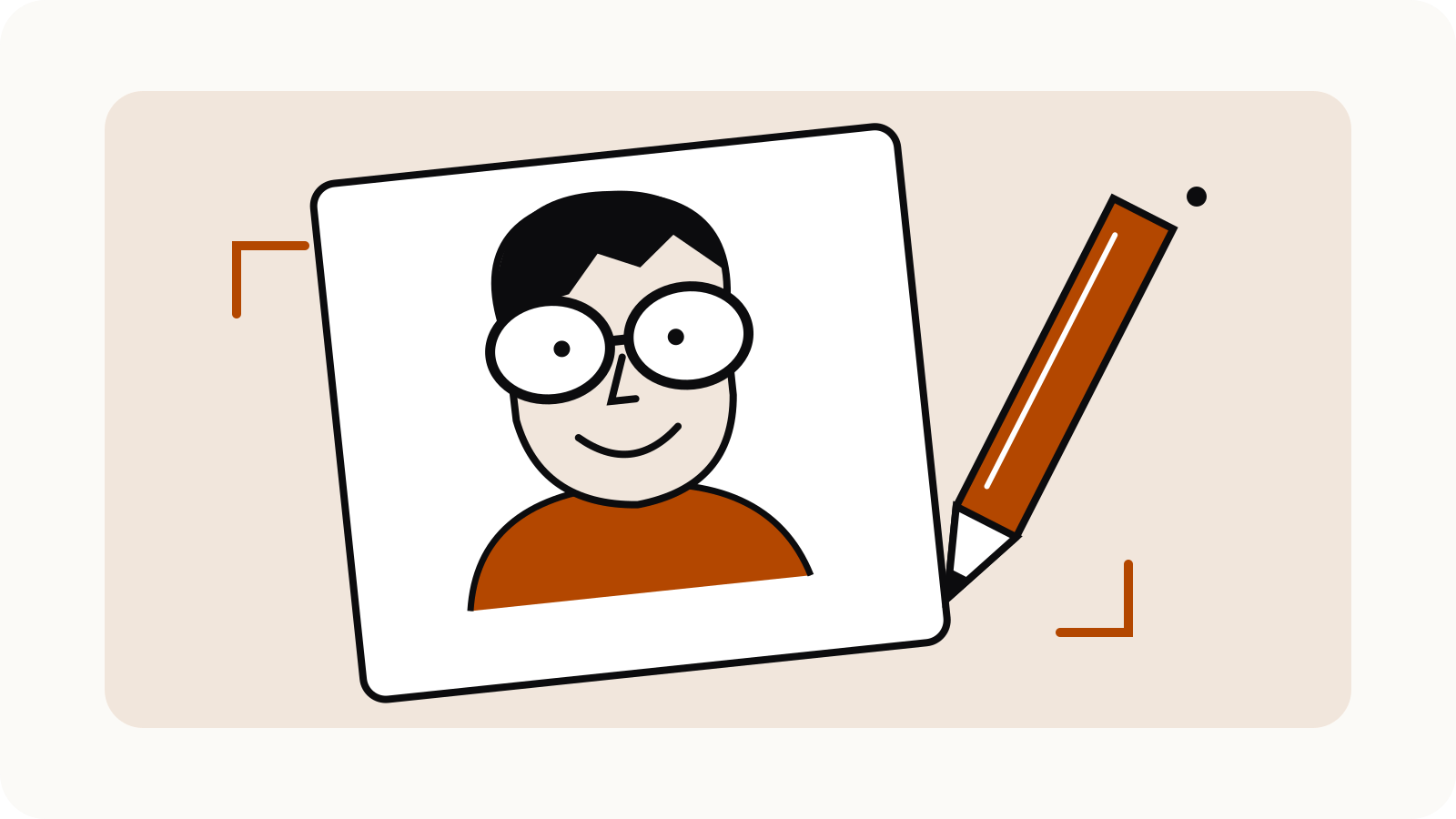
A ChatGPT caricature prompt works best when it names the features to exaggerate and the details to preserve. Start with your own photo, or a photo you have permission to use, then describe a drawing rather than asking for an unspecified “funny version.” Choose one or two recognisable features, a medium and a purpose. A friendly avatar needs a different brief from a detailed poster.
The templates below are original starting points. They are not tested results or promises of an exact likeness.
On this page
Start with a clear reference
Use a well-lit photo with an unobstructed face. For a self-portrait, choose a picture that already shows the expression you want to keep. A highly stylised drawing can exaggerate shape while losing smaller identifying details, so decide what matters before you write.
OpenAI’s Images in ChatGPT guide explains that you can upload an image and describe a transformation, then request further edits. You can also choose an aspect ratio or specify one in the prompt.
A useful brief has five parts:
- the person or reference to preserve;
- the features to exaggerate;
- the drawing medium;
- the background and framing;
- the intended use.
Keep those parts concrete. “Friendly ink portrait with oversized round glasses” gives a clearer direction than “make it amazing.”
A friendly profile-picture prompt
Upload your own photo and adapt this:
Create a friendly editorial caricature of me using the uploaded photo as the reference. Keep my hairstyle, eye colour and relaxed smile recognisable. Gently exaggerate my round glasses and expressive eyebrows. Use confident black ink outlines with a small amount of warm colour, a plain cream background and a square head-and-shoulders composition. Keep the face clear at small profile-picture size. Add no lettering, logos or extra people.
Replace the physical details with your own. If you do not wear glasses, remove them rather than leaving the model to invent a prop.
Before using the result as an avatar, shrink it to the size people will actually see. Check whether the face is still legible and whether the crop cuts through the hair, glasses or chin.
A hobby-based caricature prompt
A relevant object can communicate more than an elaborate background:
Turn my uploaded self-portrait into a cheerful coloured-pencil caricature. Keep my face recognisable and gently exaggerate my smile. Show me holding one small sketchbook because drawing is my hobby. Use a simple waist-up composition, muted colours and a white background. Keep the sketchbook blank. Include only one person and one sketchbook, with no text or branded objects.
Change the hobby and object together. A musician could choose an instrument they actually use; a gardener might choose a small plant. Avoid adding professional uniforms, awards or credentials that misrepresent the person.
A restrained line-art prompt
For a cleaner drawing, reduce the number of requested effects:
Draw an editorial line-art caricature from my uploaded photo. Preserve my hair outline and the shape of my glasses. Exaggerate only the eyebrows and smile, moderately. Use black brush lines, selective solid-black areas and generous white space. Show a three-quarter head-and-shoulders view. Keep the background empty and include no writing.
This brief leaves fewer decisions to compete for attention. If the first version looks too generic, identify the missing characteristic in a follow-up rather than adding several unrelated styles.
Ask for one correction at a time
OpenAI supports both conversational edits and selecting an image area to edit. Its documentation cautions that selected areas are not always precise and changes may extend beyond the highlight.
A focused follow-up could be:
Keep the composition, clothing and colour palette. Reduce the size of the glasses slightly and restore the eyebrow shape from my reference photo. Leave the background empty.
Compare the revised image with both the reference and the previous version. Check hands, glasses, teeth, clothing and any small objects separately. If a correction changes something you wanted to keep, name that change explicitly in the next request.
Choose the crop before finishing
For a square avatar, leave room around the head for a circular crop. For a vertical print, ask for more space above and below the subject. For a horizontal banner, place the subject to one side and specify the clear area you need.
Generate the illustration without important text, then add lettering in a design tool where you can proofread it. Check the saved file at its intended output size before printing or posting.
Use only yourself or people who have agreed to the transformation. Review a caricature with the subject before sharing it, especially when the exaggeration could feel unkind.
For other compositions, try the ChatGPT image prompt examples. The broader ChatGPT image prompts guide covers how to build an image brief.