Chat GPT prompts for cool images work best when they name one striking idea, a medium and a clear limit. The ten templates below cover tiny worlds, cutaways, paper craft, sticker sheets and restyled photos, each written in the order OpenAI recommends in its image prompting guide: scene, subject, key details, then constraints.
They are our own starting points, not tested results. Swap the bracketed parts and keep the rest.
On this page
Why a “cool” image prompt needs more than one adjective
“Make something cool” leaves every choice to the model. A prompt that names the medium (photo, watercolor, 3D render, paper), the materials and the framing gives you a picture you can predict and then refine. OpenAI’s guide says to be concrete about materials, shapes, textures and the visual medium, and to add details such as film grain or macro detail only when you need them. OpenAI’s image generation page on ChatGPT Learn adds that a useful prompt is often one to three clear sentences, and that you should describe where the light comes from instead of asking for “beautiful lighting”.
State what must not appear. “No text”, “no logos” and “no watermark” are the constraints OpenAI lists for clean results, and they matter for shareable art, where stray lettering can spoil an otherwise clean picture.
1. A miniature world inside a glass jar
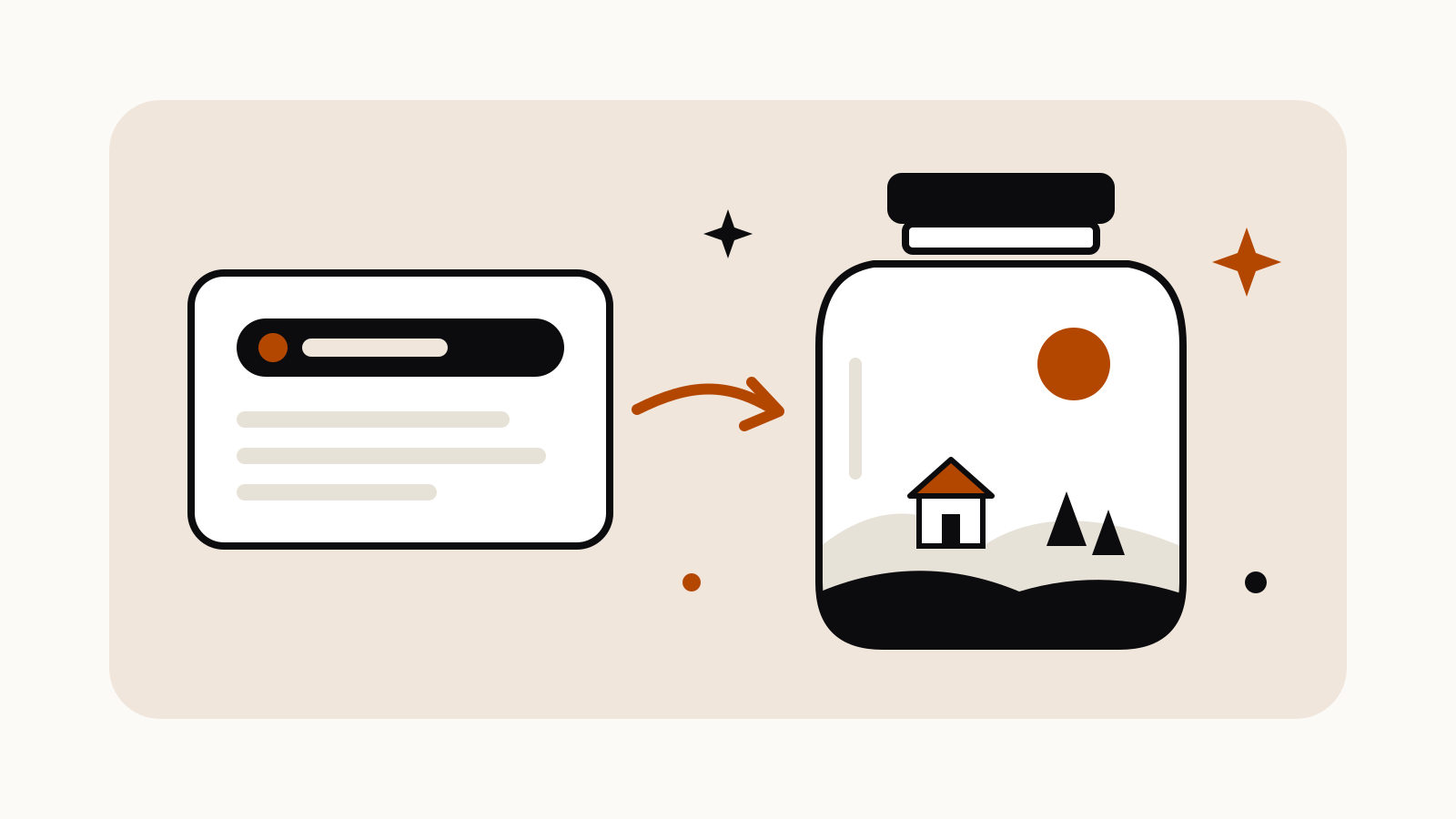
A photorealistic close-up of a glass jar on a wooden windowsill.
Inside the jar is a complete miniature [forest village / desert oasis / harbor town] with tiny houses, paths and trees, lit by soft morning light from the window.
Visible glass reflections, condensation on the inside of the jar, shallow depth of field.
Square format. No text, no people, no logos.
Change the setting inside the jar and keep the jar, window and light the same to build a matching set.
2. A cutaway of a building, floor by floor
An isometric cutaway illustration of a [lighthouse / bakery / treehouse], with the front wall removed so every floor is visible.
Show furniture, stairs, lamps and small everyday objects on each level.
Clean vector-like shapes, warm muted colors, soft shadows, plain light background.
No text, no labels, no people.
Isometric views read well at small sizes, which makes them good for phone wallpapers and profile banners. The prompt library has a related isometric building prompt if you want lettering on the roof.
3. A layered paper-cut scene
A layered paper-cut diorama of [a night sky over mountains / an underwater reef / a field of wildflowers].
Six to eight paper layers at different depths, each with a soft drop shadow, lit from above.
Visible paper texture and slightly uneven hand-cut edges.
Wide landscape format. No text, no logos.
Naming the number of layers and the light direction is what makes this look like real paper rather than a flat drawing.
4. An everyday object as a knitted toy
A photorealistic studio photo of a [teapot / desk lamp / bicycle] made entirely of knitted wool, like a handmade toy.
Visible stitches and loose fibers, pastel yarn colors, the object sitting on a plain linen surface.
Soft diffuse light, centered composition with space around the object.
No text, no logos, no watermark.
The word “photorealistic” is there on purpose: OpenAI says it strongly engages the model’s photorealistic mode.
5. An exploded view of a household object
An exploded-view technical illustration of a [mechanical alarm clock / stand mixer / fountain pen].
All parts float apart along one axis, in the order they fit together, with thin dashed guide lines between them.
Off-white background, fine ink lines with flat color fills.
No text, no labels, no brand marks.
If you want the parts laid flat on a table instead, see the knolling flat lay prompt in the library.
6. A sticker sheet with a transparent background
A sheet of 9 die-cut stickers on the theme [houseplants / camping / breakfast food].
Each sticker is a simple cartoon object with a thick white border and a slight shadow.
Even spacing in a 3 by 3 grid, consistent line weight and color palette.
Transparent background. No text.
OpenAI’s help article on Images in ChatGPT says ChatGPT Images can make the background transparent when asked. For a retro take, see the Y2K sticker sheet prompt.
7. A travel poster for a place that does not exist
A vintage travel poster for an imaginary island with [floating gardens / glass lighthouses / pink sand dunes].
Flat screen-print style, limited palette of 4 colors, bold shapes, slight paper grain.
Portrait format, the island in the lower half, a large sky above.
No text, no lettering, no logos.
Leaving the lettering out avoids misspelled words and lets you add a title in your own editor. If you do want words in the image, OpenAI’s guide says to put them in quotes and describe the font and placement.
8. A double-exposure animal silhouette
A double-exposure image: the silhouette of a [fox / heron / stag] in profile, filled with a [misty pine forest / city at night / ocean wave].
Clean white background outside the silhouette, soft blending at the edges.
Muted natural colors, high detail inside the shape.
No text, no logos.
Animals and landscapes keep this format clear of real-person likenesses, which we do not publish prompts for.
9. A macro shot of a tiny scene
A photorealistic macro photograph of a snail carrying a tiny greenhouse on its back, on a mossy log after rain.
Water droplets on the moss, shallow depth of field, soft green and amber light.
Eye-level with the snail, subject centered with negative space on the left.
No text, no watermark.
Placement cues such as “negative space on the left” come straight from OpenAI’s composition advice and leave room to crop or add a caption later.
10. Restyle your own photo without changing the layout
Upload a photo you have the right to use, such as your desk, your garden or a meal, then:
Turn this photo into a [claymation scene / watercolor painting / pixel art image].
Change only the style.
Keep the layout, the objects, their positions and the camera angle exactly the same.
Do not add new objects or text.
OpenAI recommends “change only X” plus “keep everything else the same” for edits, and repeating the keep list on each follow-up so the picture does not drift.
Make a cool image better with one follow-up
Change one thing at a time. OpenAI’s ChatGPT Learn page says to adjust one element at a time so the composition and other details do not drift, and to say exactly what should change and what must stay the same.
| What looks wrong | Follow-up prompt |
|---|---|
| Too busy | “Remove the smaller background objects. Keep the main subject and lighting the same.” |
| Flat light | “Make the lighting warmer and lower, like late afternoon. Change nothing else.” |
| Wrong shape | “Regenerate this as a 16:9 landscape image with the same content.” |
| Stray letters | “Remove all text and lettering. Keep everything else the same.” |
| Too plastic | “Add visible material texture and slight imperfections.” |
You can set the shape with the aspect ratio picker or by writing the ratio in the prompt, according to OpenAI’s help article.
Questions
What makes a ChatGPT image prompt “cool”?
A single unusual idea, such as a world in a jar or an object made of wool, plus a named medium and a few constraints. Vague praise words add little.
Can ChatGPT make images with a transparent background?
Yes. OpenAI says ChatGPT Images can make the background transparent when you ask for it, which suits stickers and icons.
How do I stop ChatGPT from adding text to an image?
Add “no text, no lettering, no logos” to the prompt. If letters still appear, ask for one follow-up that removes them and keeps everything else.
Can I use these prompts on the free plan?
Yes, but OpenAI says image availability and usage limits depend on your plan. See the ChatGPT Free limits page.