Good Claude Sheets prompts say what the sheet is for, who will use it and what data goes in. “Build a campaign tracker with owners, dates, and status” is Anthropic’s own example, and it works because it names the columns. Start with a prompt like that, give Claude your real numbers or a file, then edit with short follow-ups such as “Highlight anything that’s overdue” instead of rewriting the first request.
Claude Sheets is a spreadsheet artifact inside Claude. It is in beta on the Pro, Max, Ultra, Team and Enterprise plans. Anthropic’s setup notes are in the Claude Sheets help article.
On this page
How to start a sheet
There are two ways in. Ask for a spreadsheet in any chat, or open the Artifacts tab and pick the Sheets tile. On Team plans Sheets is on by default. On Enterprise an admin has to turn it on under Organization settings, then Artifacts. Artifacts also need code execution and file creation switched on, as the artifacts help page explains.
You can also bring data with you. Sheets imports CSV, Excel and Google Sheets files, and exports to .xlsx or CSV.
First prompts that work
Anthropic’s examples are short, and each one names a purpose and a structure:
- “Build a campaign tracker with owners, dates, and status.”
- “Make a hiring budget by team and quarter.”
- “Forecast next quarter from these deals and flag what’s at risk.”
The third prompt only works with data attached. A forecast built on numbers Claude made up is a demo, not a forecast. Paste the deals or upload the file in the same message.
A few patterns that make the first version closer to what you need:
Name the columns you care about. “A content calendar with publish date, channel, owner, draft status and a link column” beats “a content calendar.”
Say who reads it. “Our events team will update this every Monday” tells Claude to keep inputs simple and put totals where they are easy to find.
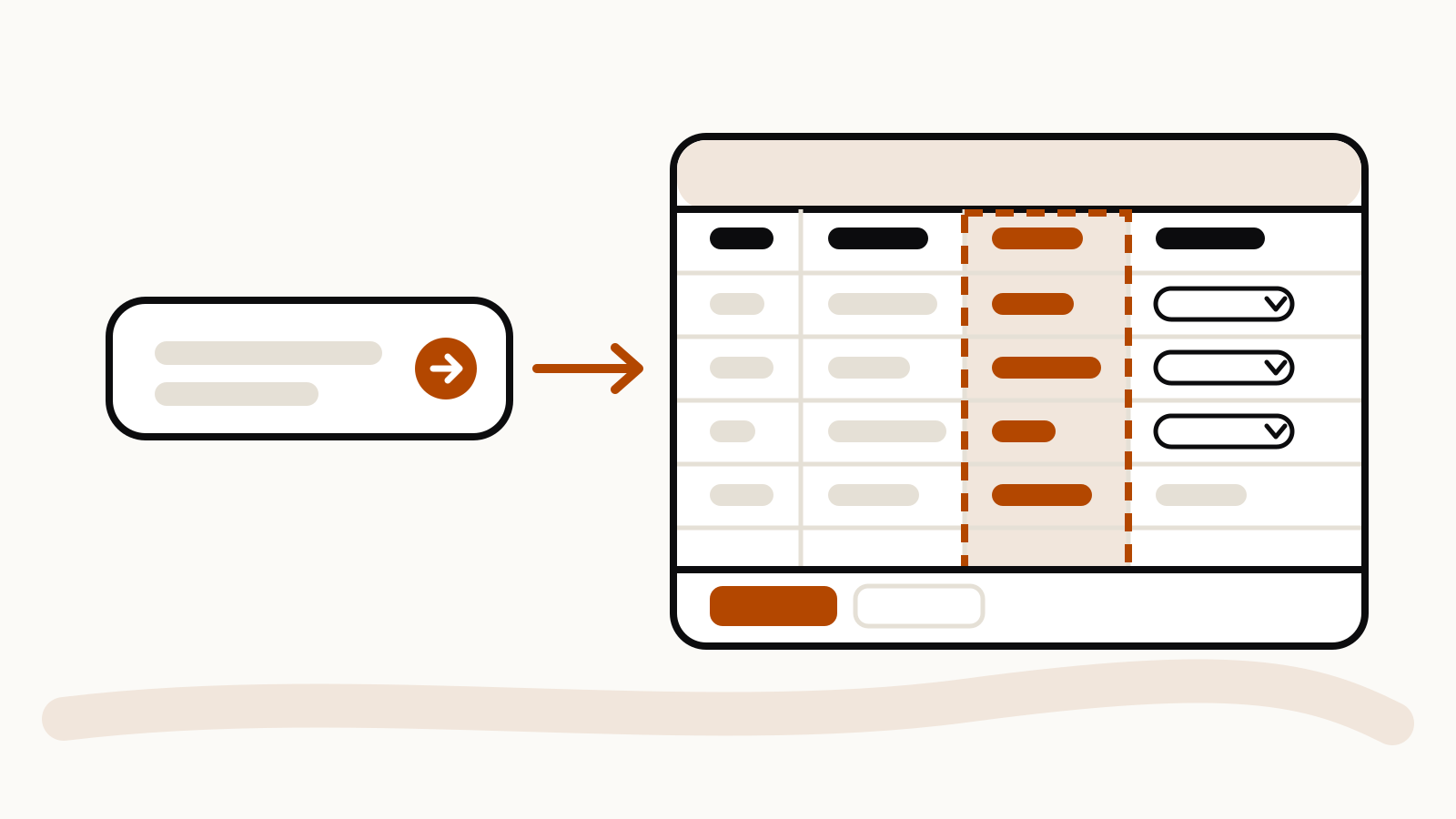
Ask for the controls up front. Sheets supports dropdowns, checkboxes, conditional formatting and charts. “Make status a dropdown with Not started, In progress and Done, and color the row red when the date has passed” saves two follow-ups later.
Ask for more than one tab when the data has layers. “Put raw entries on one tab and a summary by owner on a second tab” gets you cross-tab formulas instead of one crowded grid.
Follow-up prompts for edits
Once the sheet exists, edit it in small steps. Anthropic’s examples:
- “Add a column for budget remaining.”
- “Highlight anything that’s overdue.”
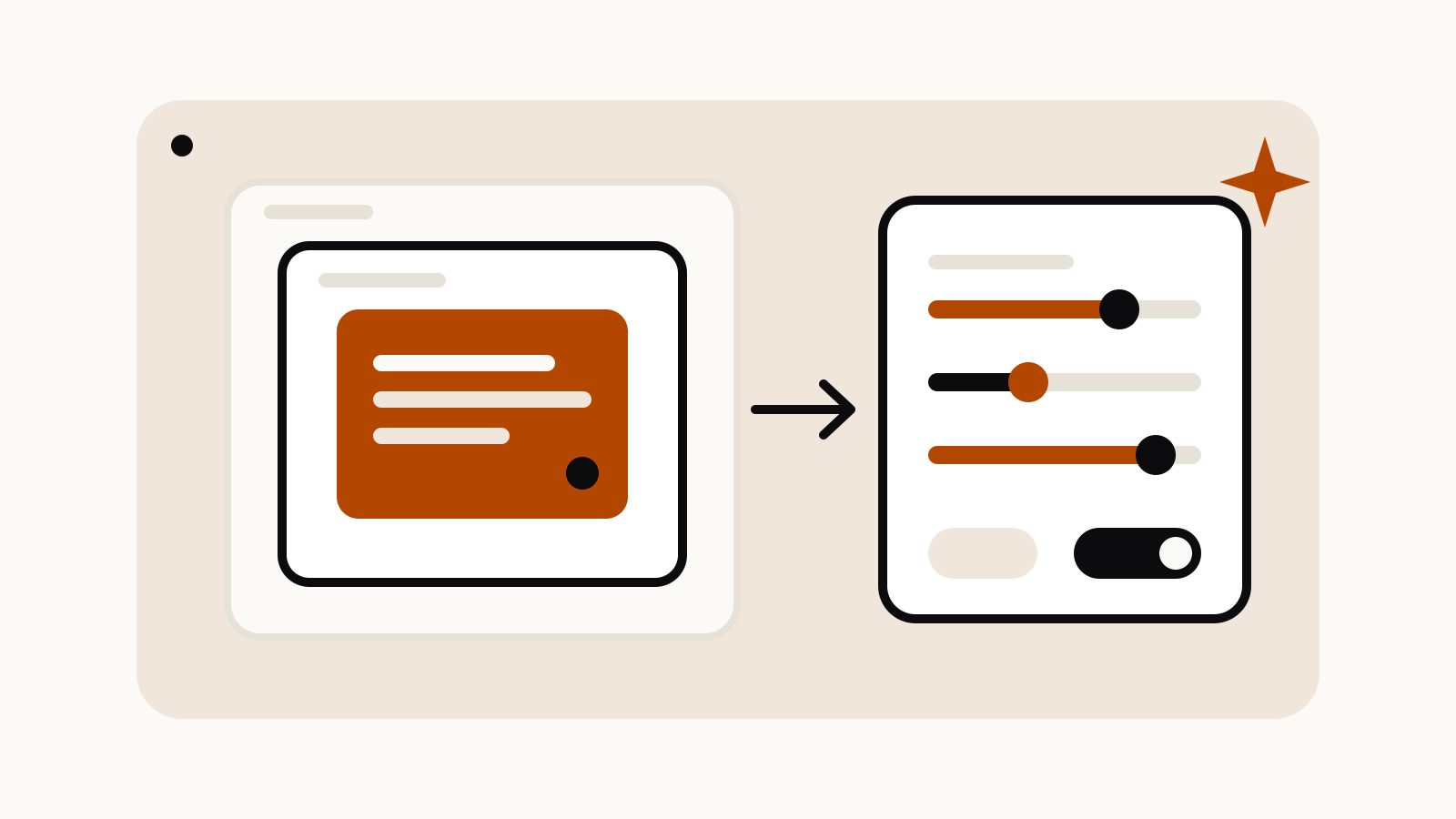
You can also select a range and ask about it directly, for example “Why is this total higher than last month?” Claude outlines the cells it changed, so you can see each edit before you build on it. If a change goes wrong, version history lets you roll back.
Keep follow-ups to one change at a time. “Add a priority column, sort by it, chart it and rename the tab” in one message gives Claude four chances to misread you, and it makes the outlined edits harder to check.
Prompts for checking the numbers
A sheet Claude built still needs reviewing. These prompts help:
- “List every formula on the Summary tab and what it references.”
- “Which rows are excluded from this total, and why?”
- “Check this column for blank or duplicate values.”
Sheets supports 144 functions, so most standard formulas work, but it is worth asking Claude to show its work on anything you will share.
Limits to plan around
Sheets has a cap of 100,000 cells. It does not have pivot tables, protected ranges, find and replace, multi-column sort, filter views, multi-select dropdowns or PDF export. Macros, VBA, Power Query, DAX and print layouts are not supported, and connectors cannot feed it live data. On mobile, sheets are read-only.
Sheets also counts toward your usage limits like any other Claude work, and it is not covered for HIPAA, customer-managed keys or zero data retention. If those matter, check with your admin before you load real data.
Anthropic’s overview of Sheets and whiteboards has more examples of what the beta is for.